Configure Server Monitoring in Quest SMA
Configure Server Monitoring – Enable server monitoring in Quest SMA with monitoring profiles, log monitoring, alerts, inventory settings, agent configuration and maintenance windows.
Useful external reference: Quest KACE resources.
Monitoring Settings
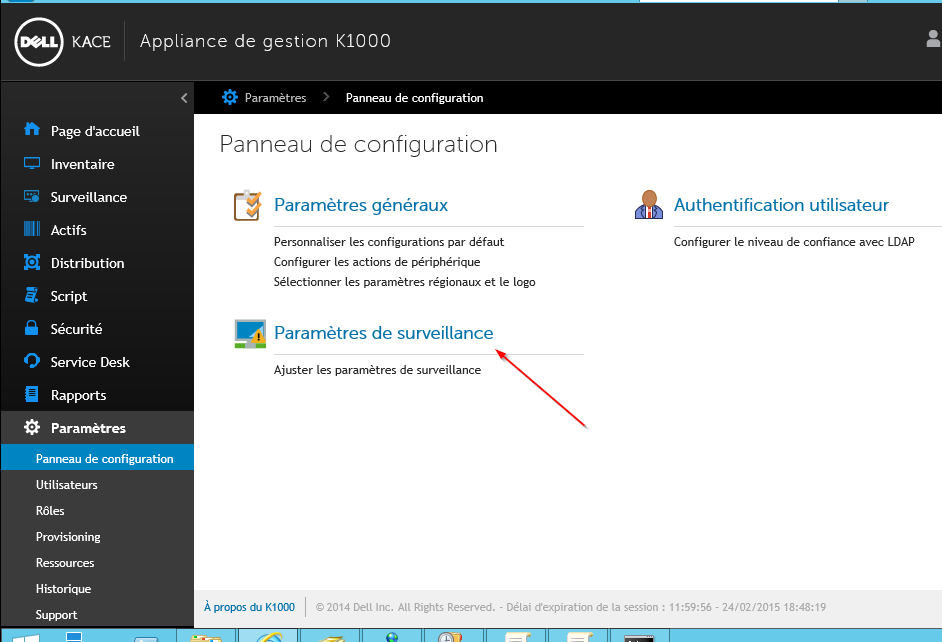
- In the control panel, select monitoring settings
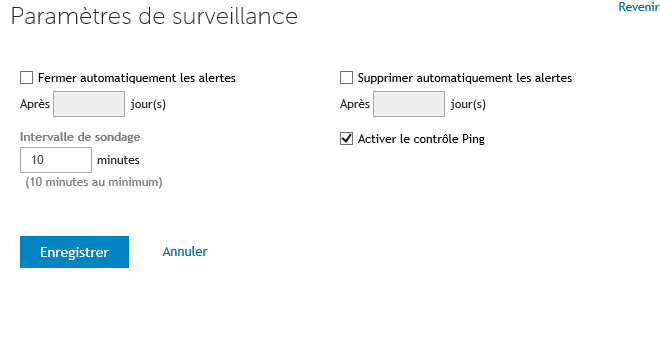
- You can configure alert deletion after a certain number of days
Modifying Profiles
- Select the default Windows profile
- Add criteria for French servers
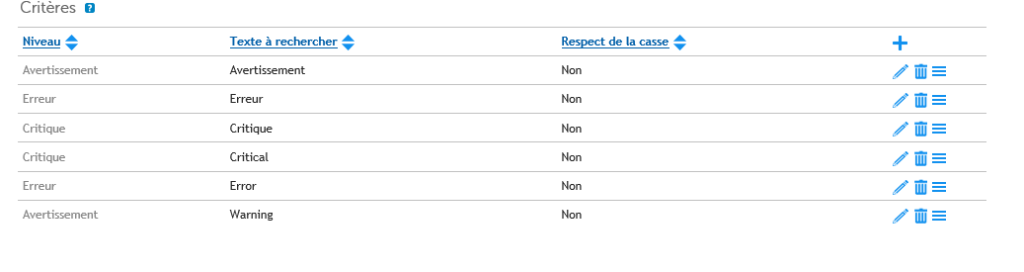
Configure Server Monitoring Overview
On the Server
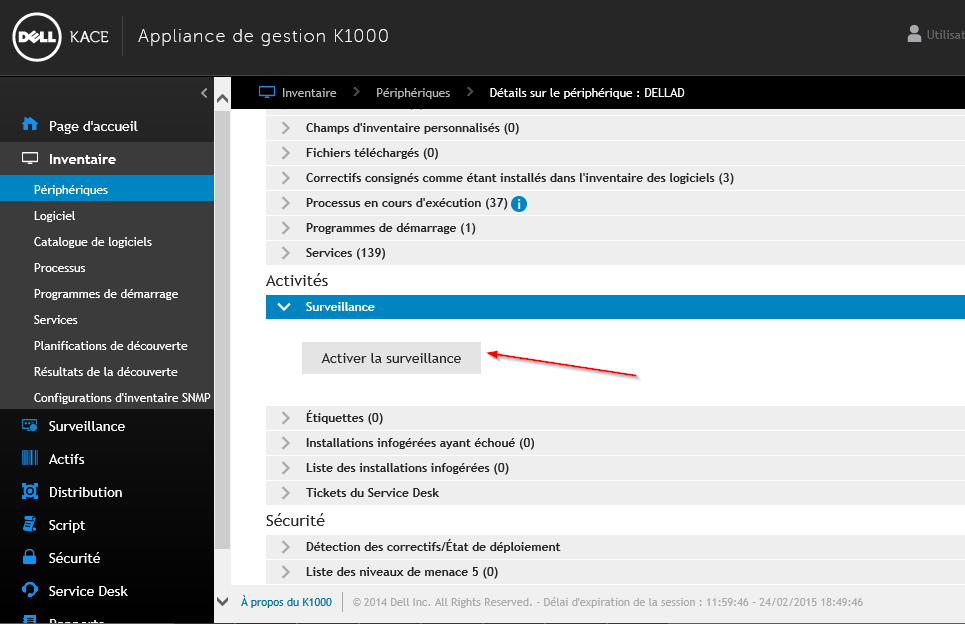
- From the inventory, select your server with the SMA agent version 6.3 or higher. Then enable monitoring
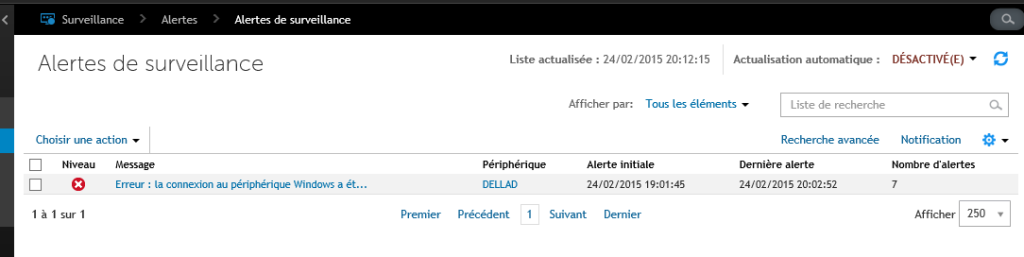
Maintenance Window
- You can create maintenance windows during which servers will not be monitored (scheduled reboots, backups, etc.). To do this, create your maintenance window with the time range during which the server will not be monitored.
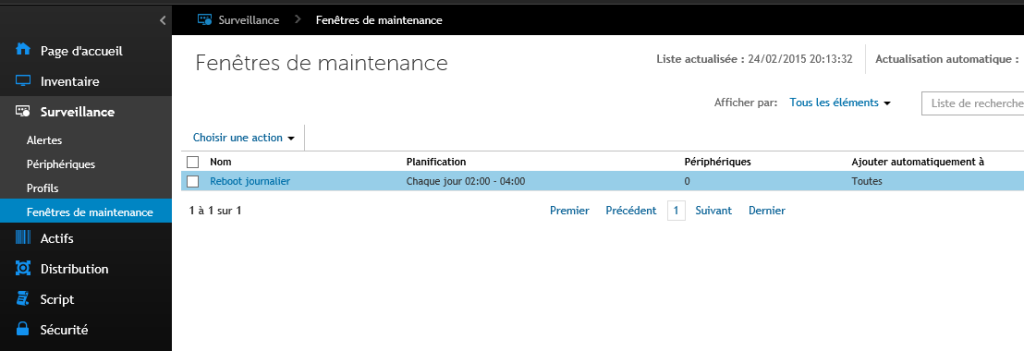
- Apply the maintenance window to each server
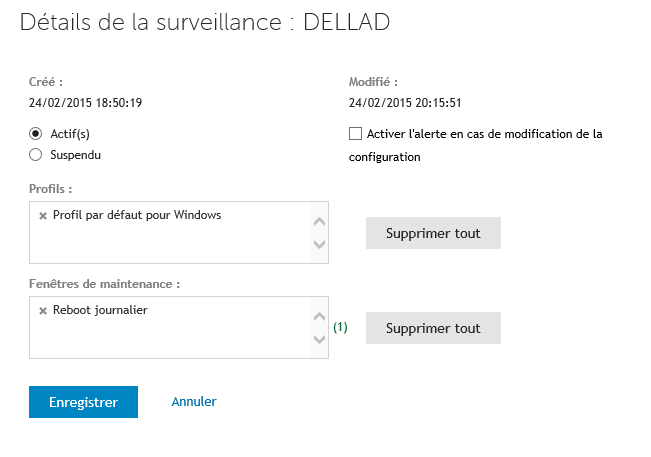
Alerts
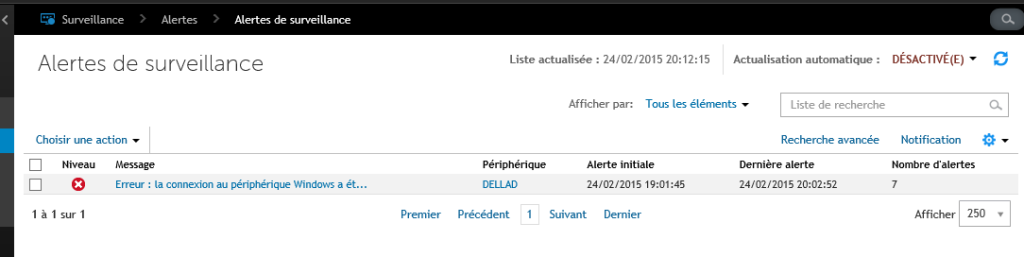
- Here is an example of an alert on my test server