
Manage Software Licenses and Application Control in Quest SMA
Manage Software Licenses – Manage software licenses and application control in Quest SMA with software catalog data, usage metering, dynamic labels, manual labels, application blocking and compliance tracking.
Useful external reference: Quest KACE resources.
Workstation Configuration
Via Manual Labels
Manage Software Licenses – Activating this feature requires a label.
Useful external reference: Quest KACE resources.
Manage Software Licenses – First step: Use a dynamic or static label with the “Metering Enabled” option checked.
Useful external reference: Quest KACE resources.
- The “MeteredDevices” label allows measuring application usage.
- The “ApplicationControlDevices” label allows blocking application usage.
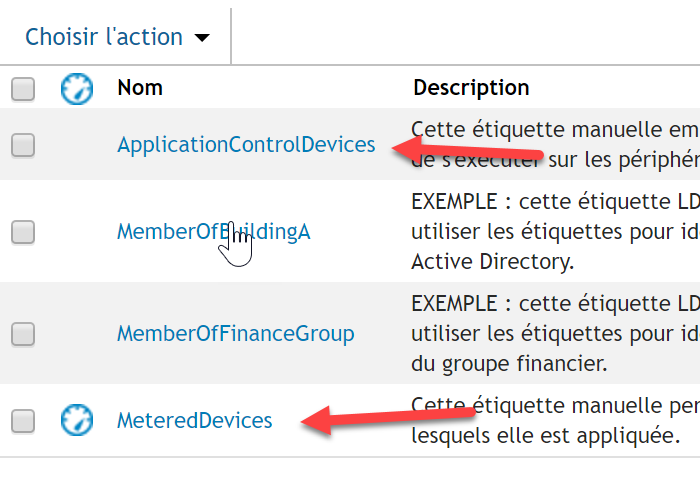
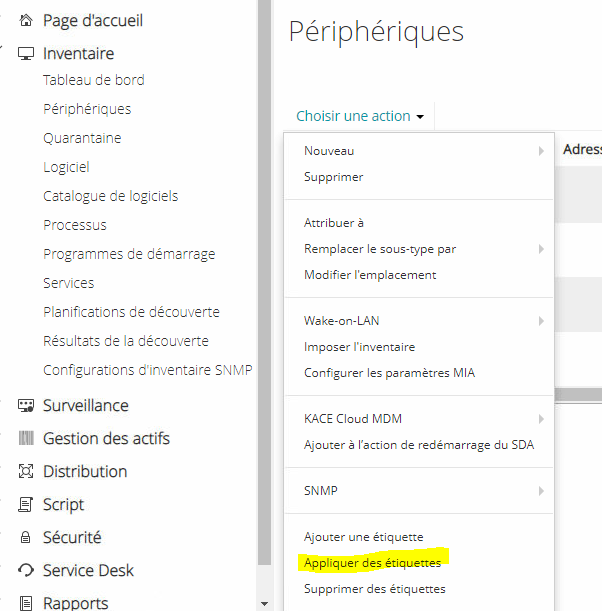
- To add labels to the workstations, select the workstation(s) and click on “Add Labels”.
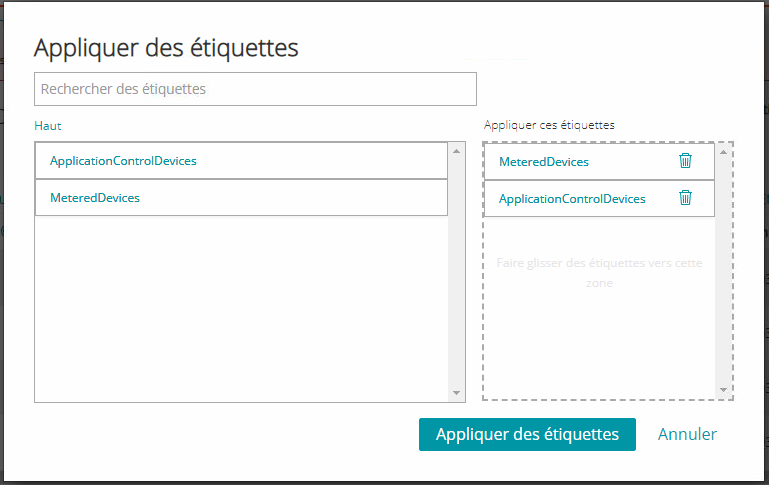
- Add the two labels for license control.
Via a Dynamic Label
- Create a label.
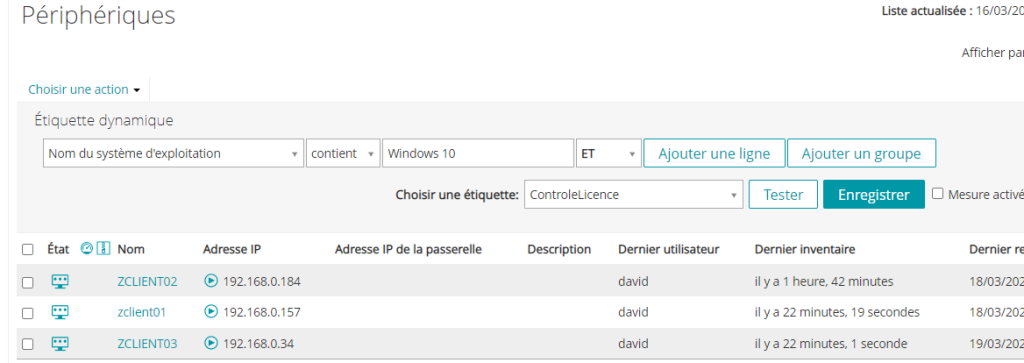
- Enable control options in this label.
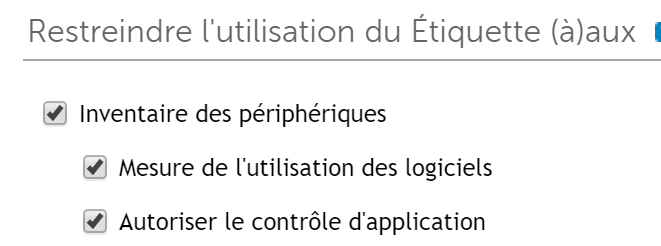
Application Control
Application Catalog
- In the software catalog
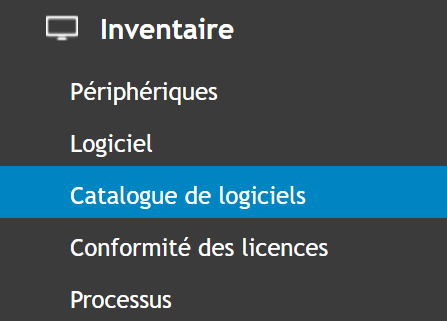
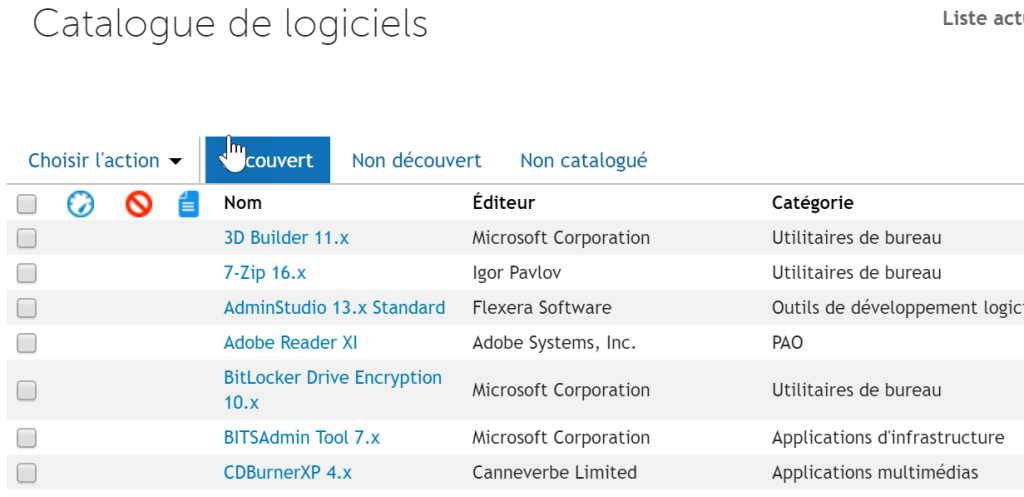
Manage Software Licenses – Three tabs are available:
Useful external reference: Quest KACE resources.
- Discovered
Manage Software Licenses – These are applications listed in “software” (that appear in the add/remove programs) and known to KACE (list of about 45,000 applications).
Useful external reference: Quest KACE resources.
- Undiscovered
Manage Software Licenses – These are applications not listed in “software” (that do not appear in the add/remove programs) but known to KACE (list of about 45,000 applications).
Useful external reference: Quest KACE resources.
- Uncataloged
Manage Software Licenses – These are applications listed in “software” (that appear in the add/remove programs) but not known to KACE.
Useful external reference: Quest KACE resources.
Usage Metering
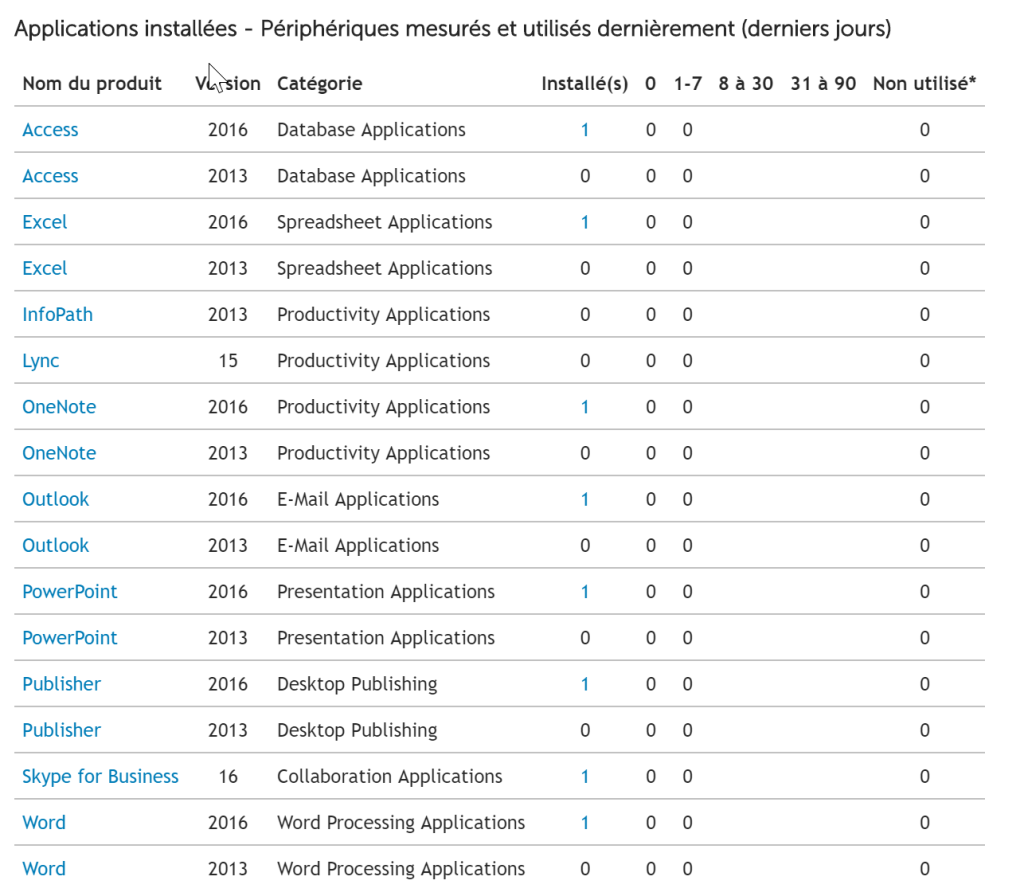
- For example, for Office, you can determine the usage of this software.
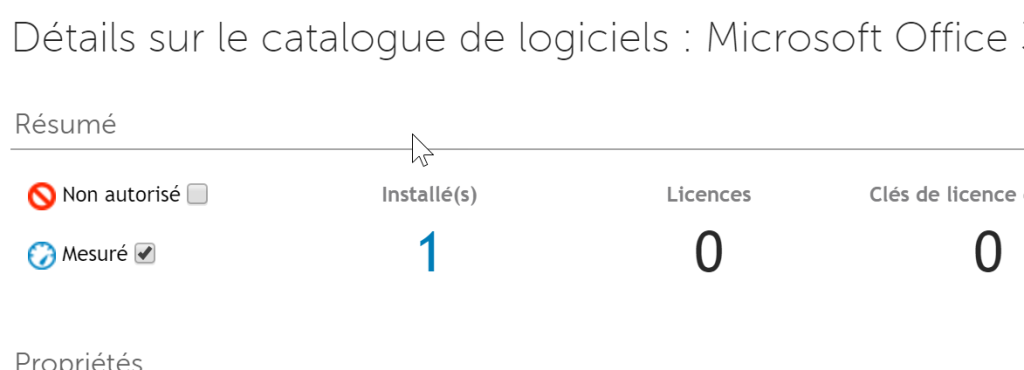
- This will show the application usage and its duration.
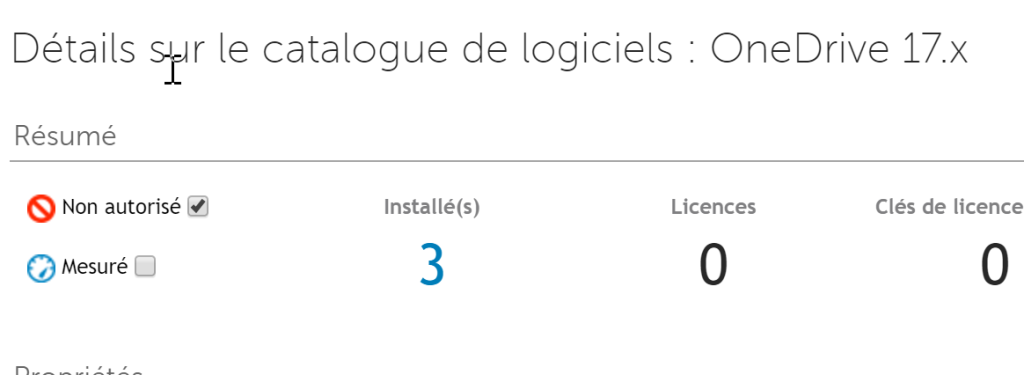
Blocking an Application
- You can block the application, preventing users from launching it (KACE error message).
License Control
Manage Software Licenses – You can also control the number of licenses used compared to the licenses purchased.
Useful external reference: Quest KACE resources.
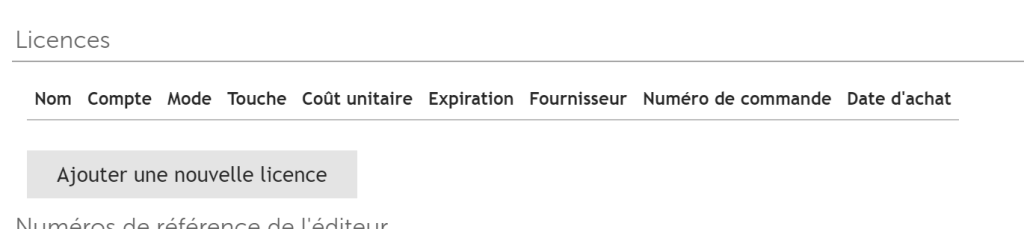
- In the application catalog, add a new license.
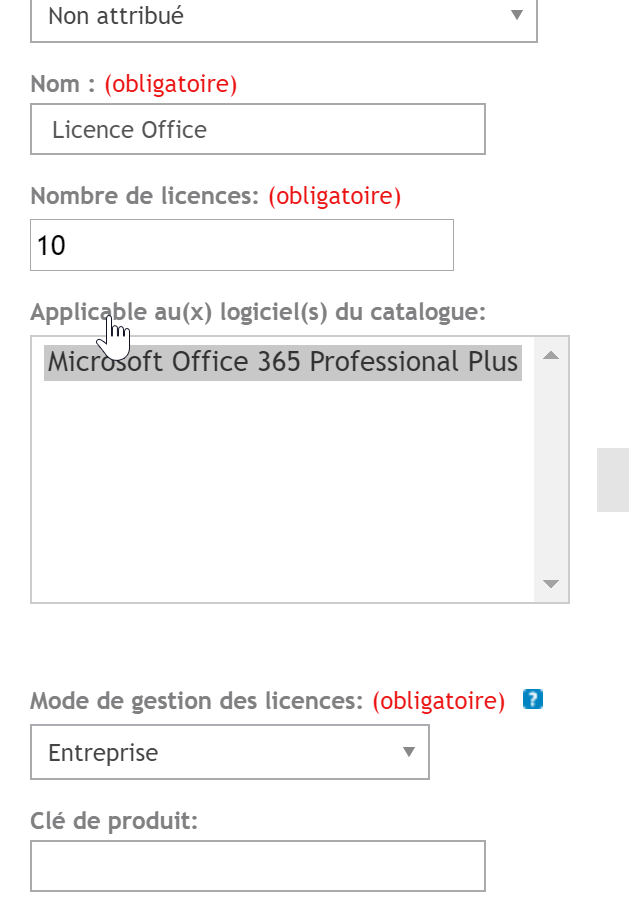
- Specify the number of licenses for this application and all the “Mandatory” information.
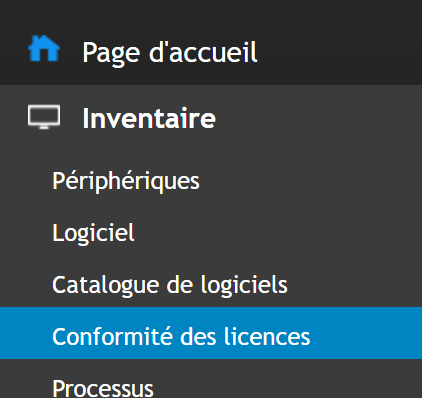
- In Inventory, then “License Compliance”.
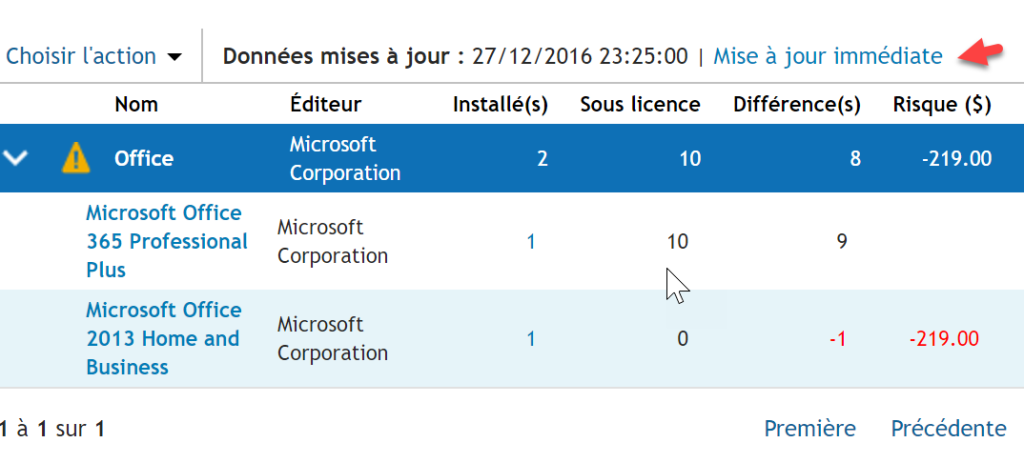
- Click on “Immediate Update” to see the result of consumed licenses.
Manage Software Licenses –
Useful external reference: Quest KACE resources.