Deploy – Force Reboot after Installation with Ivanti EPM
Deploy Force Reboot – Step-by-step guide to Deploy – Force Reboot after Installation with Ivanti EPM, including configuration, deployment, troubleshooting and practical
Useful external reference: Ivanti resources.
- Agent configurations can include a setup to enforce reboot requests. Available options:
- Add a specific message
- Manage automatic reboots for disconnected users
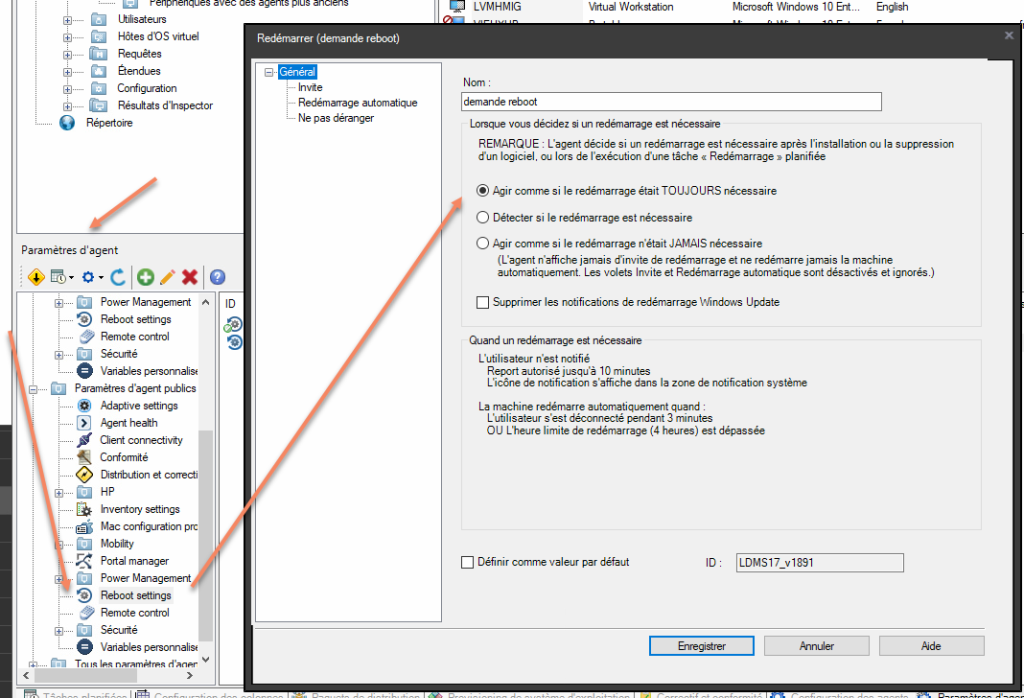
- Customization of messages is possible
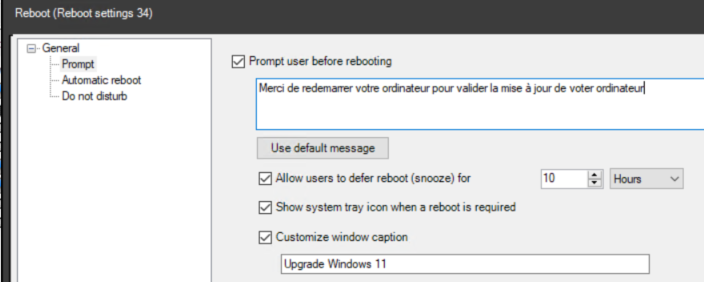
- You can also manage automatic reboots. For critical updates, enforcing the update (2 days is a good compromise)
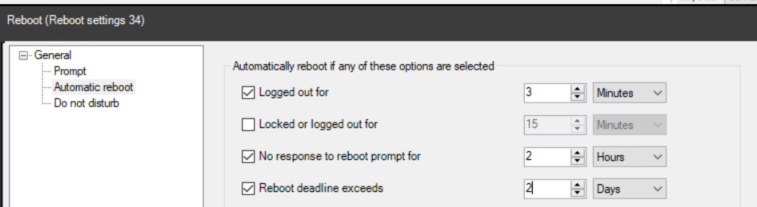
- In deployment tasks, select reboot management
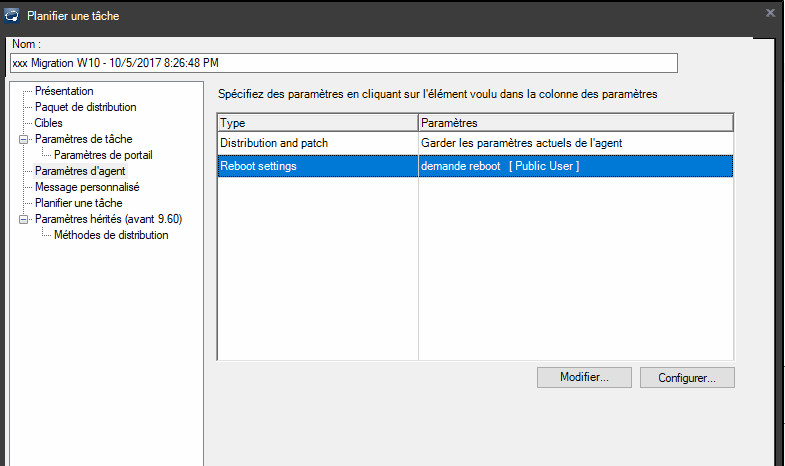
Deploy Force Reboot Overview
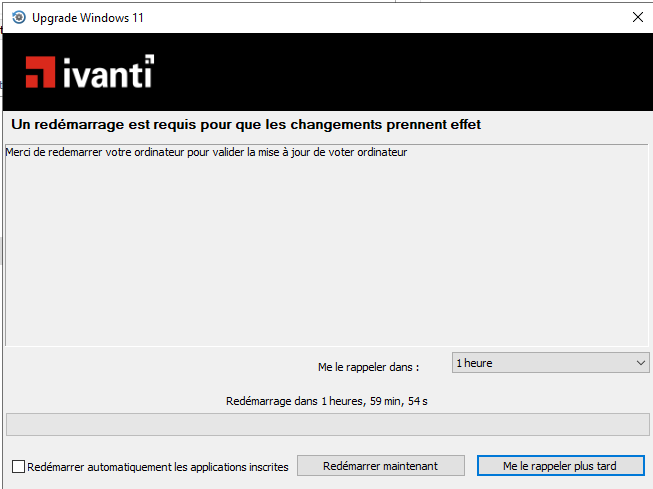
Deploy Force Reboot – The user will see this type of message
Useful external reference: Ivanti resources.