Delegate User Account to Join Computers to the Domain with Windows Infrastructure Administration
Delegate User Account – Delegating rights to a user account for joining computers to the domain can streamline the process and reduce the need for administrative intervention. This
Useful external reference: Microsoft Learn.
Introduction
Delegate User Account – Delegating rights to a user account for joining computers to the domain can streamline the process and reduce the need for administrative intervention. This is particularly useful in automated deployment scenarios using tools such as MDT, LANDesk, KACE, or SCCM.
Useful external reference: Microsoft Learn.
Steps to Delegate Rights
Delegate User Account – Follow these steps to delegate the necessary rights to a user account:
Useful external reference: Microsoft Learn.
- Open the Active Directory Users and Computers tool.
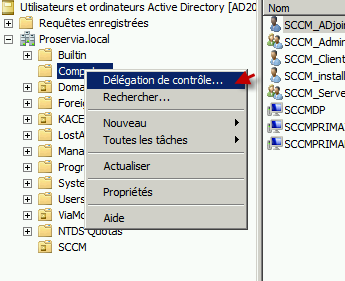
- Right-click the Organizational Unit (OU) where the computers will be added and select Delegate Control from the context menu.
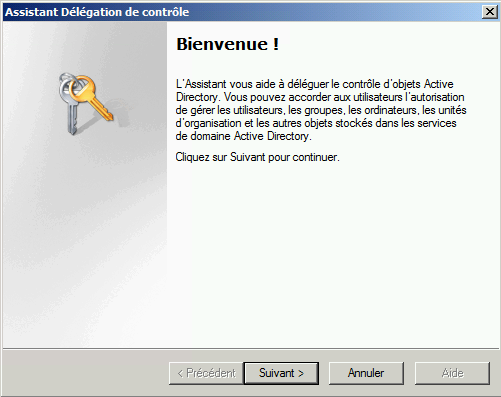
- Click Next to start the Delegation of Control Wizard.
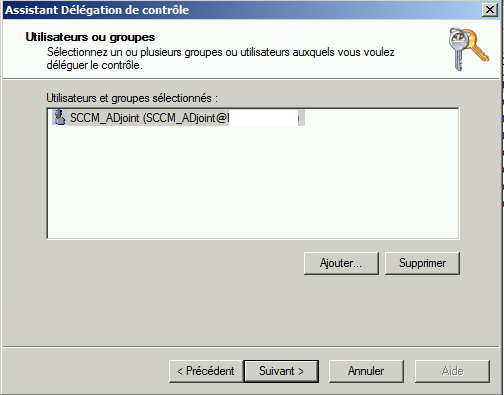
- Click Add and select the user account (e.g., xxxxx) that you want to delegate permissions to, then click Next.
- Select Create a custom task to delegate and click Next.
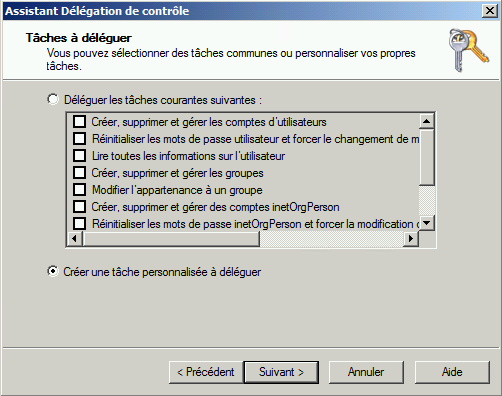
- Select Only the following objects in the folder and check Computer objects, then click Next.
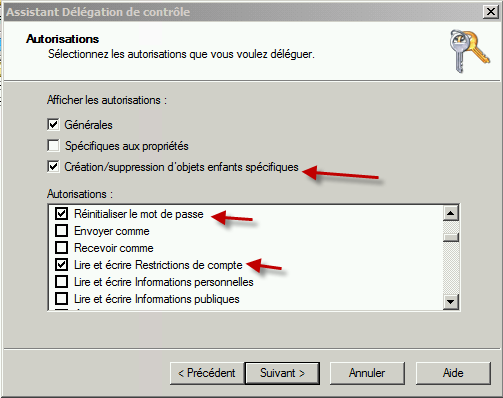
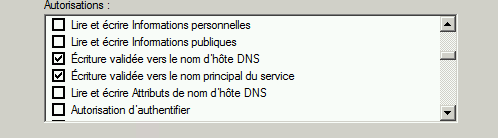
- Check the following permissions:
- Create selected objects in this folder
- Delete selected objects in this folder
- Reset Password
- Read and write Account Restrictions
- Validated write to DNS host name
- Validated write to service principal name
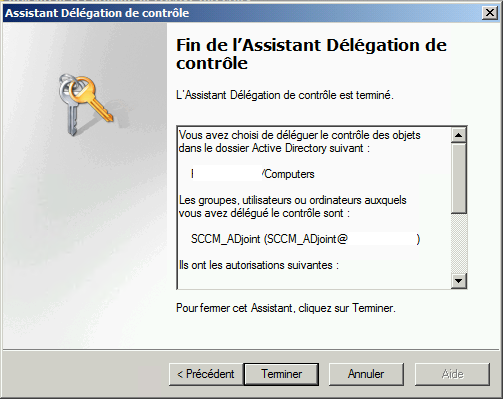
- Click Next to review the selections.
- Click Finish to apply the delegation settings.