Agent – auto-approve clients with Ivanti EPM
Agent auto approve – By default, with a new installation of EPM, the new client is not automatically approved, although client inventory is performed but not distributions
Useful external reference: Ivanti resources.
Agent auto approve – By default, with a new installation of EPM, the new client is not automatically approved, although client inventory is performed but not distributions
Useful external reference: Ivanti resources.
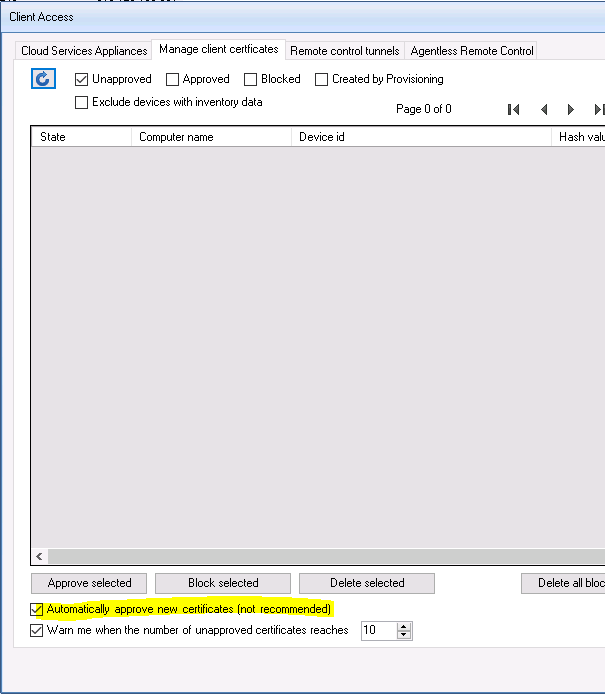
- On Acces Client
- Enable “Automatically Approve new certificates”