History of a website with Wayback Machine with Windows Security Administration
History website Wayback – Step-by-step guide to History of a website with Wayback Machine with Windows Security Administration, including configuration, deployment, troubleshooting
Useful external reference: Microsoft Learn.
History website Wayback – To view the history of a website with Wayback Machine:
Useful external reference: Microsoft Learn.
- Go to archive.org/web.
- Enter the website URL you want to view in the search bar.
- Select a date from the calendar to see the website as it appeared on that day.
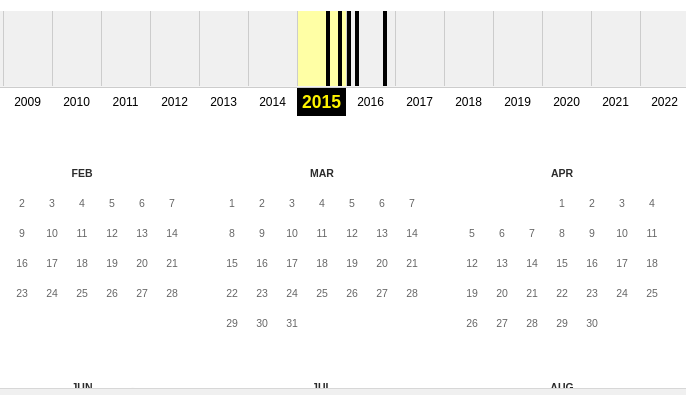
- And view past versions of this website