
Ivanti EPM Console Access Issue for Non-Admin Users
Ivanti EPM Console – Fix Ivanti EPM desktop console access issues for non-admin users by checking Web Console access, SQL database permissions, db_owner role, and LANDesk
Ivanti EPM Console – This guide explains how to fix Ivanti EPM desktop console access for non-admin users. The issue usually requires checking both SQL database permissions and the local LANDesk Administrators group on the EPM server.
Ivanti EPM Console Overview
Web Consoles
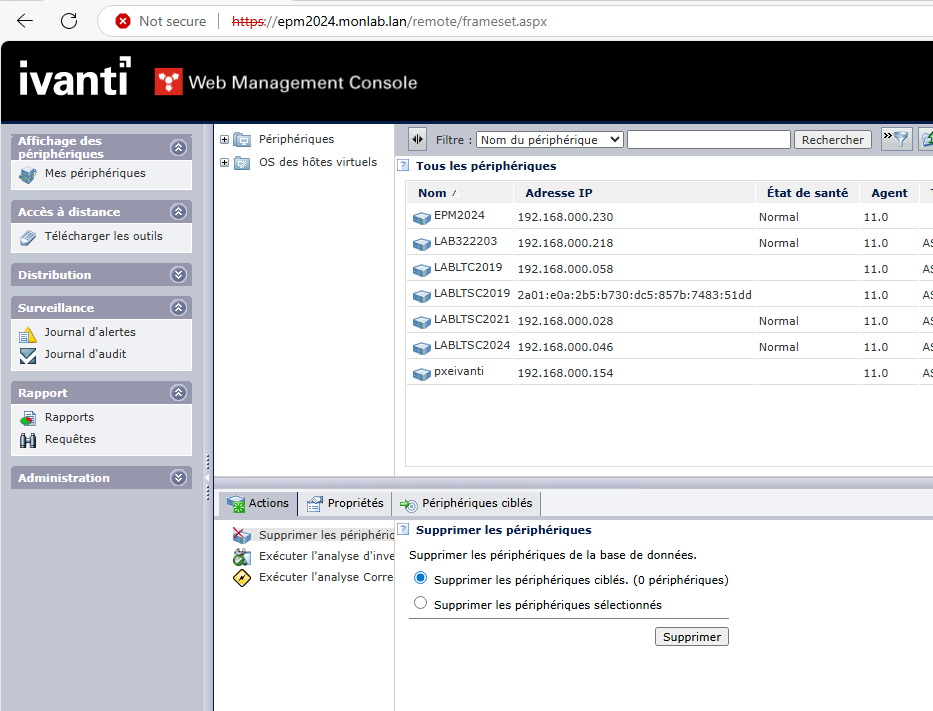
Ivanti EPM Console – Two Web consoles are available:
- Legacy Web Console: https://serveurEPM/remote
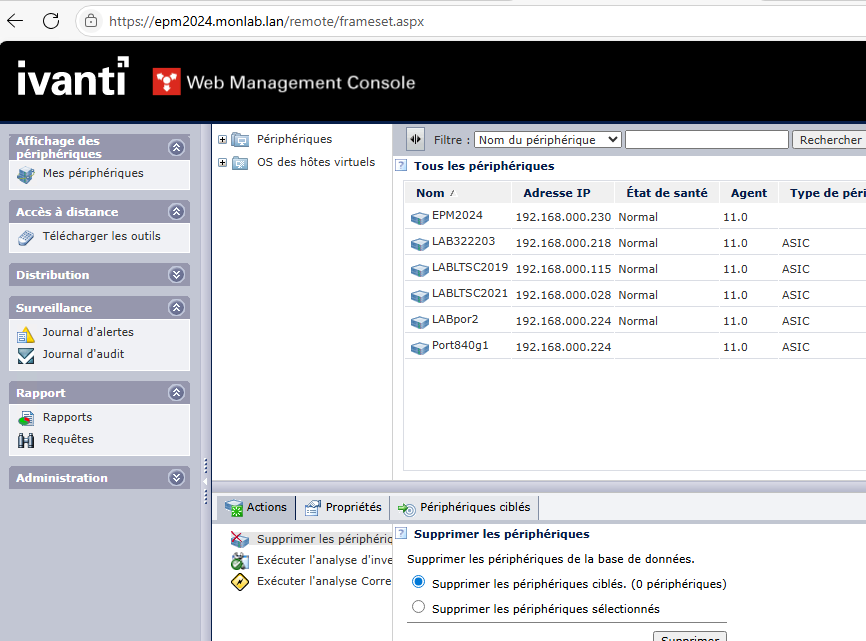
- New Web Console: https://serveurEPM/webconsole
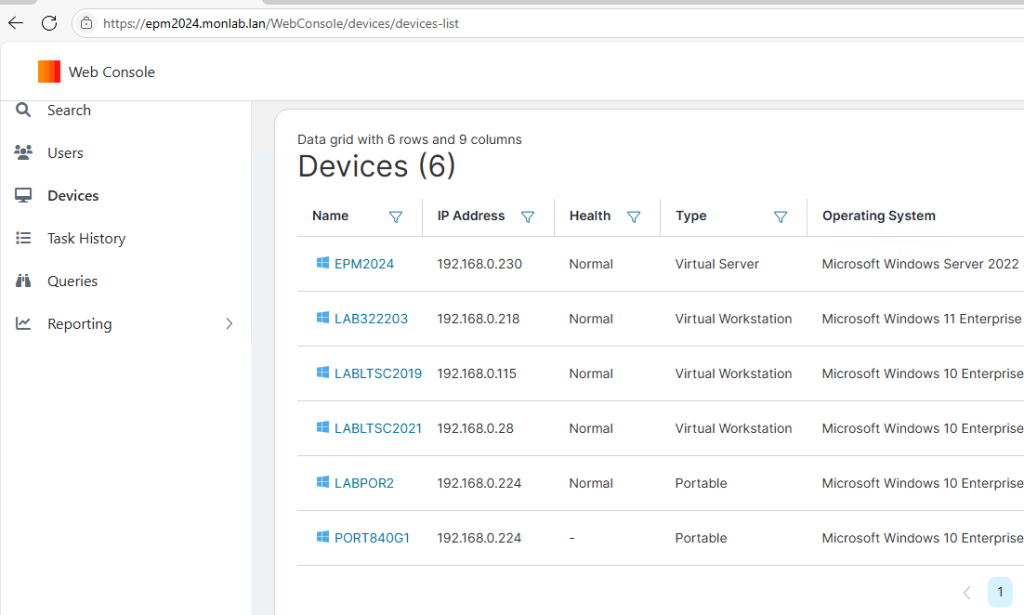
Ivanti EPM Console – Remote Console: https://serveurEPM/remoteconsole
Ivanti EPM Console – Note: access works as expected on the Web consoles. The access issue described below affects only the Desktop, or thick, console.
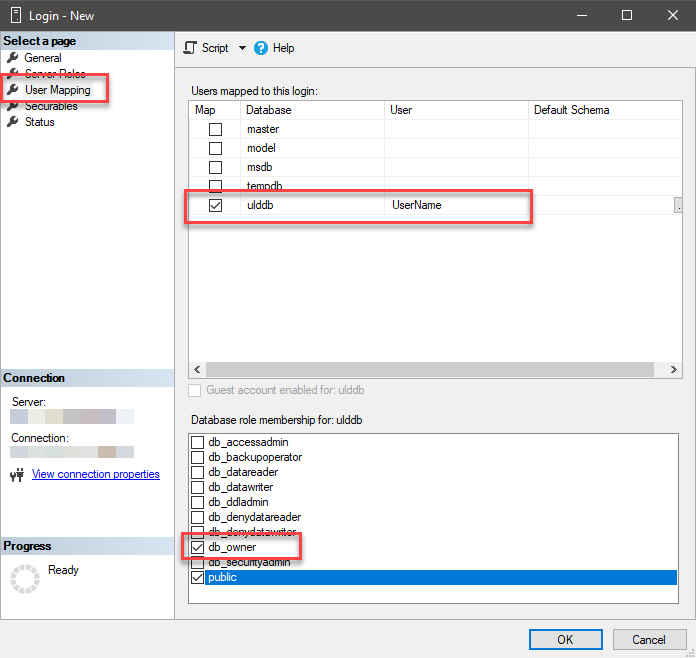
SQL Rights
Ivanti EPM Console – Add the required users or groups as db_owner on the EPM SQL database.
Windows Rights
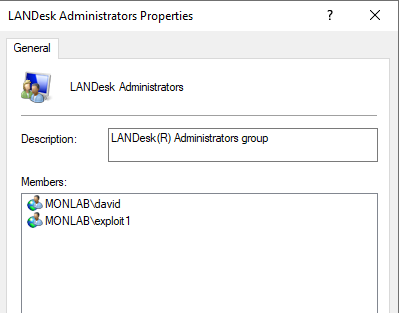
Ivanti EPM Console – SQL permissions alone are not sufficient. Also add the users or groups to the local LANDesk Administrators group on the EPM server.
Ivanti EPM Console – Reference: Management Console Security Updates