
Deploy – Custom Notification Before Installation with Ivanti EPM
Deploy Custom Notification – Step-by-step guide to Deploy – Custom Notification Before Installation with Ivanti EPM, including configuration, deployment, troubleshooting and practical
Useful external reference: Ivanti resources.
Agent Settings
- Create or clone a “Settings” profile for distribution.
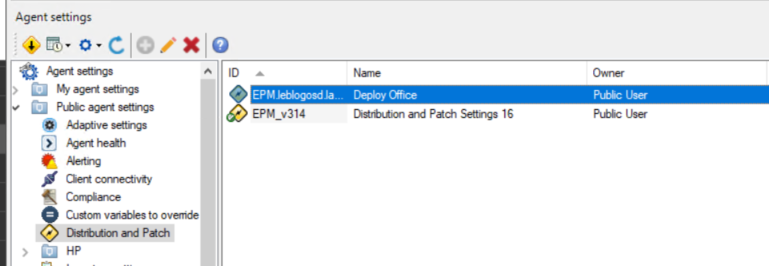
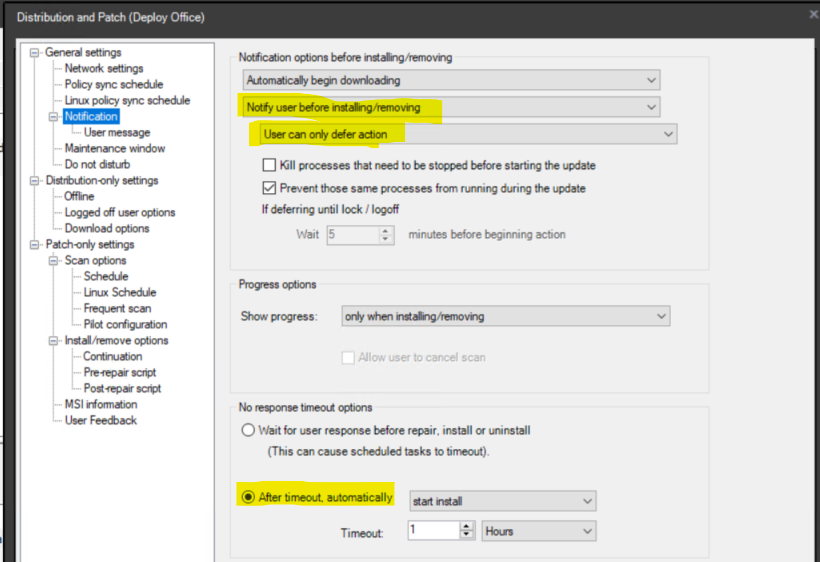
- In the **notification settings**:
- Enable user notification.
- Allow users to **postpone installation**.
- Set the installation to run automatically after **1 or 2 hours**.
Deploy Custom Notification – Note: If the user is not logged in, the installation will start immediately.
Useful external reference: Ivanti resources.
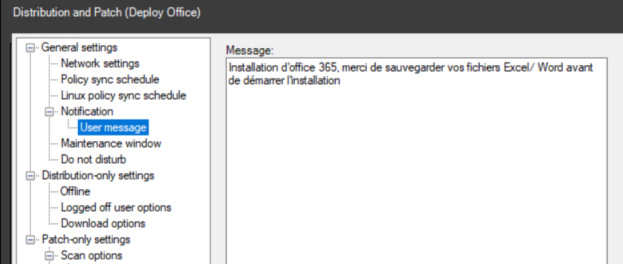
- You can customize the installation message shown to the user.
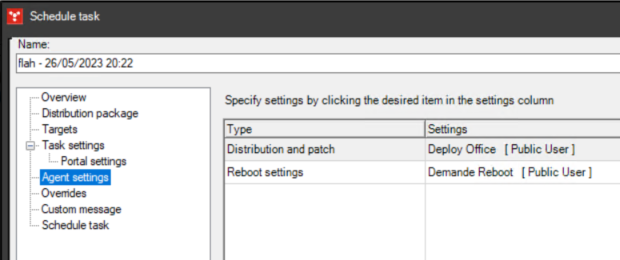
Scheduled Task
- In the scheduled task configuration, adjust the notification settings accordingly.
User Notification
- If the user has an active session during deployment, a notification will appear offering the option to postpone installation.
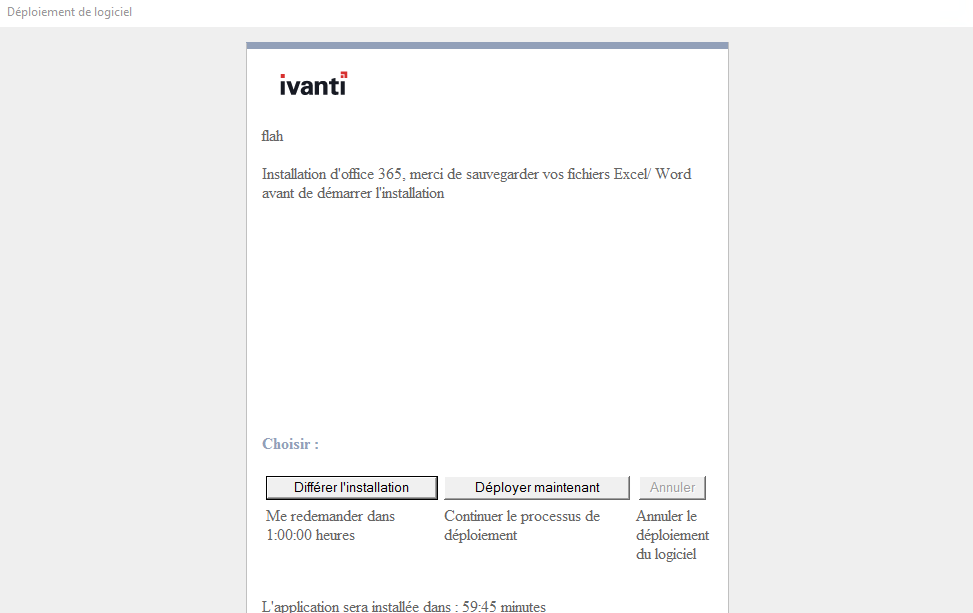
- If the user postpones the installation, a new notification will reappear after one hour. The task status can be monitored in the scheduled tasks section.
