
Manage Dell, Lenovo and HP Drivers in Quest SDA
Manage Dell Lenovo – Manage Dell, Lenovo and HP drivers in Quest SDA with driver feed activation, downloads, installation, WinPE drivers and Windows deployment driver packages.
Useful external reference: Quest KACE resources.
Manage Dell Lenovo – In this article, we will explore how SDA provides an integrated platform for managing drivers, from activation steps to download and installation methods.
Useful external reference: Quest KACE resources.
Manage Dell Lenovo Overview
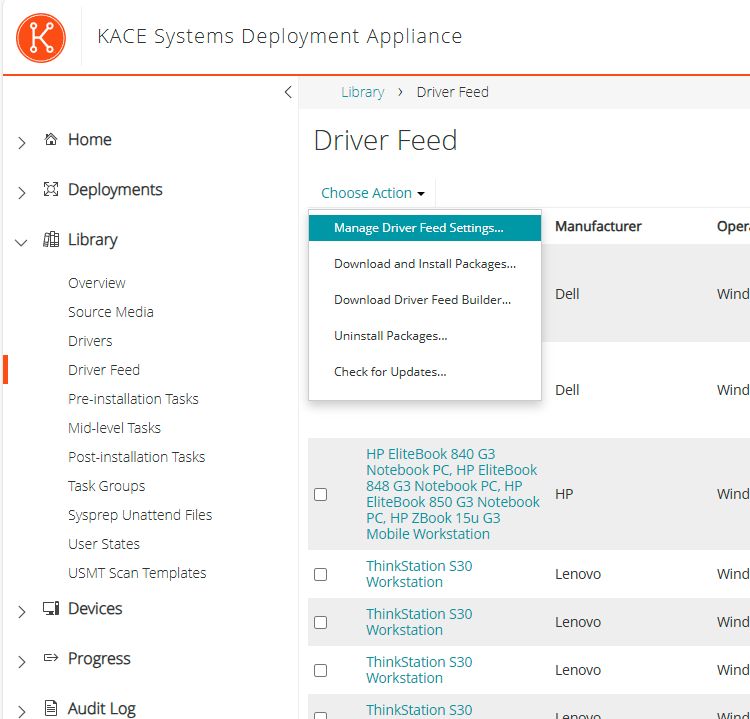
- In “Library Driver Feed” Launch “Manage Driver Feed Settings”
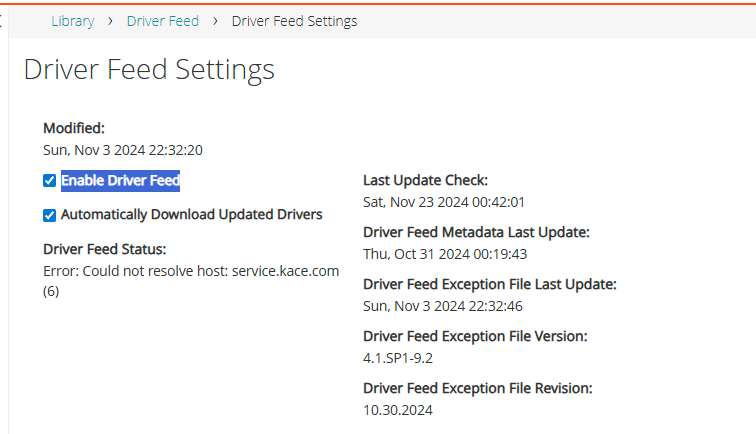
- Verify or enable the “Enable Driver Feed” option and click Save
Manage Dell Lenovo Overview
Supported Drivers
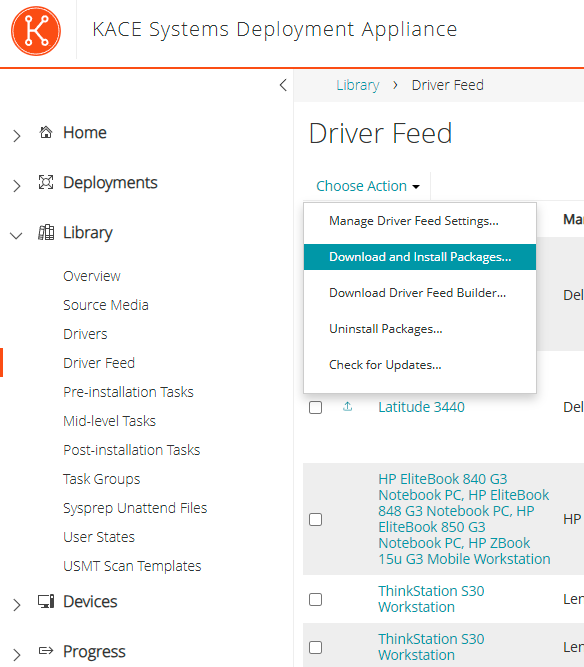
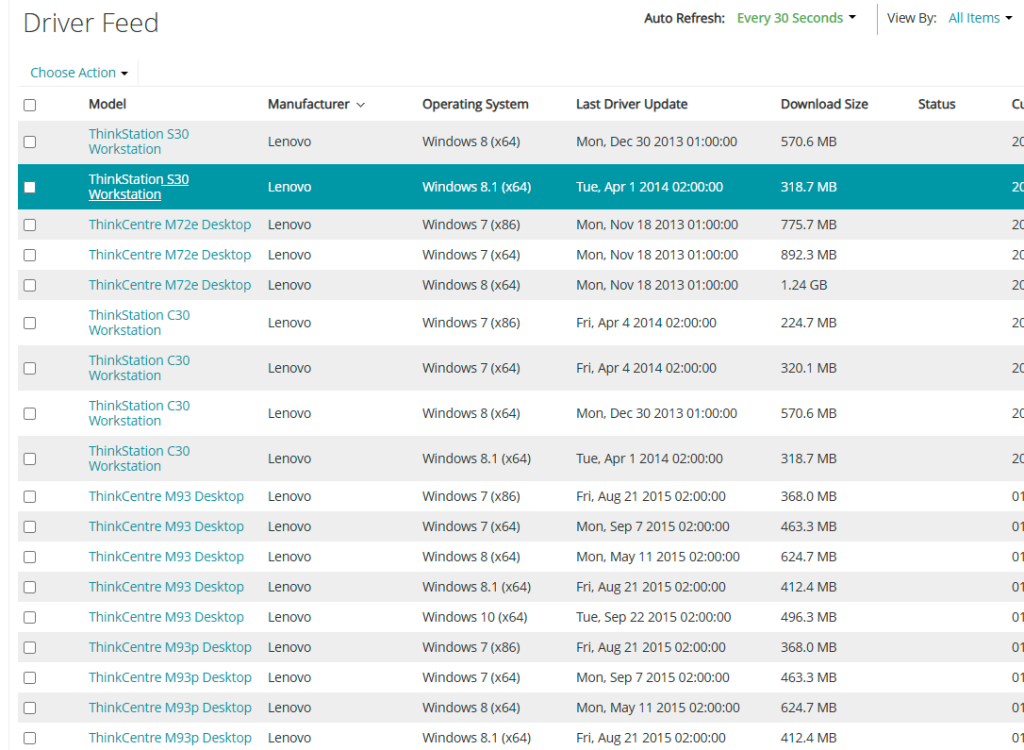
- In “Library Driver Feed”
- Select the models compatible with Windows 10
- Then select “Download and Install Packages…” from the menu
- The driver download begins

Manage Dell Lenovo – Quest now supports driver feed for Dell, HP, and Lenovo
Useful external reference: Quest KACE resources.
Unsupported Drivers
- From the non-Dell computer
- Run the script “driver_feed_discovery_tool.vbs” located in SMAdrivers_postinstallfeed_tools
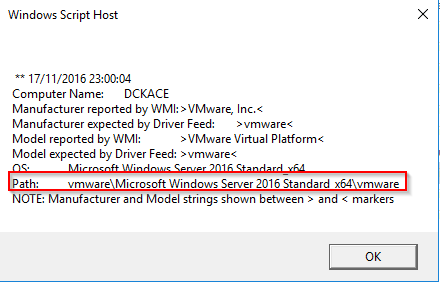
- The script provides the path where the drivers should be copied on the Appliance
Manage Dell Lenovo – K2000drivers_postinstall<Manufacturer><OS><Model>
Useful external reference: Quest KACE resources.
- Simply copy the drivers into this folder