Get resources used on a website with BuiltWith with Windows Security Administration
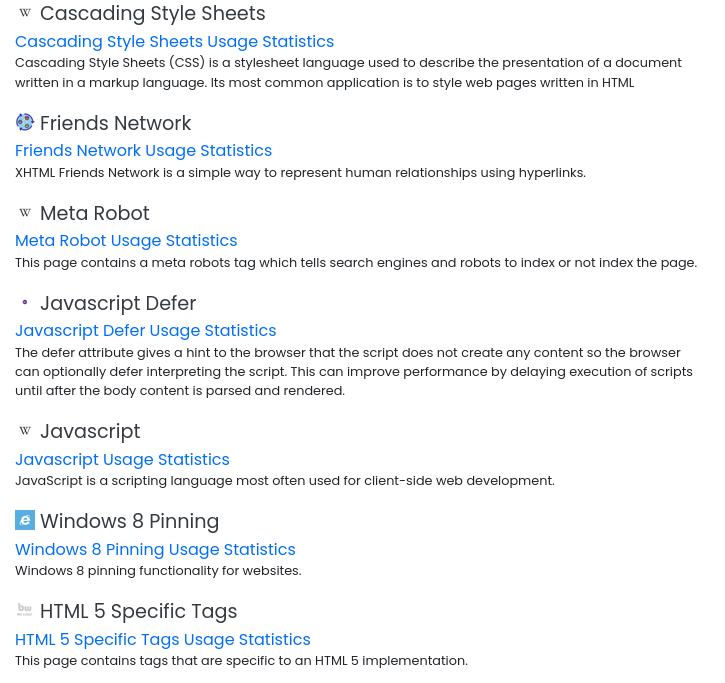
Get resources used – Generate a report and list the technologies, frameworks, scripts, and other resources used by the site.
- Go to the BuiltWith website.
- Enter the URL of the website you want to analyze in the search bar.
- Click “Lookup” or press Enter.
- Review the generated report, which lists the technologies, frameworks, scripts, and other resources used by the site.
Get resources used – With plugins and themes, we use multiple technologies without even realizing it.
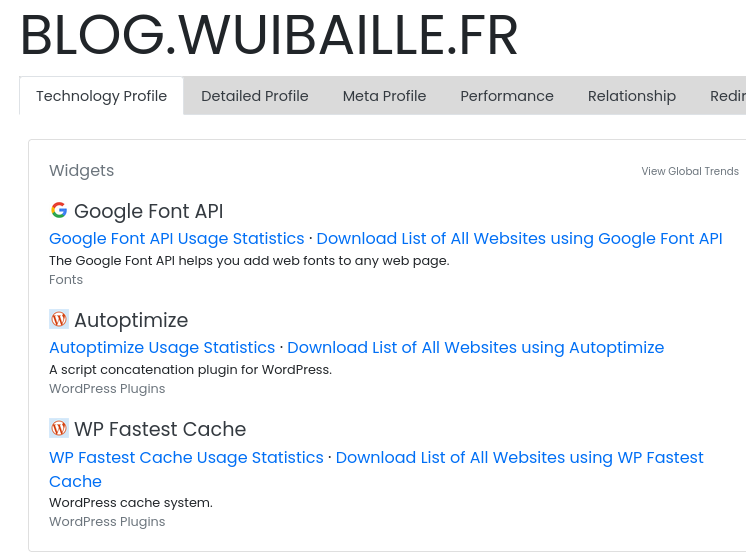
Get resources used – or