
Troubleshooting – console install bypass with Ivanti EPM
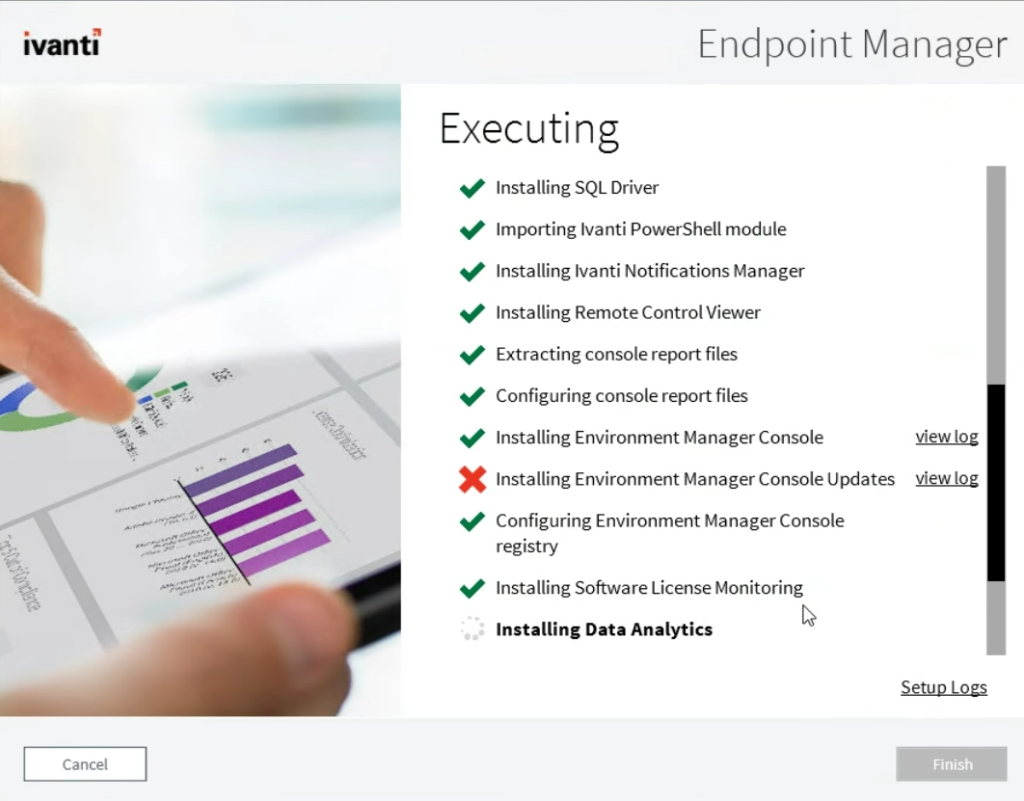
Troubleshooting console install – If the IVANTI Remote Console setup fails, you can bypass the failure by installing the problematic component manually via a small setup.xml tweak.
Useful external reference: Ivanti resources.
Troubleshooting console install Overview
Troubleshooting console install – If the IVANTI Remote Console setup fails, you can bypass the failure by installing the problematic component manually via a small setup.xml tweak.
Useful external reference: Ivanti resources.
Steps
- Stop the installer when the error appears.
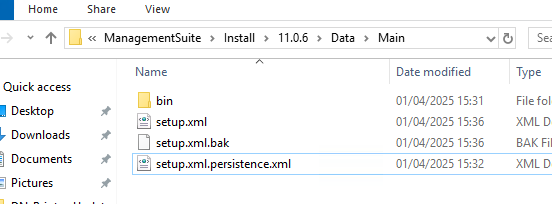
- Edit
setup.xmllocated at:C:ProgramDataLANDeskManagementSuiteInstall11.0.5DataMain - (Optional) Create a backup of
setup.xml. - Set
CompleteCurrentCommandto True. - Save the file, then relaunch
setup.exe(Run as Administrator).
<CompleteCurrentCommand>True</CompleteCurrentCommand>Troubleshooting console install – Then restart the installer:
Useful external reference: Ivanti resources.

Troubleshooting console install – Notes: The path can vary by version.
Useful external reference: Ivanti resources.