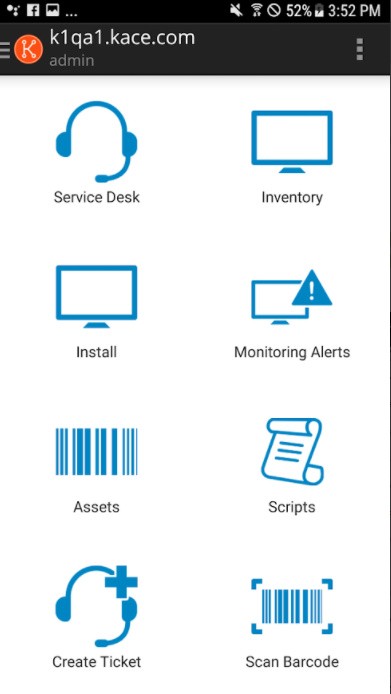
Use the KACE Go Mobile App with Quest SMA
Use the KACE Go mobile app with Quest SMA to access tickets, deployments and managed devices from Android or iPhone with the required feature and firewall settings.
Useful external reference: Quest KACE resources.
KACE Go Mobile Overview
- In the SMA, enable the “mobile device access” option in the general settings
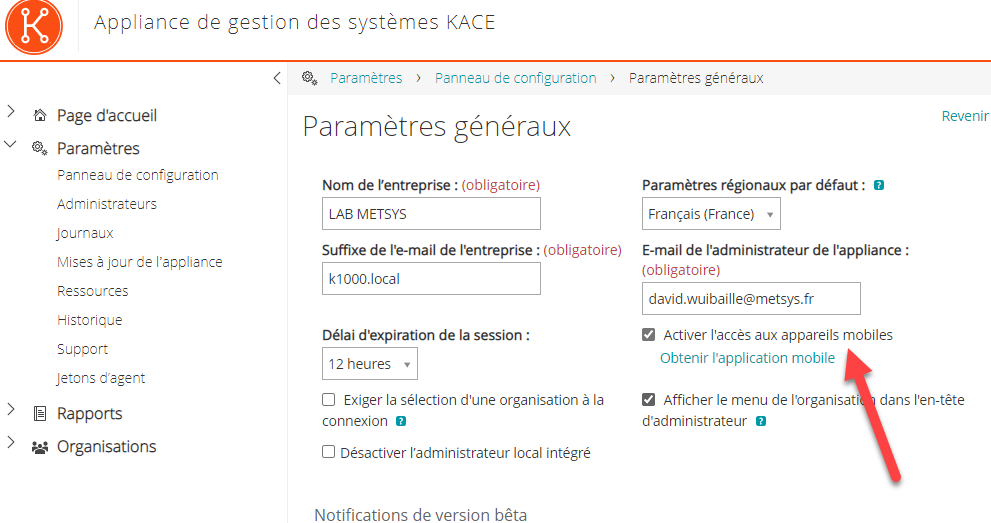
KACE Go Mobile Overview
Next, we will authorize users to connect to mobile devices. To do this:
Useful external reference: Quest KACE resources.
- In users, enable the “mobile device access” option for users who need to connect via smartphone (e.g., help desk)
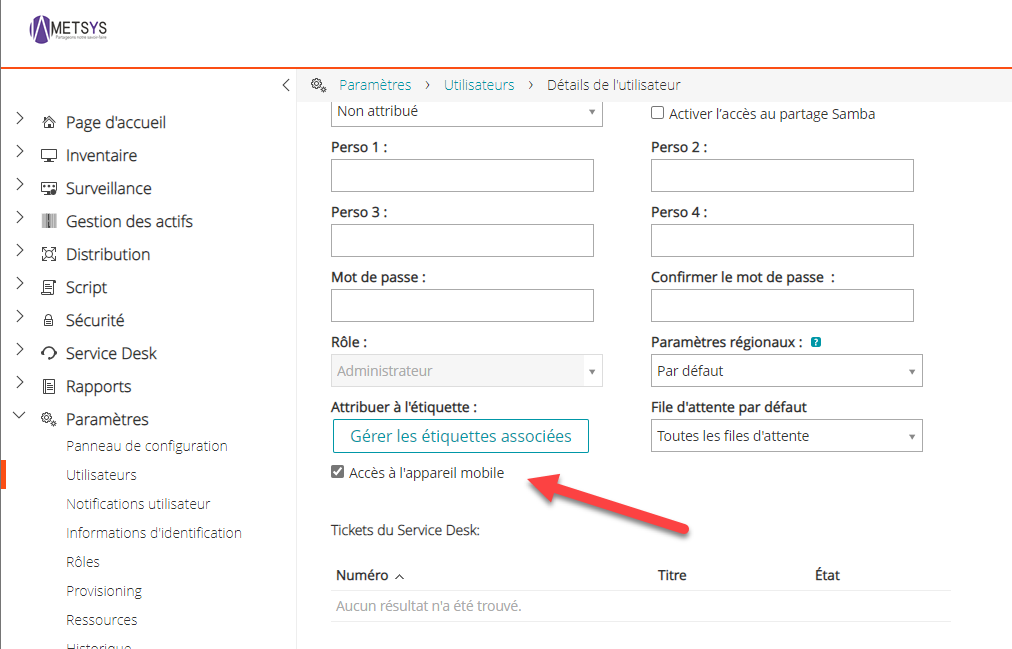
Note: You will need to configure the firewall to allow access to the K1000 from outside to fully enjoy your smartphone with KACE.
Useful external reference: Quest KACE resources.
KACE Go Mobile Overview
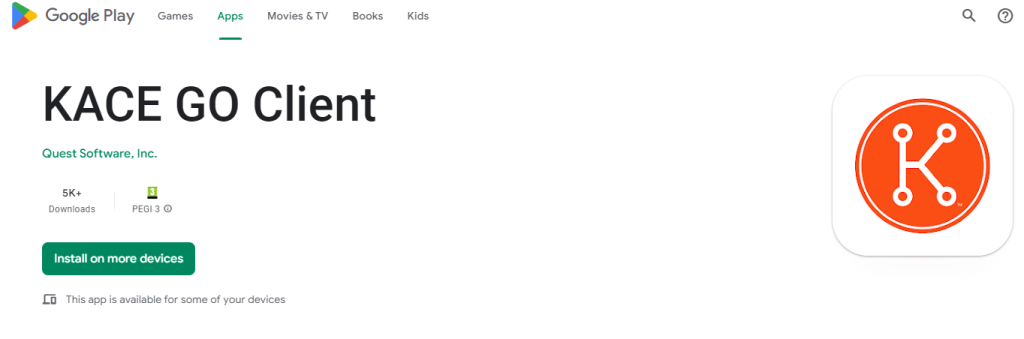
From your iPhone or Android, search for “KACE Go Client”
Useful external reference: Quest KACE resources.
- Upon first opening, the app will ask for your KACE (Active Directory) credentials
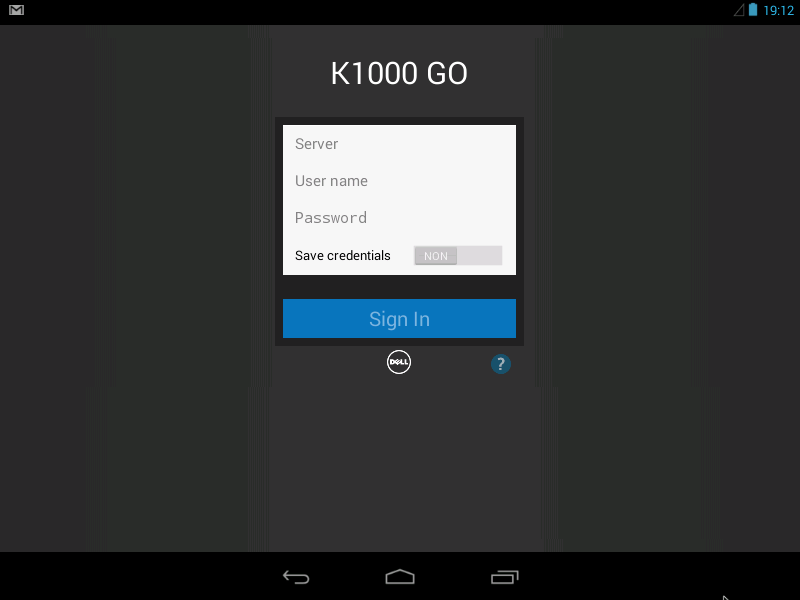
- You have access to tickets and deployments