
Create a PowerShell Job in Rundeck
Create PowerShell Job – This guide explains how to create a PowerShell job in Rundeck, configure the workflow, target nodes, runtime options, parallel execution, and pass option values into a PowerShell script.
Useful external reference: Rundeck documentation.
Create a New Job
- Open the Rundeck console.
- Create a New Job.

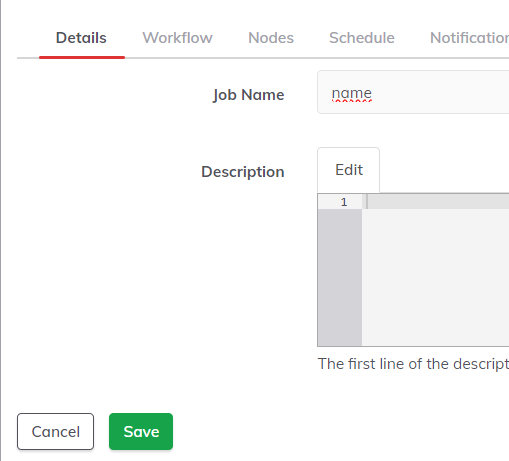
Details Tab
- Enter the job name.
- Add a clear description.
Workflow Tab
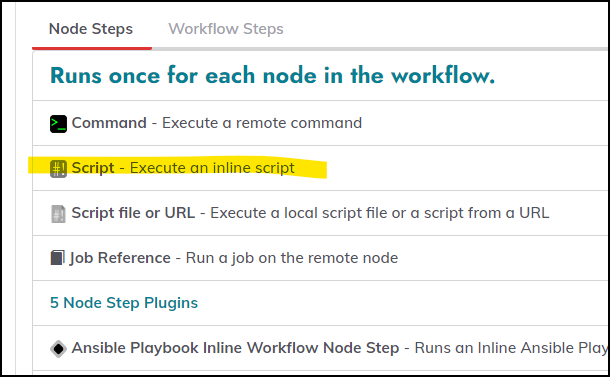
- Add a step: Run Script.
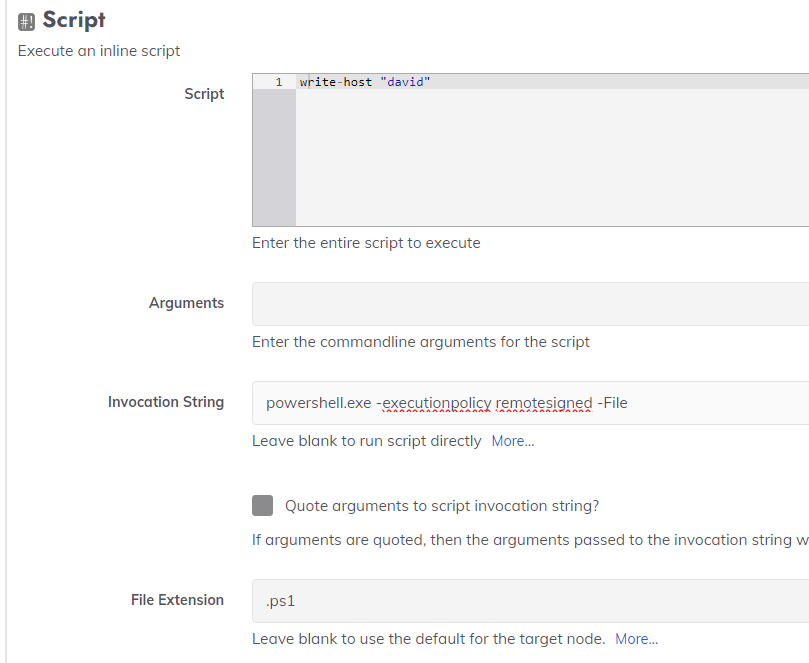
- Edit your PowerShell script.
- Invocation example:
powershell.exe -ExecutionPolicy RemoteSigned -File. - Script file extension:
.ps1.
Nodes Tab
- Node filter:
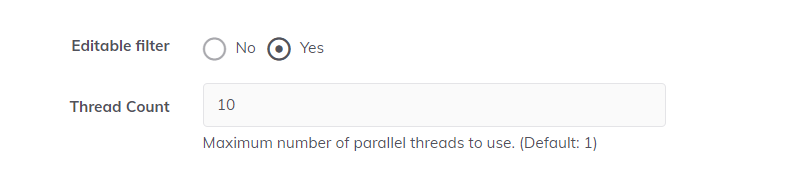
.*to match all nodes. - Allow users to change the filter at run time.
- Increase the number of nodes executed in parallel if needed.
- If a node fails, allow execution on another selected device.

Other Tab
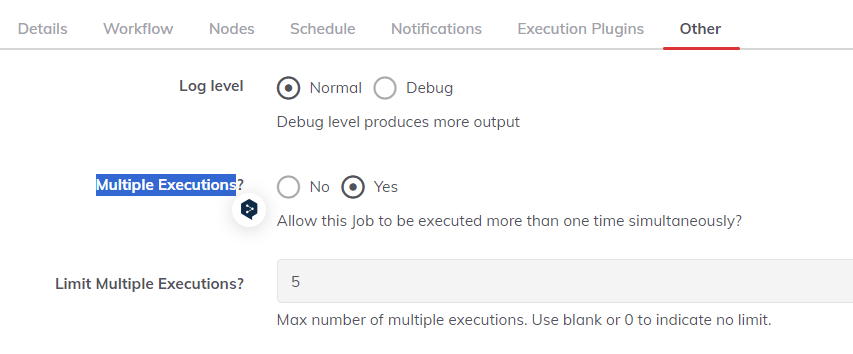
- Enable Multiple Executions to allow concurrent runs.
Define a Runtime Option
Create PowerShell Job – Add a new option to pass a value to your script at run time.
Useful external reference: Rundeck documentation.
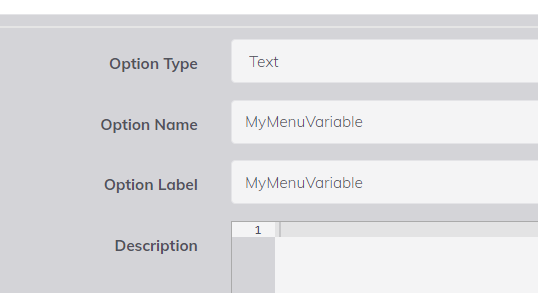
- Option Type: Text.
- Option Name and Label: UpgradeOrGetVersion with no spaces.
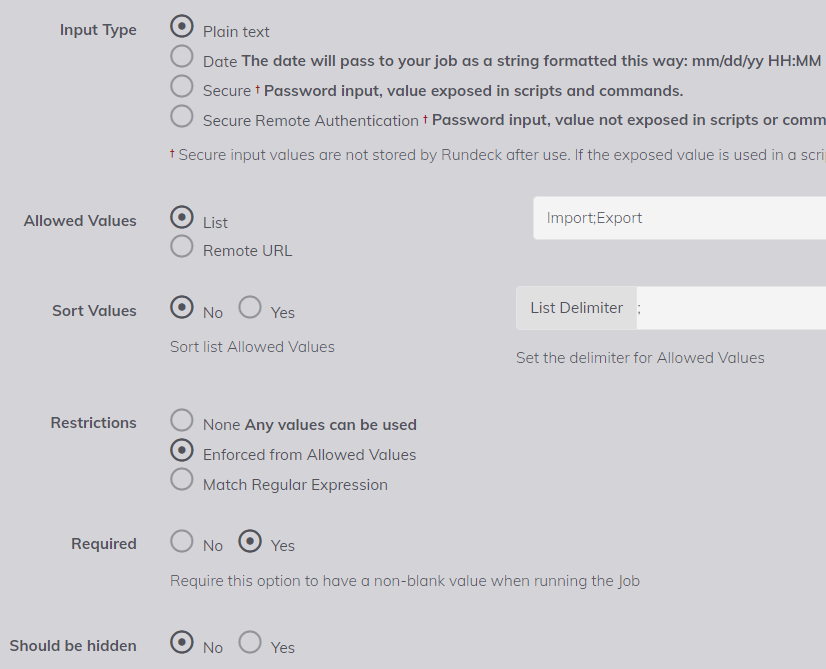
- Input Type: Plain Text.
- Allowed Values: List, for example
Upgrade;GetVersion. - List delimiter:
;. - Required: Yes.
Use the Option in PowerShell
Create PowerShell Job – Reference the option with @option.UpgradeOrGetVersion@ and assign it to a PowerShell variable.
Useful external reference: Rundeck documentation.

- Example in PowerShell:
$Action = "@option.UpgradeOrGetVersion@"

switch ($Action) {
  'Upgrade'   { Write-Host 'Running upgrade...';  # your code here }
  'GetVersion'{ Write-Host 'Getting version...';  # your code here }
  default     { throw "Unknown action: $Action" }
}
