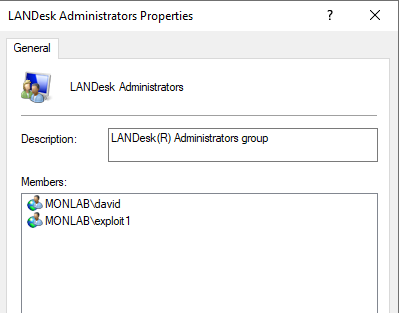
EPM MBSDK SOAP API endpoint (replace localhost with your Core if needed): http://localhost/MBSDKService/MsgSDK.asmx
ListMachines
Use ListMachines to enumerate devices and retrieve the GUIDs you need for follow-up queries.

Once you have the GUID, use one of the following depending on the data type you need:
GetMachineData — Simple (single-value) fields
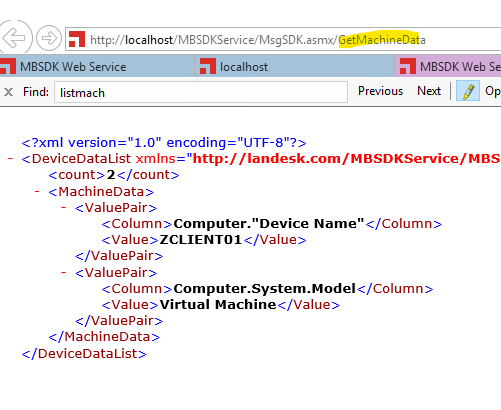
<Columns><Column>Computer."Device Name"</Column><Column>Computer.System.Model</Column></Columns>

Script example
$mycreds = Get-Credential -Credential "Leblogosd\david"
$ldWS    = New-WebServiceProxy -uri http://EPM2021/MBSDKService/MsgSDK.asmx?WSDL -Credential $mycreds
$ListDevices = $ldWS.ListMachines("").Devices

# GUID                                   DeviceName      DomainName           LastLogin
foreach ($ListDevice in $ListDevices) {
  $DeviceLDMSName = $ListDevice.DeviceName
  $DeviceLDMSGUID = $ListDevice.GUID

  $GetMachineData = $ldWS.GetMachineData("$DeviceLDMSGUID","<Columns><Column>Computer.""Device Name""</Column><Column>Computer.System.Model</Column></Columns>")
  $device_name  = $GetMachineData.MachineData[0].Value
  $device_Model = $GetMachineData.MachineData[1].Value
  Write-Host "$device_name = $device_Model"
}
GetMachineDataEx — Multi-value (qualified) fields
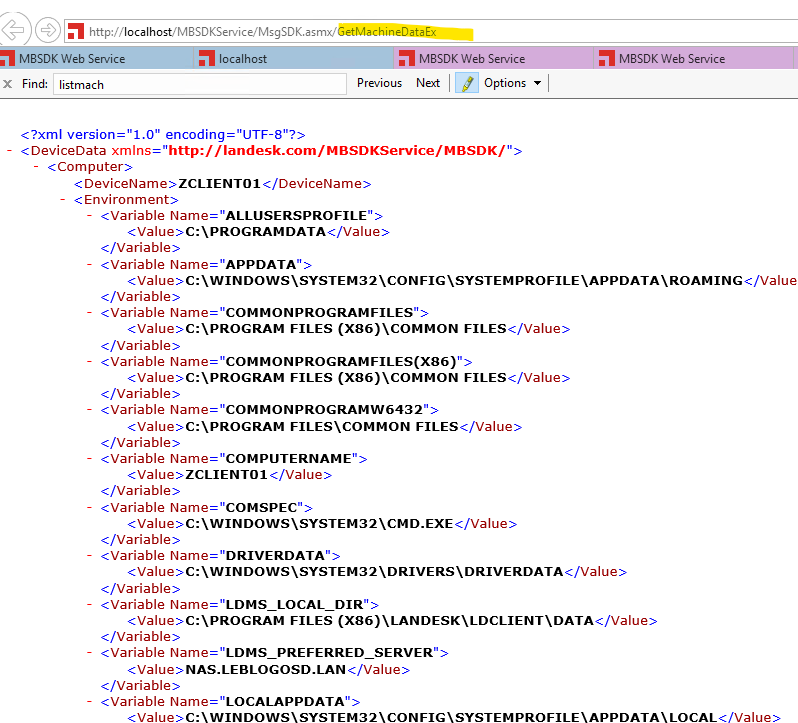
<Columns><Column>Computer."Device Name"</Column><Column>Computer.Environment.Variable.Value</Column></Columns>
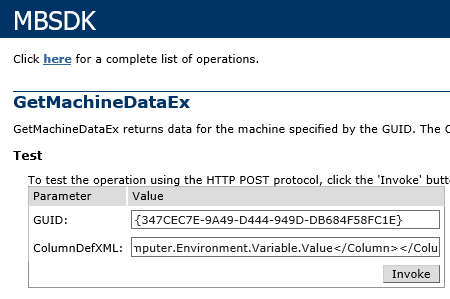
Rule of thumb: if your column set targets a collection or requires a qualifier (e.g., Environment.Variable.Value), use GetMachineDataEx; otherwise, use GetMachineData.