Registry
You can inventory registry keys in EPM.
- In “Manage Software List,” add a new entry “Registry Item.”

- You will need to wait for 48 hours to see the information in the inventory.
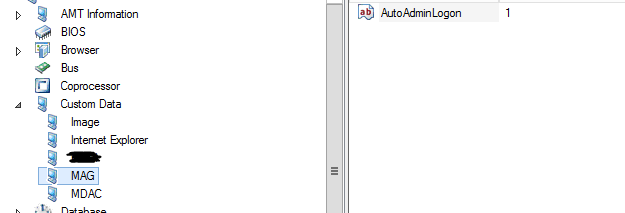
In this example, I’ll demonstrate using the ‘column configuration’.
Exe
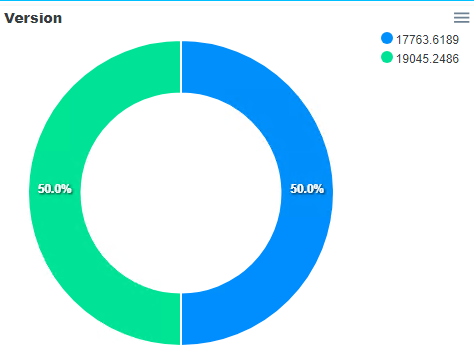
As an illustration, I’m using Chrome because the version reported in LANDESK may not match the actual version on the computers.
- Navigate to Software \ Package and select ‘Version’.

- Click the ‘Qualify’ button; it may take a while to display.
- Search for Chrome and select the path ‘c:\program Files\google\chrome\application\chrome.exe’ (or the appropriate path including x86) as preferred.
You can also utilize this method for your queries.