
Appliance Configuration
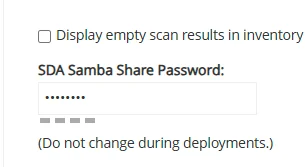
Samba Password
- On the appliance, configure the Samba password under “General Settings” in the “Control Panel”.
Installing
SDA Media Manager
Warning: You must reinstall the Media Manager after every new version or patch of the SDA.
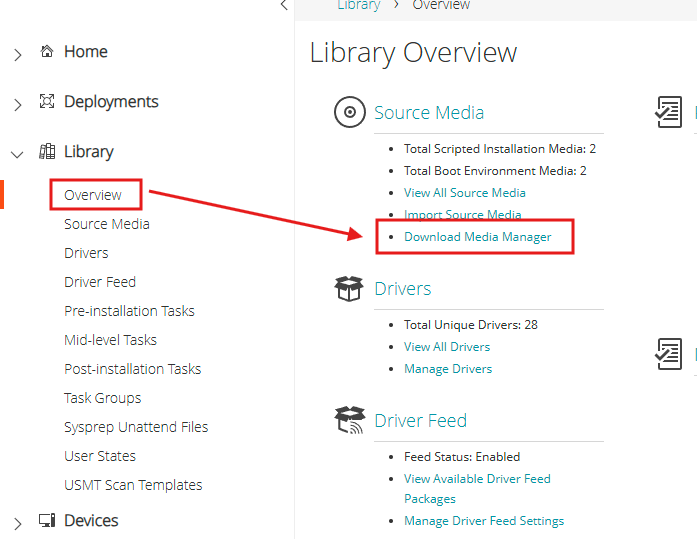
- From the SDA interface, download and install “Media Manager”.
Windows ADK
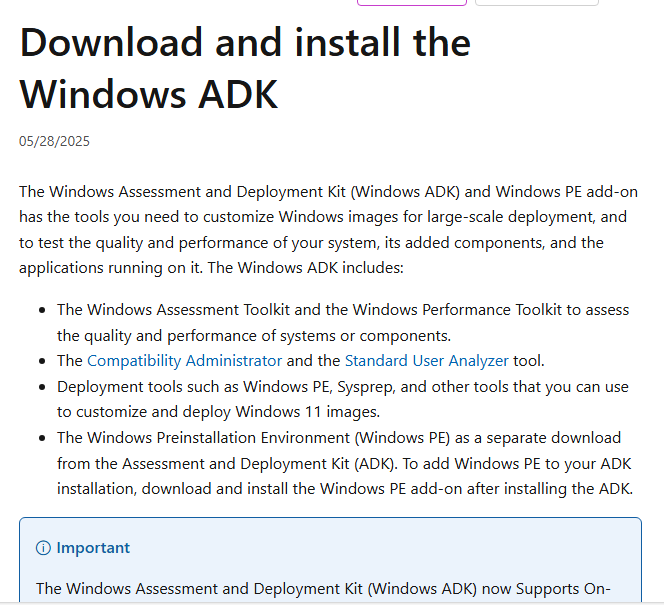
Download and install the Windows ADK from Microsoft Learn.
Download
Drivers in WinPE
Install the latest version of Windows ADK.
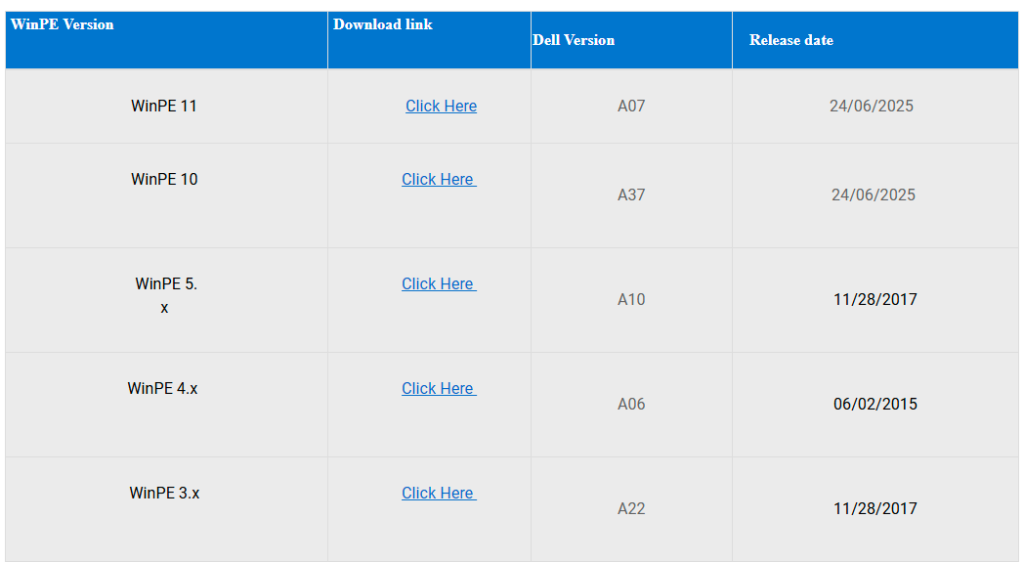
Get the drivers from: Dell WinPE Driver Packs
- Download the WinPE 1x drivers and extract them.
Creating WinPE Environments
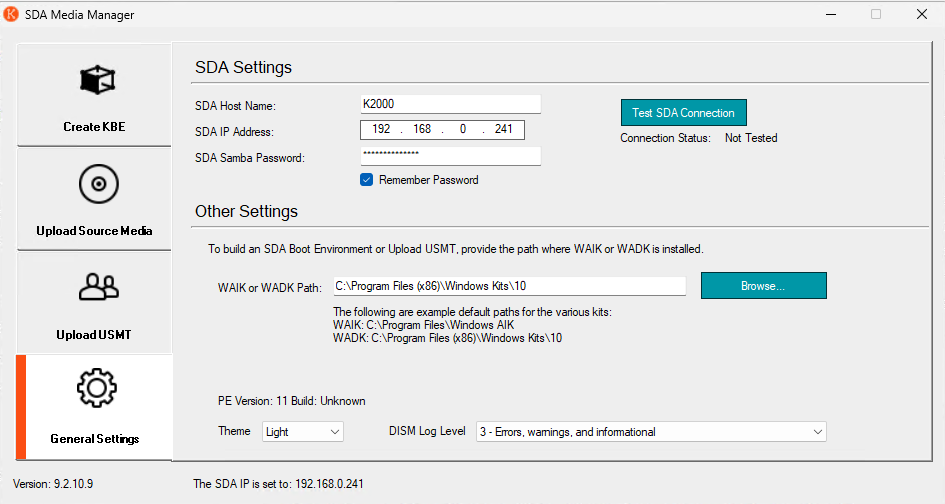
General Settings
In the General Settings, configure the following:
- SDA IP Address
- SDA Samba Password
- Windows ADK Path
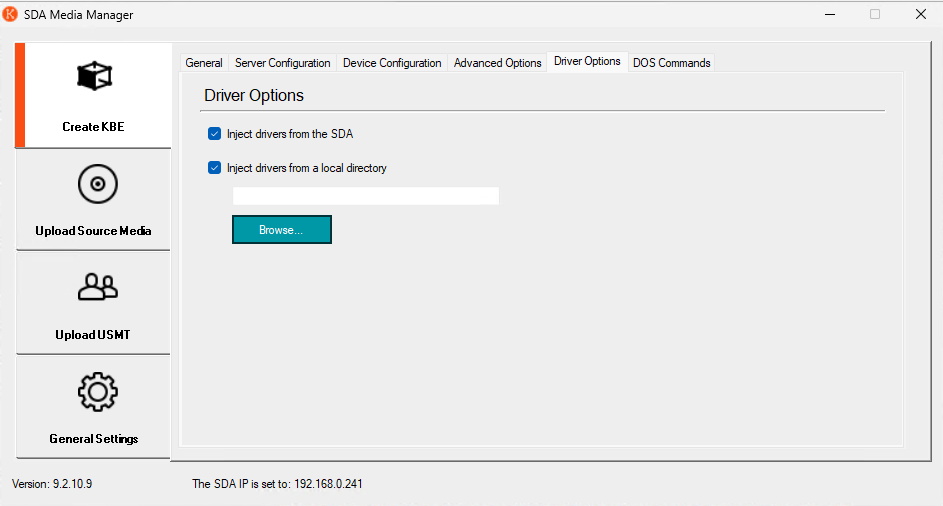
Driver Options
- In “Create KBE”, go to the “Driver Options” tab.
- Select the path where the WinPE drivers were downloaded.
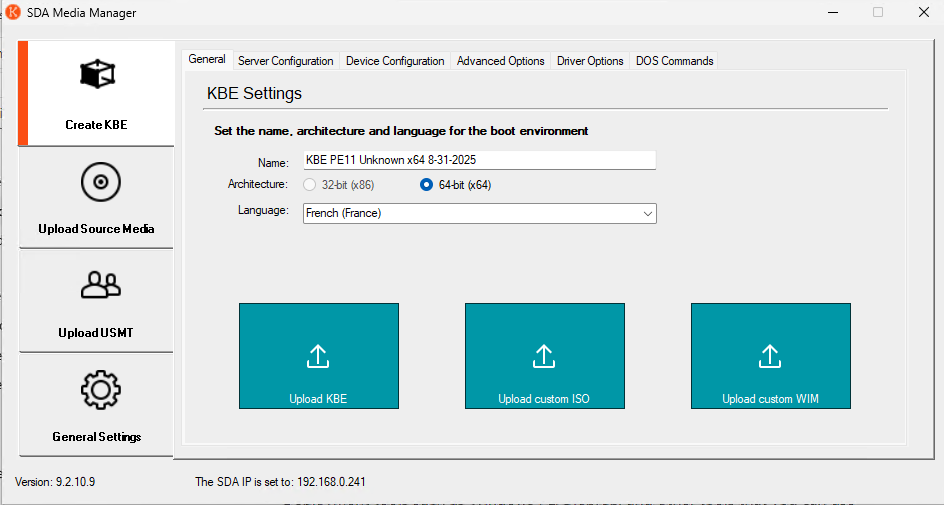
Generate WinPE
- In “Create KBE”, select “General”.
- Generate the KBE and upload it to the appliance.
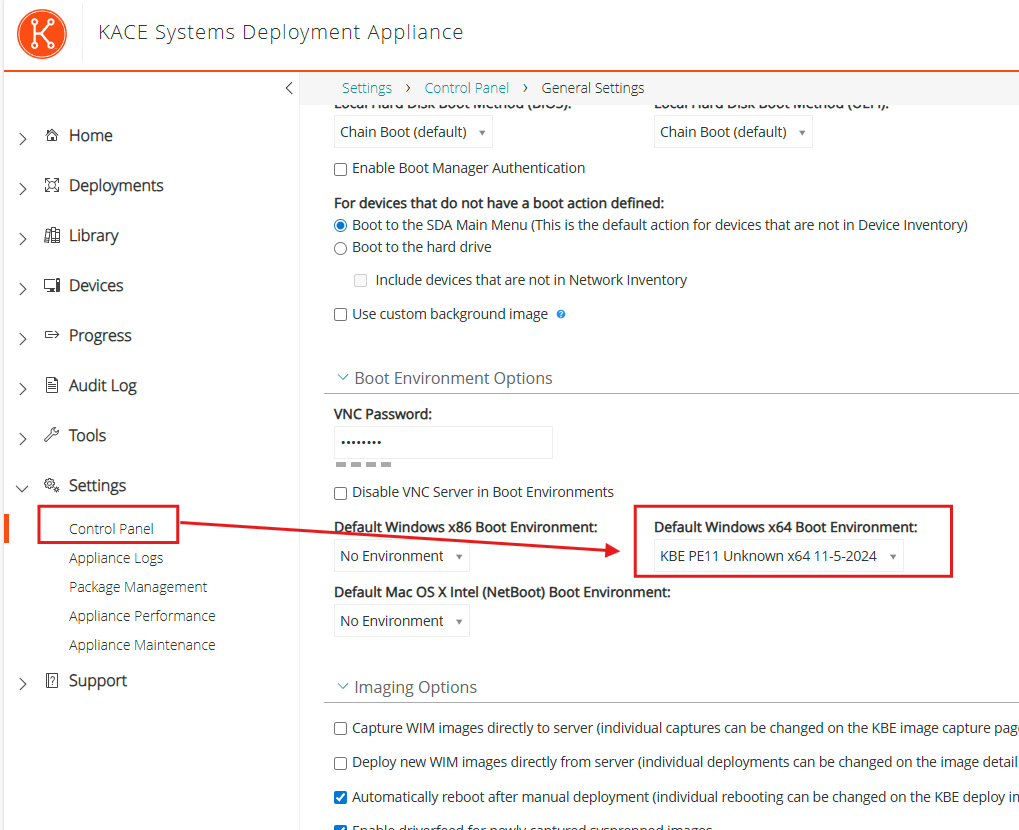
Setting Default WinPE Environments
If no environment is available on your KACE Appliance, you must configure at least one default WinPE environment.
- Open the Control Panel from the Settings menu.
- Go to General Settings.
- Set the “Default SDA Boot Environment”.



One Comment