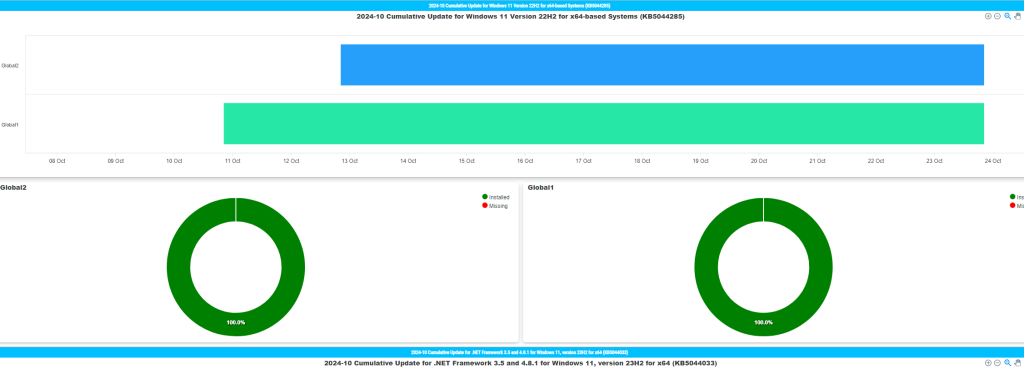
Script
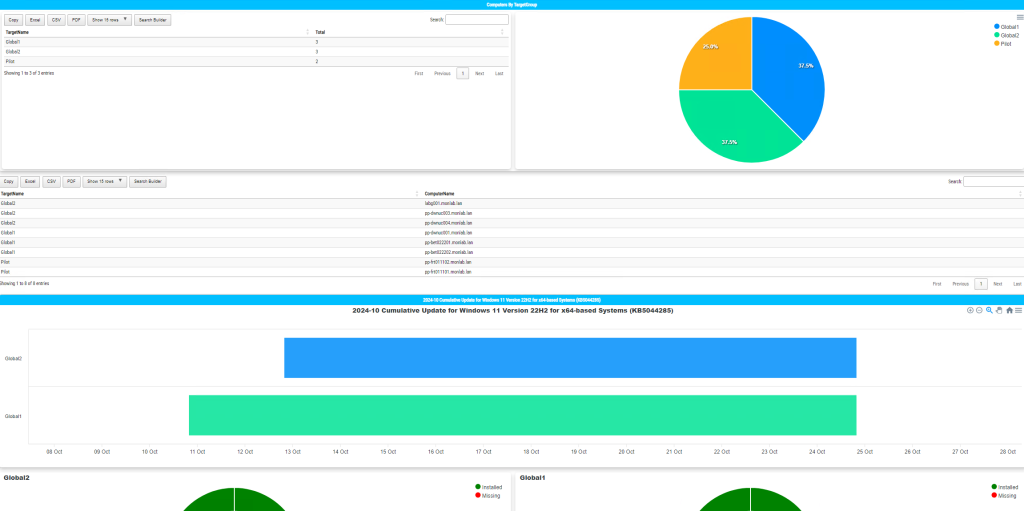
This script generates a one-page WSUS HTML dashboard (groups, KB status & errors). Source: report.ps1 on GitHub.
Prepare Folders
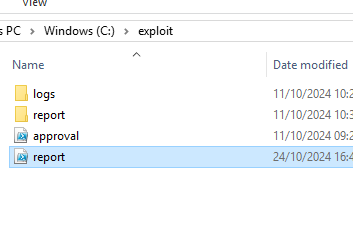
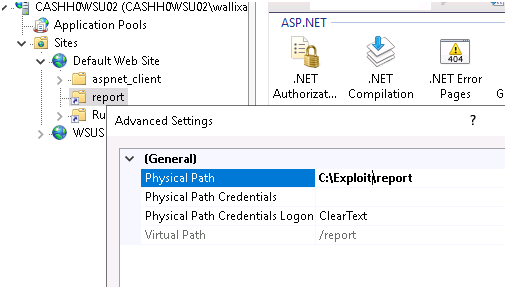
Create the following directories: C:\exploit and C:\exploit\report. Then copy report.ps1 into C:\exploit.
Run Manually (first test)
# 64-bit PowerShell recommended on the WSUS server
C:\Windows\System32\WindowsPowerShell\v1.0\powershell.exe -NoProfile -ExecutionPolicy Bypass -File C:\exploit\report.ps1
After the first run, verify the output file exists: C:\exploit\report\default.htm.
Schedule Task
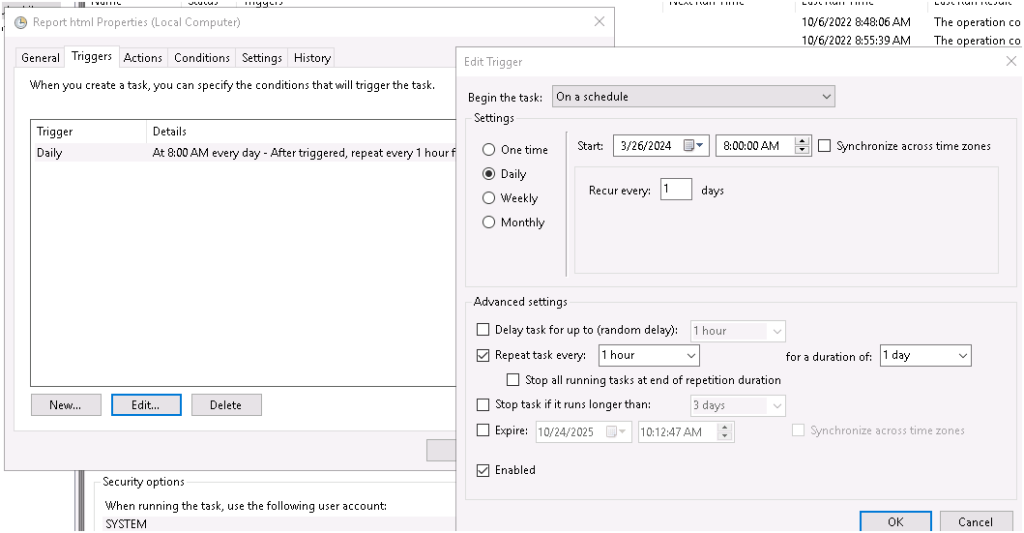
Create a Scheduled Task to refresh the dashboard automatically (hourly in labs; daily or every few hours in production). Run as SYSTEM with highest privileges.
schtasks /Create /TN "WSUS HTML Report" ^
  /TR "C:\Windows\System32\WindowsPowerShell\v1.0\powershell.exe -NoProfile -ExecutionPolicy Bypass -File C:\exploit\report.ps1" ^
  /SC HOURLY /RU "SYSTEM" /RL HIGHEST /F
Share the Dashboard (IIS)
In IIS on the WSUS server, create a virtual directory (e.g., report) pointing to C:\exploit\report. Ensure Static Content is enabled.
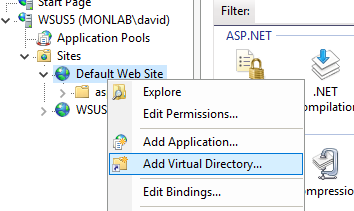
Optionally, create a second virtual directory (e.g., script) targeting C:\exploit\script if you expose helper files.
View the Report
Browse to http://localhost/report (or your server name). The dashboard should load instantly.
Notes & Troubleshooting
- Run as Administrator on the WSUS server; use the 64-bit PowerShell path shown above.
- Module requirement:
Install-Module PSWriteHTML -Scope CurrentUser. If the server is offline, remove-Onlinein the script. - WSUS API must be available: either the
UpdateServicesmodule or%ProgramFiles%\Update Services\Tools\Microsoft.UpdateServices.Administration.dll. - If the page is blank via IIS, check NTFS permissions on
C:\exploit\report(read for IIS AppPool identity) and MIME types for.js/.css.