Introduction
The Tanium Action Lock is a client-side control that blocks any console-initiated actions on an endpoint (deployments, patches, scans, scripts). It’s useful to protect critical systems, avoid conflicts during investigations, or gate activity on lab/test devices. Locked endpoints ignore actions unless those actions explicitly set Ignore Action Lock.
Enable Action Lock
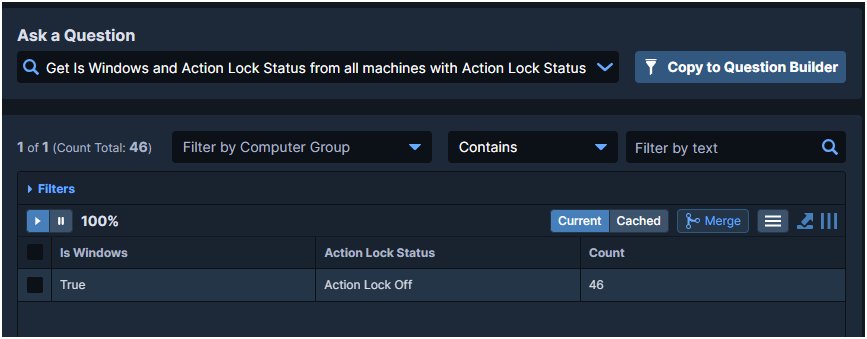
- Check current status
Get Is Windows and Action Lock Status from all machines with Action Lock Status contains Action Lock Off
- Deploy lock action
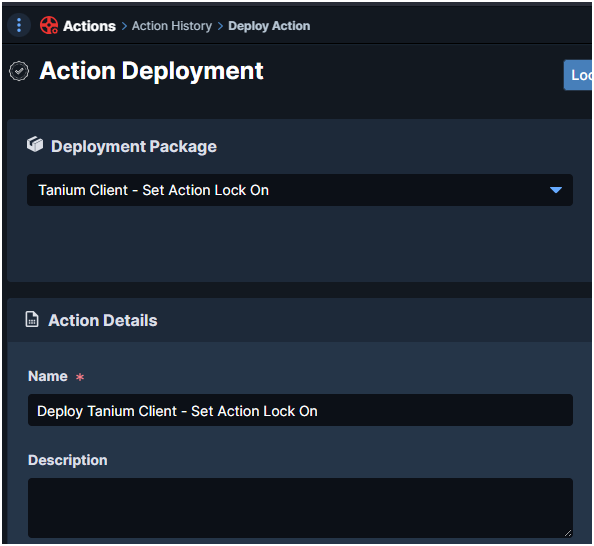
- Go to Deploy Action
- Package: Tanium Client – Set Action Lock On (Windows)
- Deploy
- CLI alternative (on the endpoint)
TaniumClient.exe config set ActionLockFlag On
Disable Action Lock
Use the saved question:
Get Is Windows and Action Lock Status from all machines with Action Lock Status contains Action Lock On
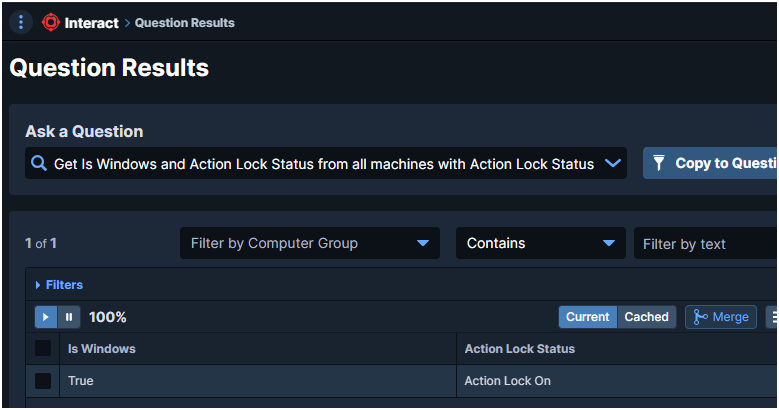
- Deploy package: Tanium Client – Set Action Lock Off
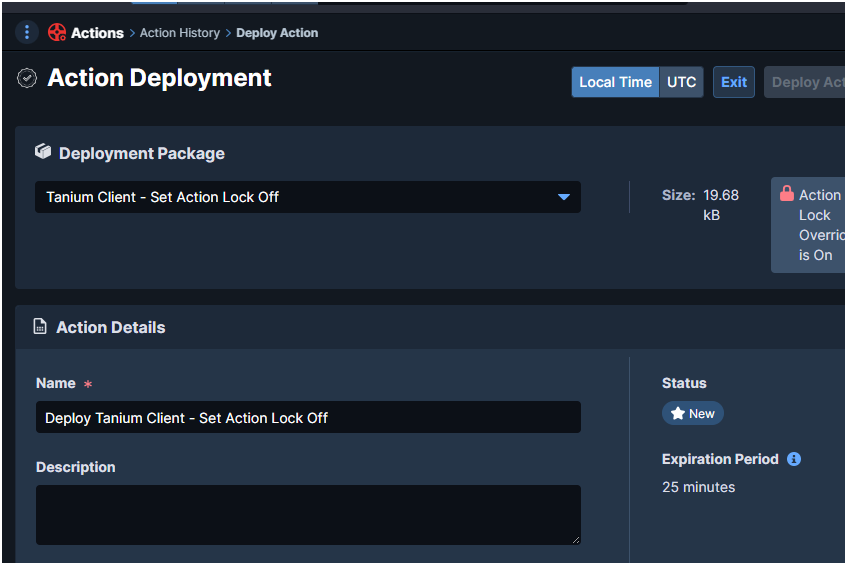
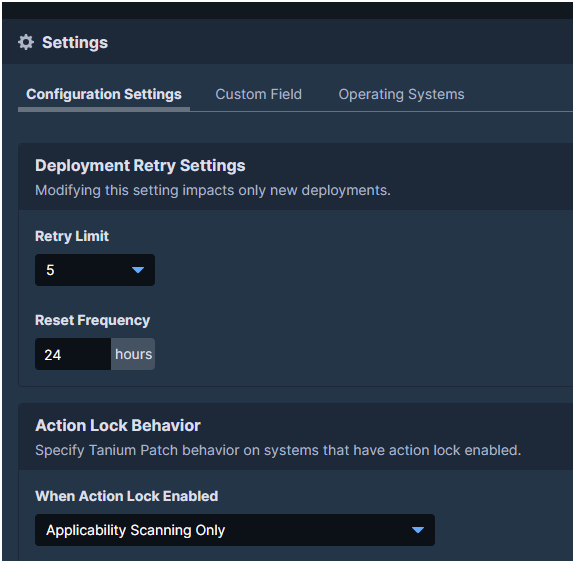
Module Configuration
Patch
Control behavior on locked endpoints:
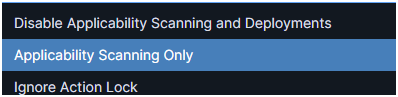
- Disable Applicability Scanning and Deployments
- Applicability Scanning Only (default)
- Ignore Action Lock
Deploy
Same controls for deployments:
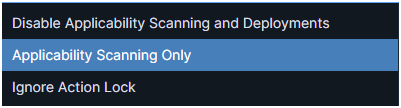
- Disable Applicability Scanning and Deployments
- Applicability Scanning Only (default)
- Ignore Action Lock
Core – Packages (Bypass Lock)

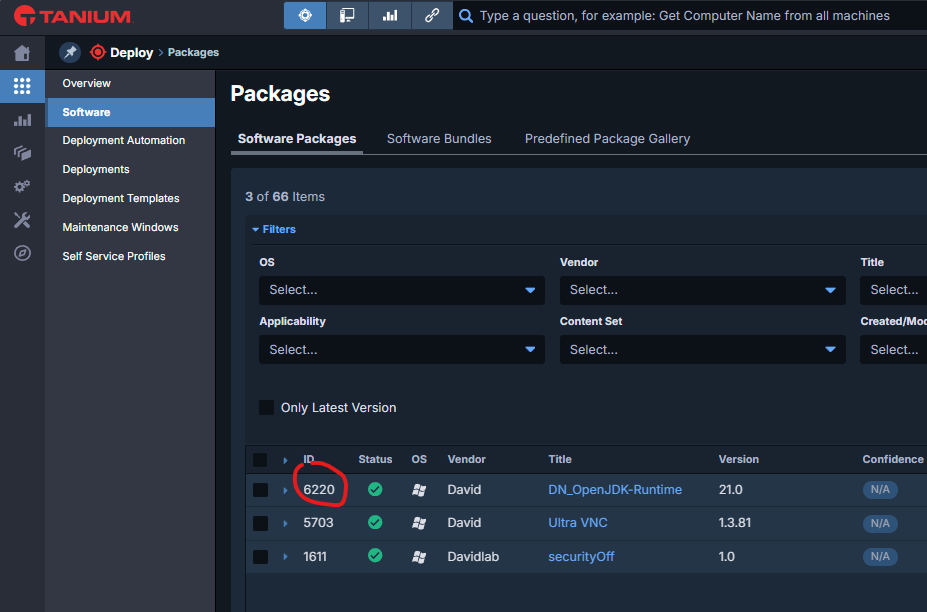
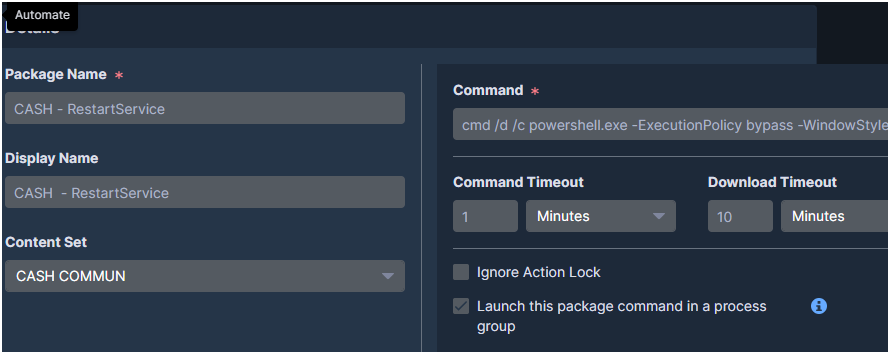
In custom/cloned packages, enable Ignore Action Lock so the package runs even on locked endpoints.
Temporarily Disable a Client Extension (Advanced)
To stop a specific client extension from loading (e.g., for troubleshooting):
— Deploy Action Modify Tanium Client Setting
RegType REG_DWORD
ValueName DisableExtension_<ToolName>
ValueData 1
— Then run: Endpoint Configuration – Restart Client Extensions [Windows]
— The targeted extension will no longer load.
— Valid tool names: client, comply, config, core, dec, discover, enforce, extras, index, performance, recorder, reveal, risk, software_manager, stream, support, threatresponse, tsdb, integrity_monitor
— To resume, set ValueData = 0 and restart client extensions again.