By default, with a new installation of EPM, the new client is not automatically approved, although client inventory is performed but not distributions
- On Acces Client
- Enable “Automatically Approve new certificates”
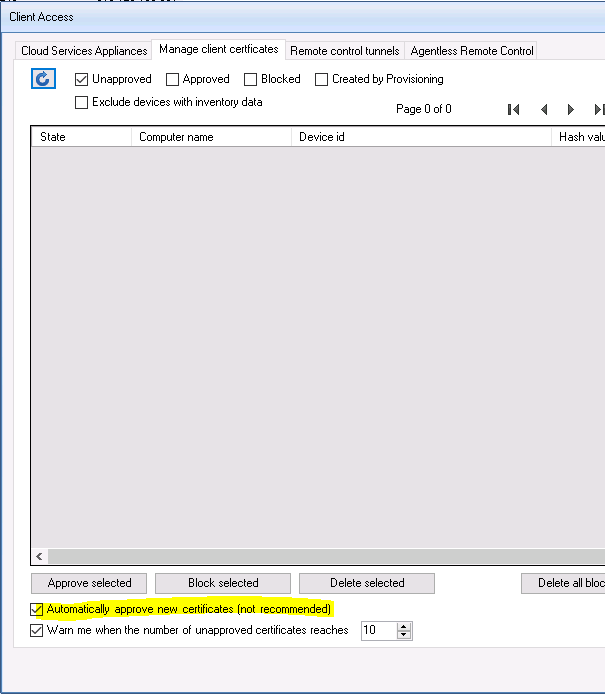

By default, with a new installation of EPM, the new client is not automatically approved, although client inventory is performed but not distributions
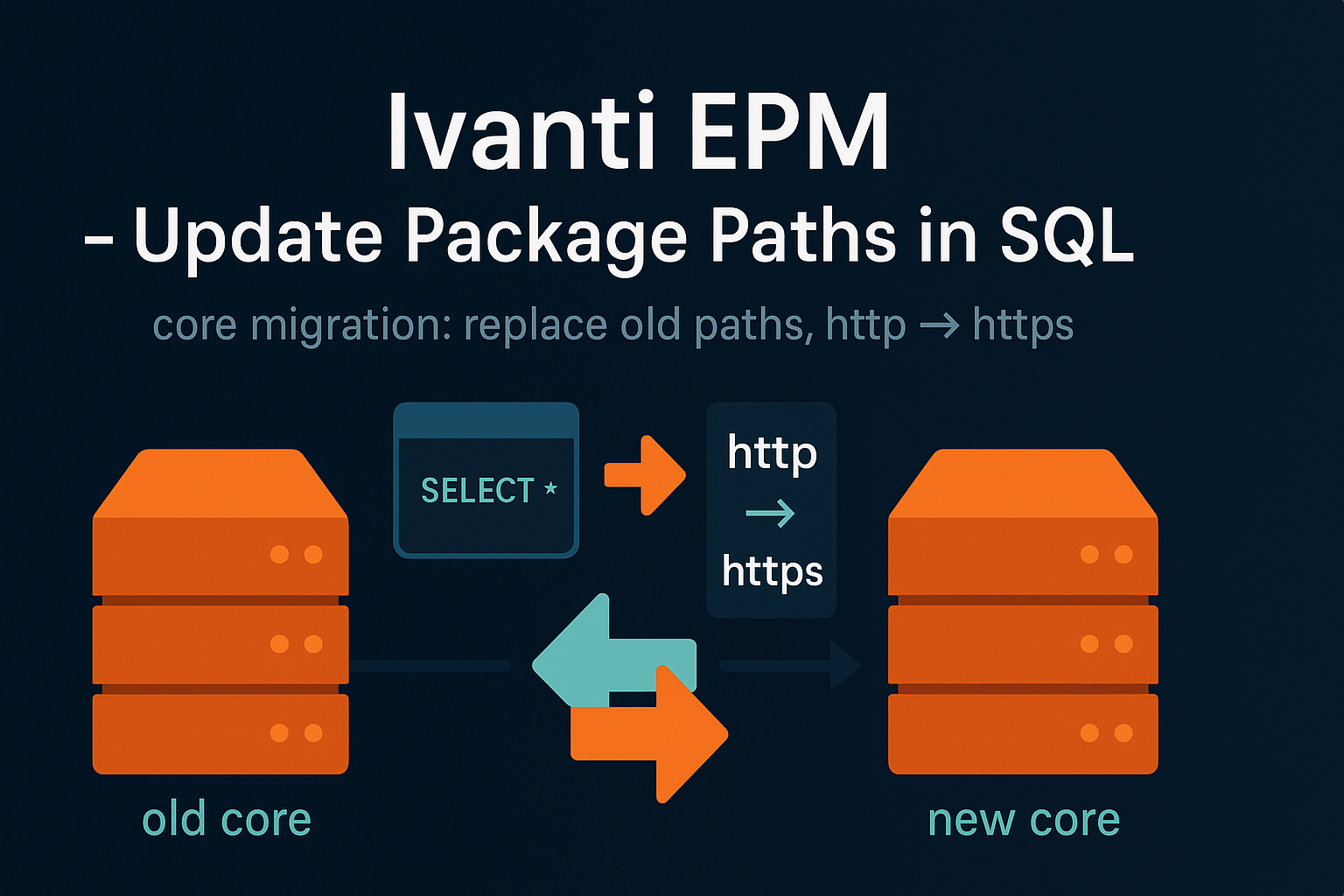
Update EPM package paths in SQL after core migration (server name changes, HTTP to HTTPS). Backup required.
CSA 5.0 setup: install on Oracle/RedHat,
link to download patch and release
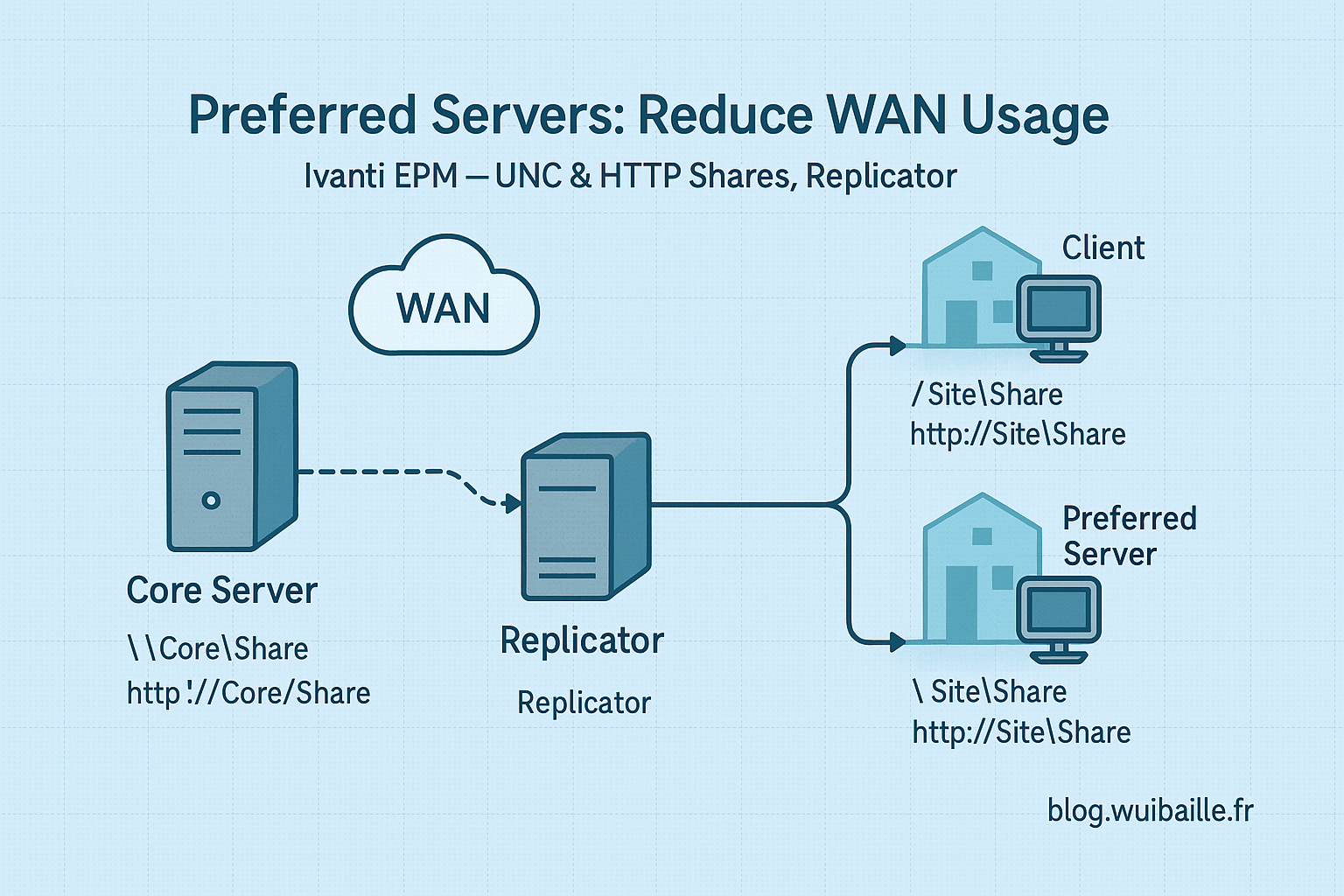
Set up preferred servers in EPM to optimize WAN usage, configure shares, accounts, replication, and server settings.
Script to connect to Ivanti databases and generate HTML reports automatically.
Learn how to search applications, manage licenses, and configure automatic uninstall in LANDESK
