Introduction
In Tanium Account, the main areas used during tenant administration are Artifacts, Network Egress, and SAML2 authentication. This document focuses on those areas and on the configuration of Microsoft Entra ID for SSO.
Artifacts
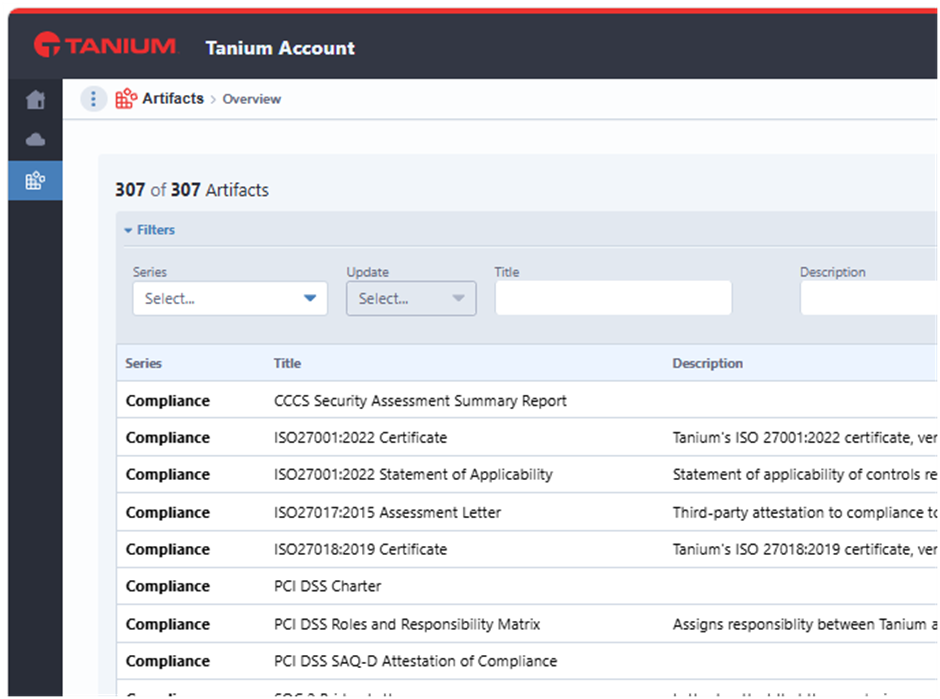
In Artifacts, you can find Tanium documentation and downloadable content, including resources related to on-premises versions.
Network Egress
Menu path: Tanium Account -> Cloud Instances -> Network Egress
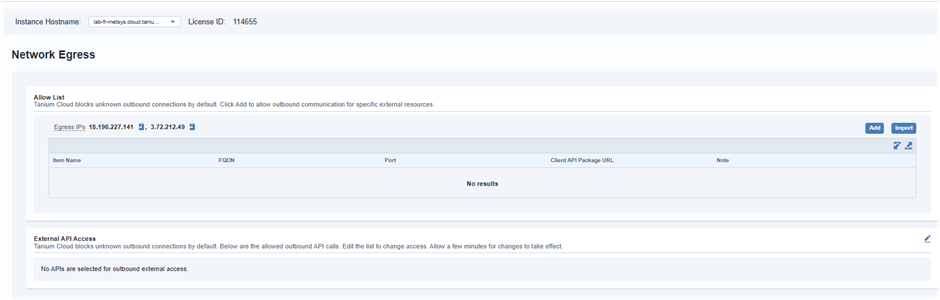
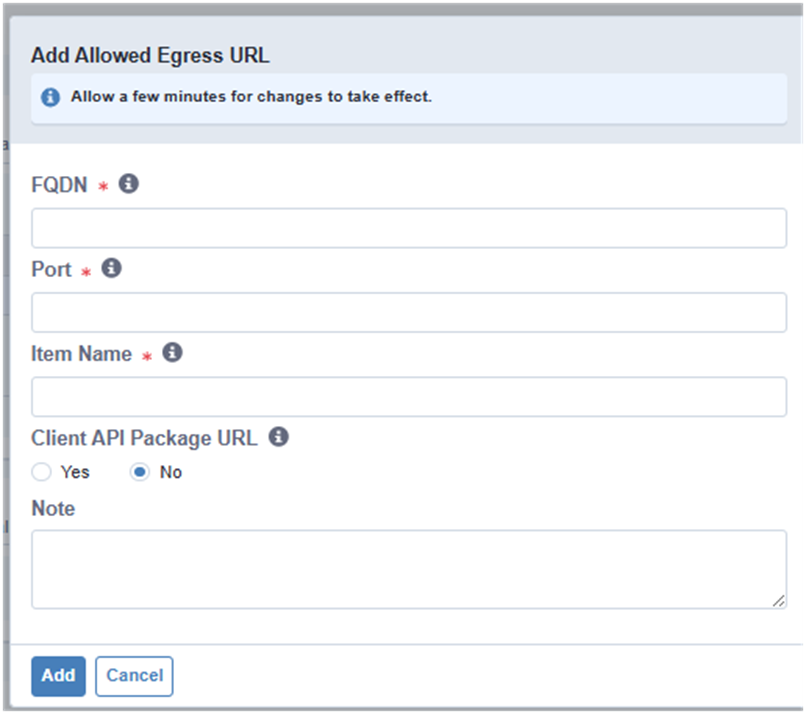
In Network Egress, you can add the external URLs that are authorized for outbound communication from the tenant. Add new entries only when they are required by a real use case.
SAML2 Authentication
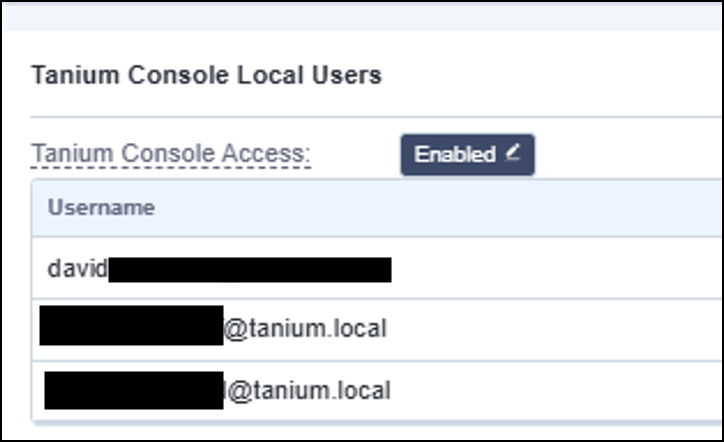
Local account
you can configure local account (Max 5)
Entra ID
For SAML2 authentication, this example uses Microsoft Entra ID.
You can keep a local account on the tenant for fallback administration, and you can configure one or more SSO providers for tenant console access.
Create the SSO Configuration in Tanium
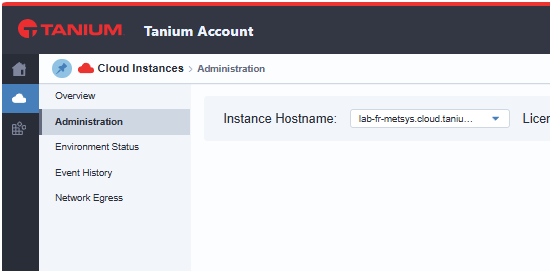
Menu path: Tanium Account -> Cloud Instances -> Administration -> Add IDP
- in the Cloud Instance Configuration.
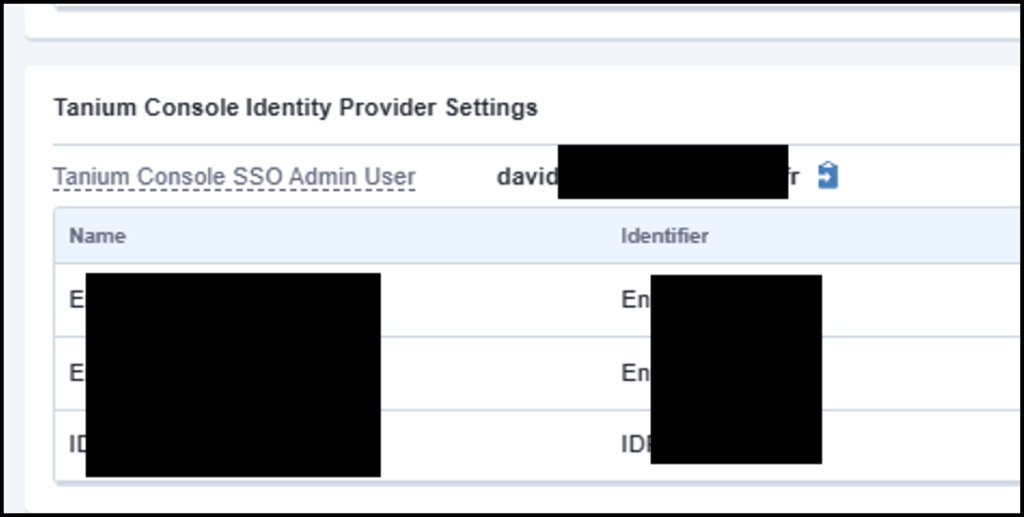
- Add a new Tanium Console Identity Provider Settings
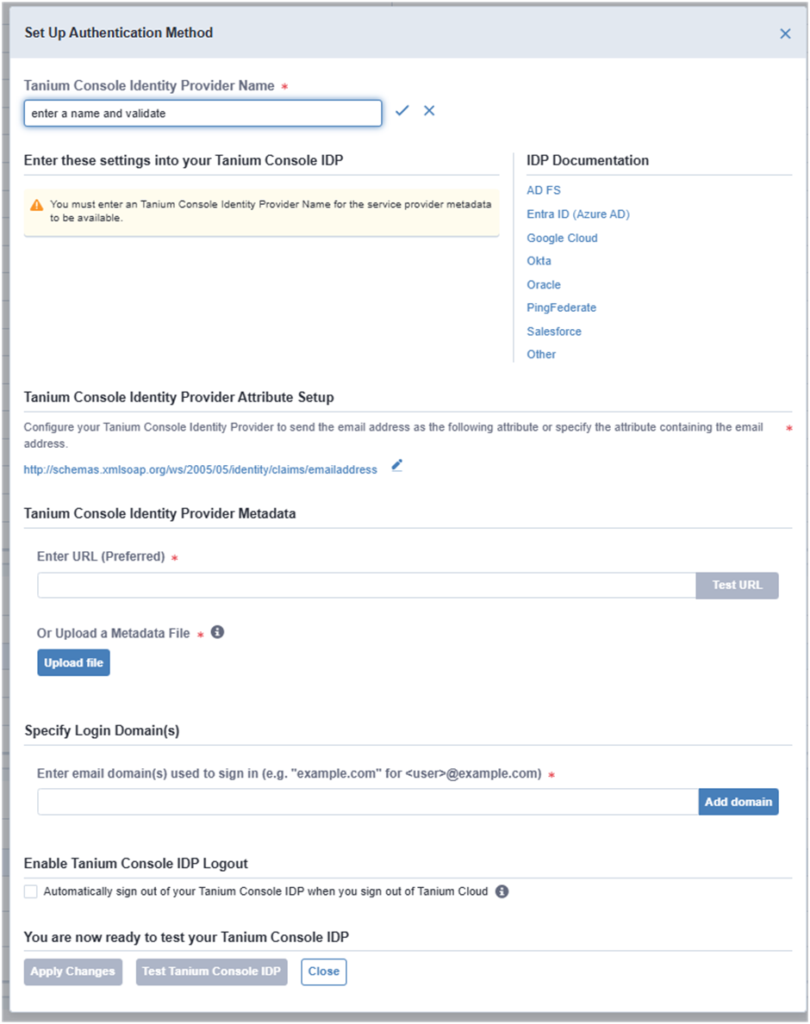
- After enter a name, Tanium generate the XML configuration file from Tanium.
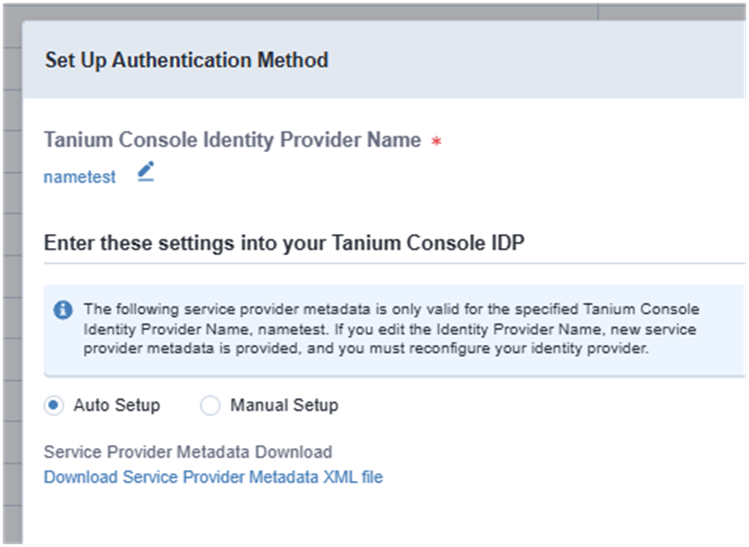
Download XML file
Configure the Tanium SSO Application in Entra ID
- Open Microsoft Entra ID.
- Add the Tanium SSO application.
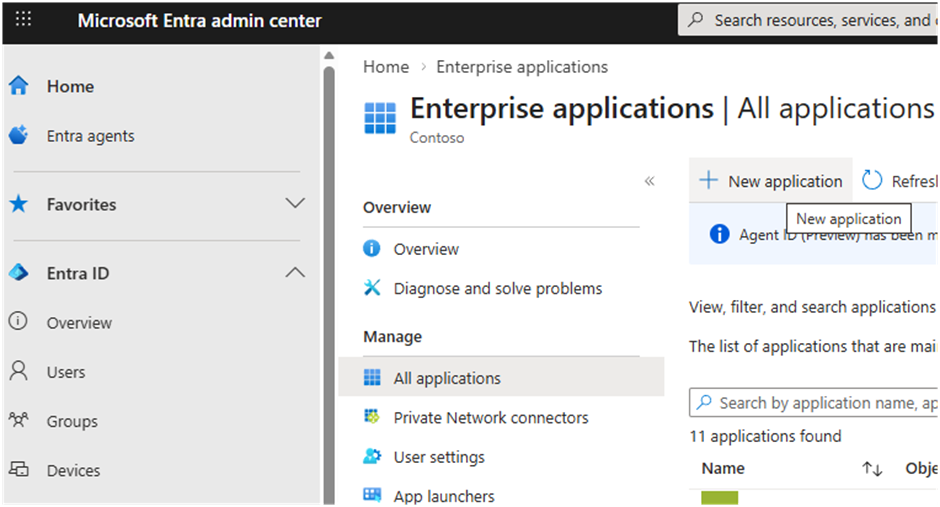
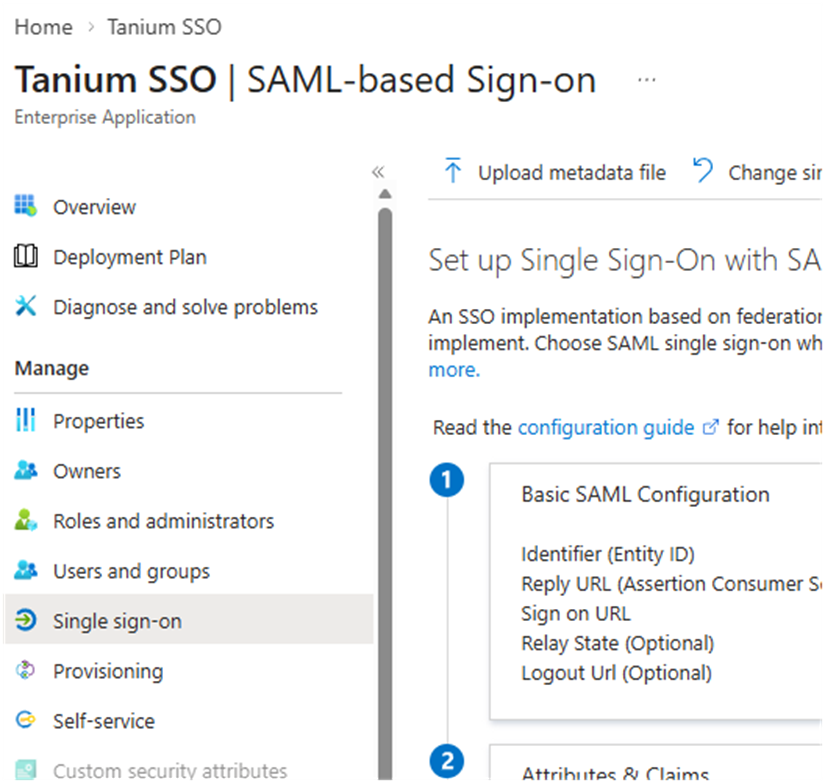
- Upload the XML file generated from Tanium.
- Copy the App Federation Metadata URL.
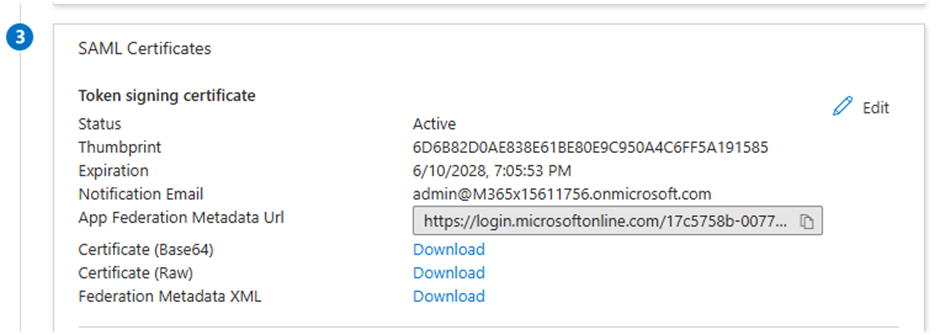
Return the Metadata to Tanium
- Return to the SAML2 configuration in Tanium.
- Paste the metadata URL from Entra ID.
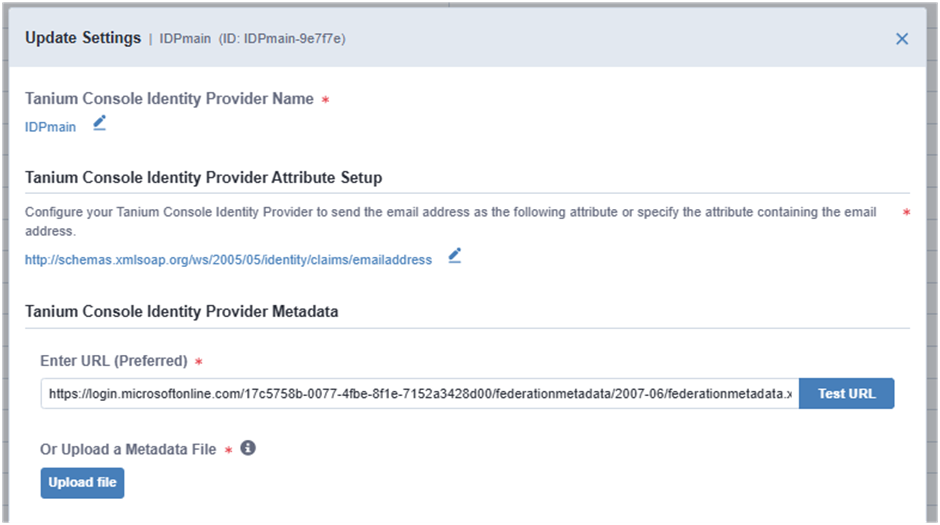
- Validate the configuration.
Useful complement: check the email claim in the attribute setup before applying the configuration.
Assign Users
- Assign the required users or groups to the Tanium SSO application in Entra ID.
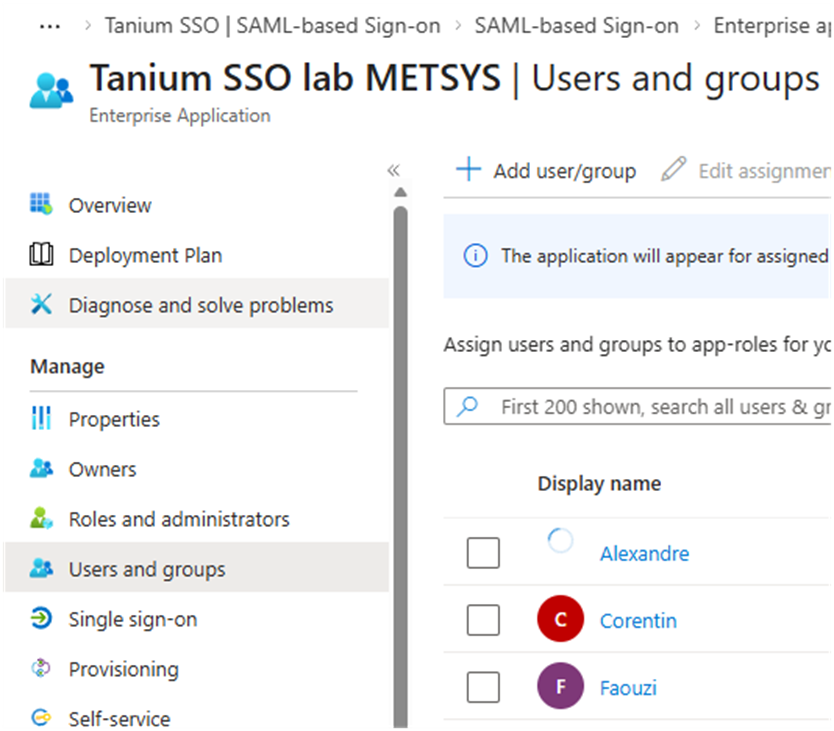
- Apply the configuration in Tanium.
- Test the identity provider.
Users who sign in through SSO are placed in the default user group.