Install Tanium Client (on premise)
This guide shows how to download the required files from the Tanium Console, update the installation command, and validate that the endpoint is correctly registered.

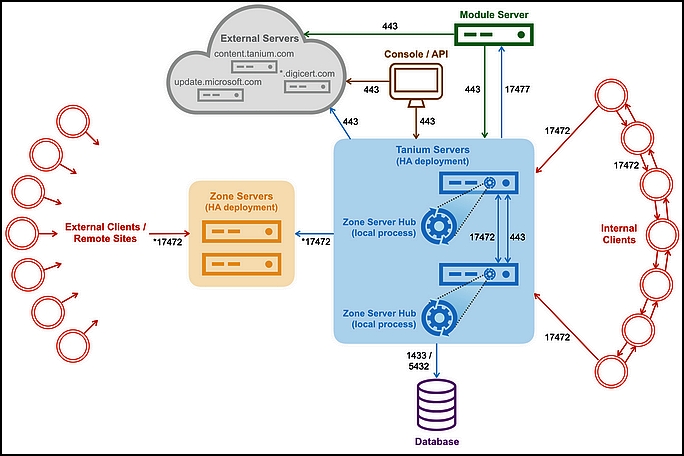
This guide shows how to download the required files from the Tanium Console, update the installation command, and validate that the endpoint is correctly registered.
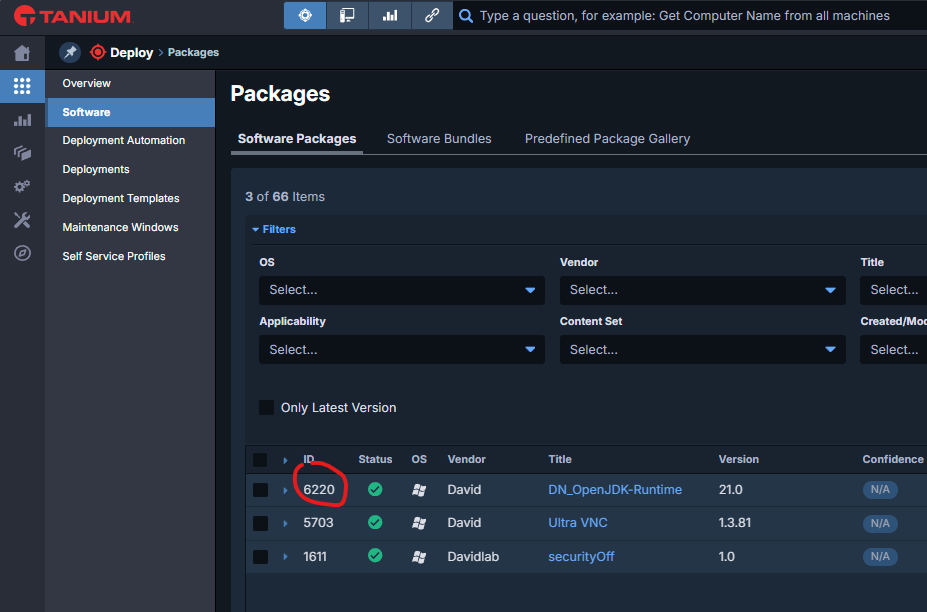
Quick troubleshooting guide for Tanium deployment issues:
check deployment status, package eligibility, custom tags, action locks, maintenance windows, and tool versions.

Get help resolving patch deployment errors: check .NET Framework update classifications, scan status and age in Tanium Patch, and fix issues by reinstalling Patch tools or resetting the Windows Update Agent. Use the correct commands (DISM, wusa) for installing Windows updates.
how to generate SSH keys with PuTTYgen, connect to a TanOS appliance over SSH
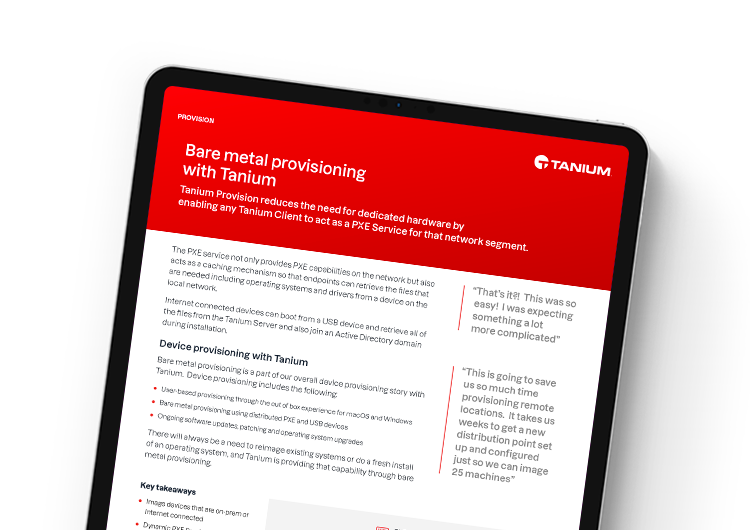
Create a provisioning with tanium. Use a web service to get computername