Skip to content
LeBlogOSD
Linkedin Github
  • Home
  • AdministrationExpand
    • Bios & Drivers
    • Master
    • Packaging
    • Tools
    • Security
    • Scripts
    • Infra
  • MDMExpand
    • EPM
    • Intune
    • MDT
    • Quest SMA
    • Quest SDA
    • Desktop Authority
    • Xtraction
    • SCCM
    • Tanium
    • Rundeck
    • WSUS
  • Favoris
  • Contact
LeBlogOSD
  • Configure a Windows 10 as a Self-Service Kiosk
    Master

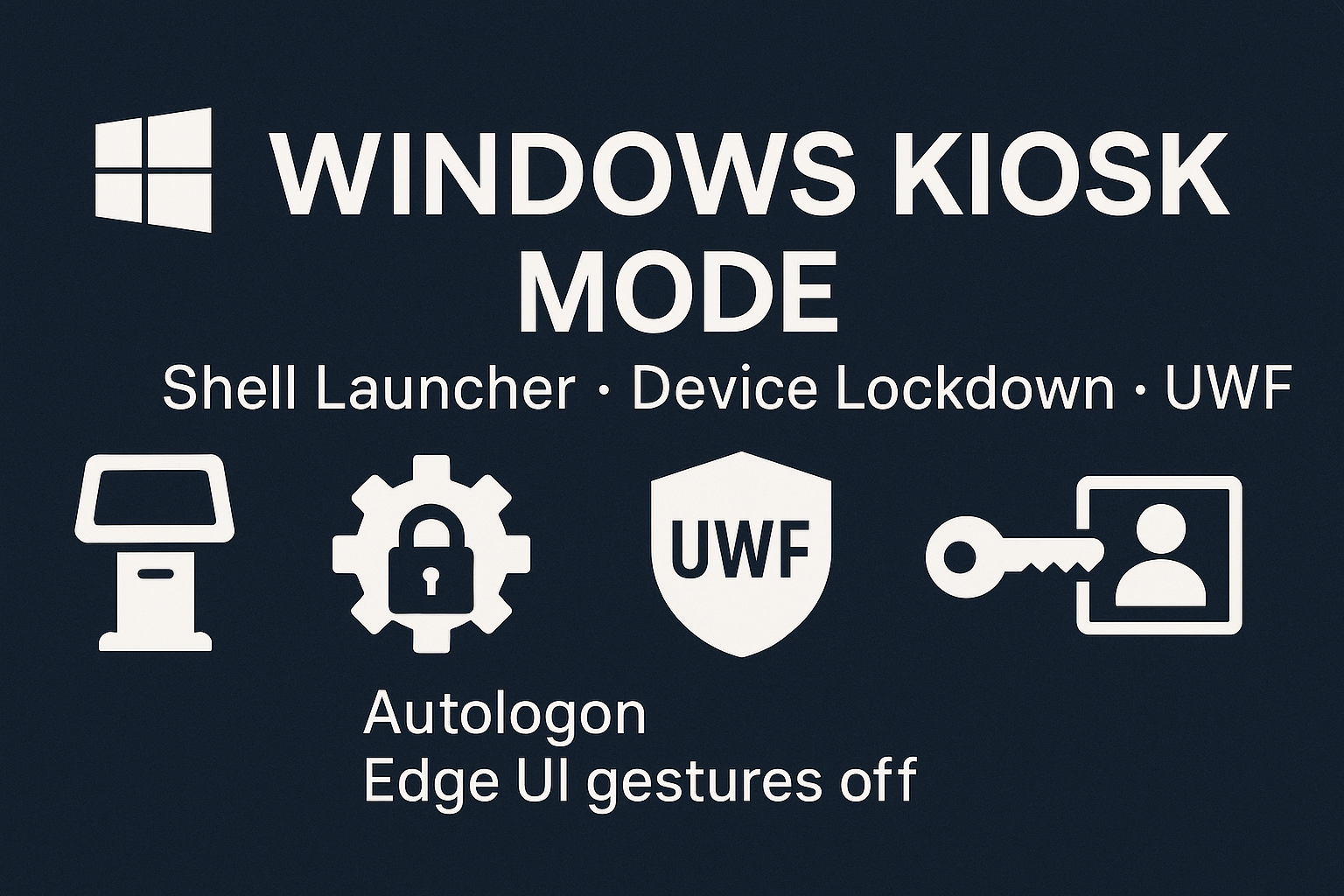
    Configure a Windows 10 as a Self-Service Kiosk

    Bydavid 26/05/202426/08/2025

    Enable Windows 10 Enterprise or LTSC embedded features, set a Shell Launcher, block touch gestures, and configure autologon.

    Read More Configure a Windows 10 as a Self-Service KioskContinue

  • How to Manage Multilingual Installation Sources in Windows 10
    Master

    How to Manage Multilingual Installation Sources in Windows 10

    Bydavid 26/05/202425/08/2025

    Learn how to create a multilingual installation source for Windows 10 1903 and later. This guide provides detailed steps to add language packs, local experience packs, and optional features to your installation media.

    Read More How to Manage Multilingual Installation Sources in Windows 10Continue

  • Create a Mandatory User Profile in Windows 10
    Master

    Create a Mandatory User Profile in Windows 10

    Bydavid 26/05/202426/08/2025

    Create a mandatory user profile in Windows 10: run sysprep, copy the default profile, rename ntuser.dat to ntuser.man, and apply Group Policies
    Read More Create a Mandatory User Profile in Windows 10Continue

  • How to View Installation History on Windows 10 Using PowerShell
    Scripts

    How to View Installation History on Windows 10 Using PowerShell

    Bydavid 26/05/202425/08/2025

    Learn how to view the installation history on Windows 10 using PowerShell. This guide provides a script to retrieve and display the history of application and patch installations via the Reliability Monitor, including remote access capabilities.
    Read More How to View Installation History on Windows 10 Using PowerShellContinue

  • Create a Bootable USB Drive from an ISO
    Master

    Create a Bootable USB Drive from an ISO

    Bydavid 23/05/202431/08/2025

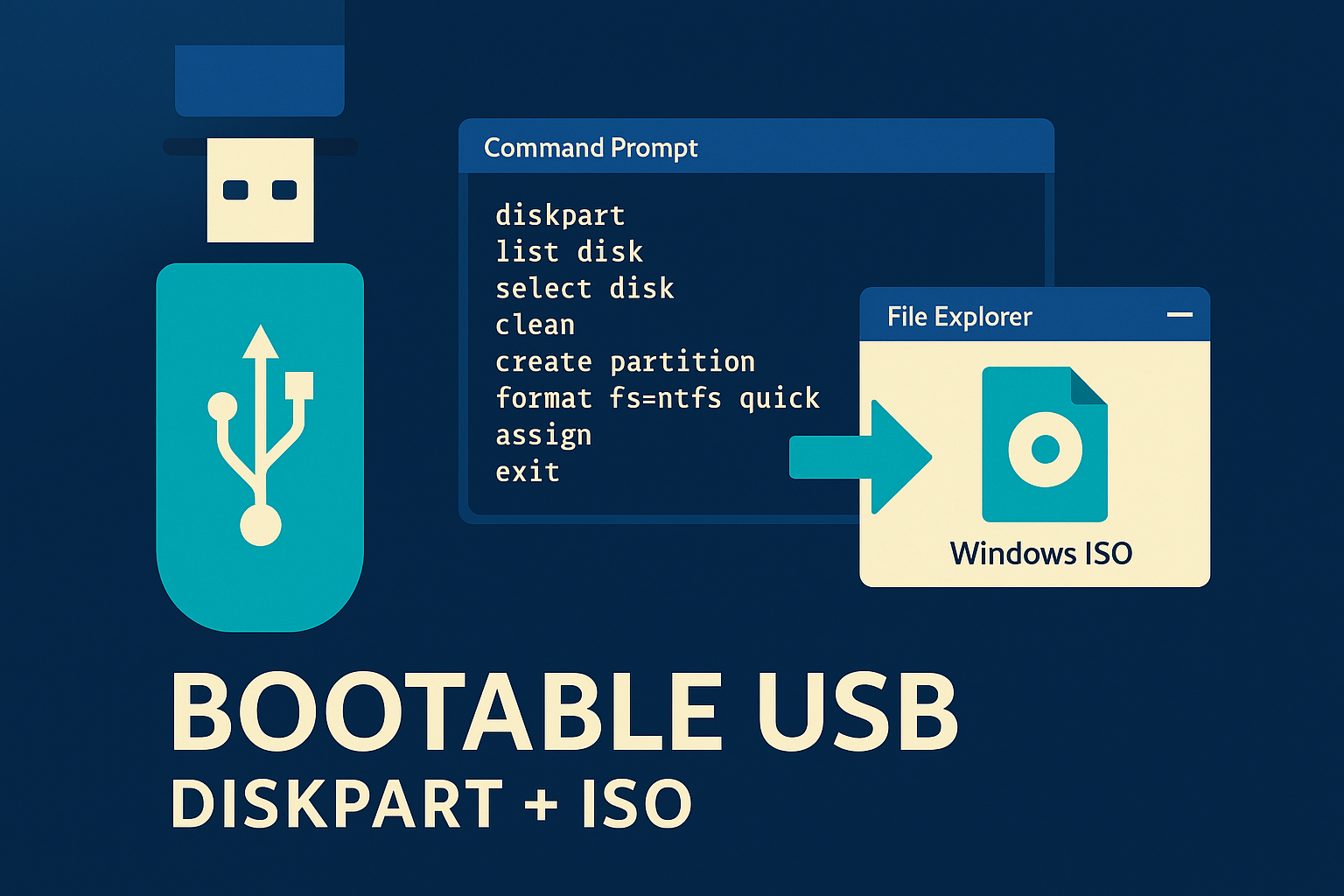
    Create a bootable USB drive from a Windows 10 or WinPE ISO using DiskPart and File Explorer.
    Read More Create a Bootable USB Drive from an ISOContinue

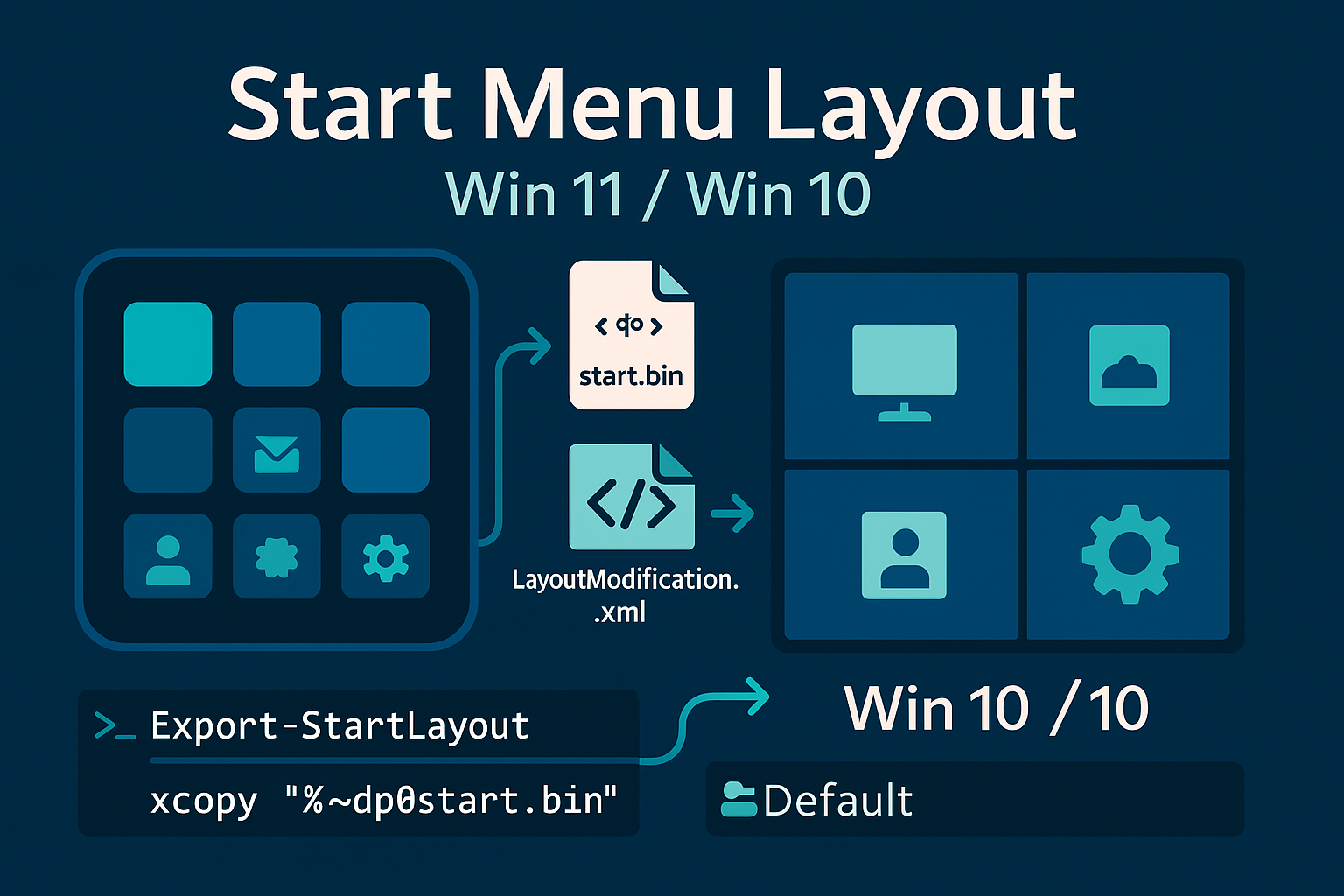
  • Configure default start menu for windows 11
    Master

    Configure default start menu for windows 11

    Bydavid 26/07/202331/08/2025

    Configure the default start menu in Windows 11 by pinning desired shortcuts.
    Read More Configure default start menu for windows 11Continue

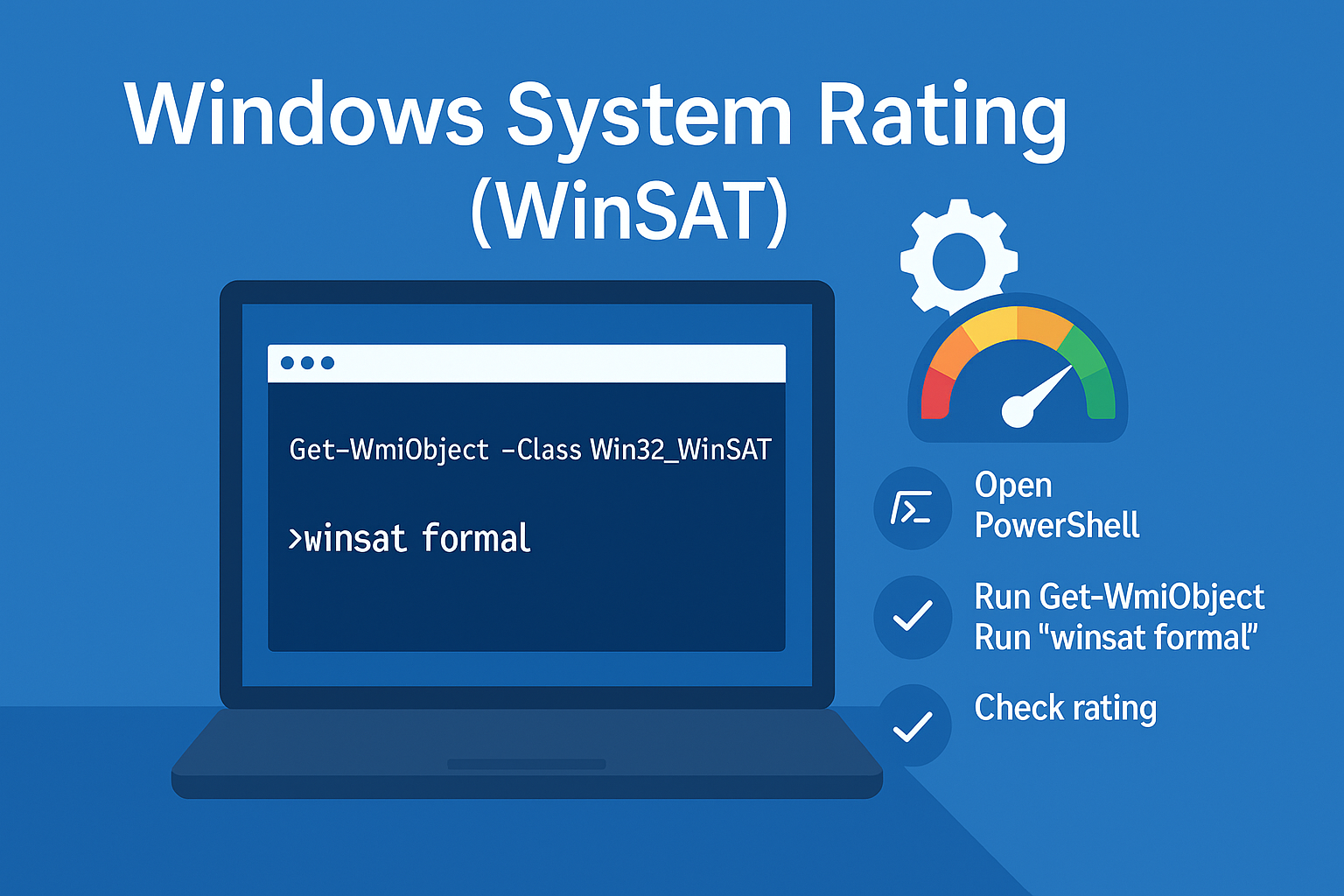
  • Retrieve Windows 10 System Rating
    Master

    Retrieve Windows 10 System Rating

    Bydavid 26/07/202331/08/2025

    Retrieve the Windows 10 system rating using PowerShell. Utilize the Win32_WinSAT class
    Read More Retrieve Windows 10 System RatingContinue

  • Setting Up Automatic Login in Windows 10
    Master

    Setting Up Automatic Login in Windows 10

    Bydavid 16/07/202331/08/2025

    Automatic login in Windows 10 using both PowerShell and the Windows Registry.
    Read More Setting Up Automatic Login in Windows 10Continue

  • Driver Installation Tools
    Bios & Drivers

    Driver Installation Tools

    Bydavid 08/05/202325/08/2025

    Driver installation with Pnputil, Dpinst
    Read More Driver Installation ToolsContinue

  • Changing Windows Release
    Quest SMA

    Changing Windows Release

    Bydavid 09/04/202330/08/2025

    Managing Windows release changes using the KACE Systems Management Appliance (SMA).

    Read More Changing Windows ReleaseContinue

  • Home
  • Administration
    • Bios & Drivers
    • Master
    • Packaging
    • Tools
    • Security
    • Scripts
    • Infra
  • MDM
    • EPM
    • Intune
    • MDT
    • Quest SMA
    • Quest SDA
    • Desktop Authority
    • Xtraction
    • SCCM
    • Tanium
    • Rundeck
    • WSUS
  • Favoris
  • Contact
Search