bypass Hardware restriction with Flyby11
Bypass Windows 11 hardware restrictions easily using FlyBy11
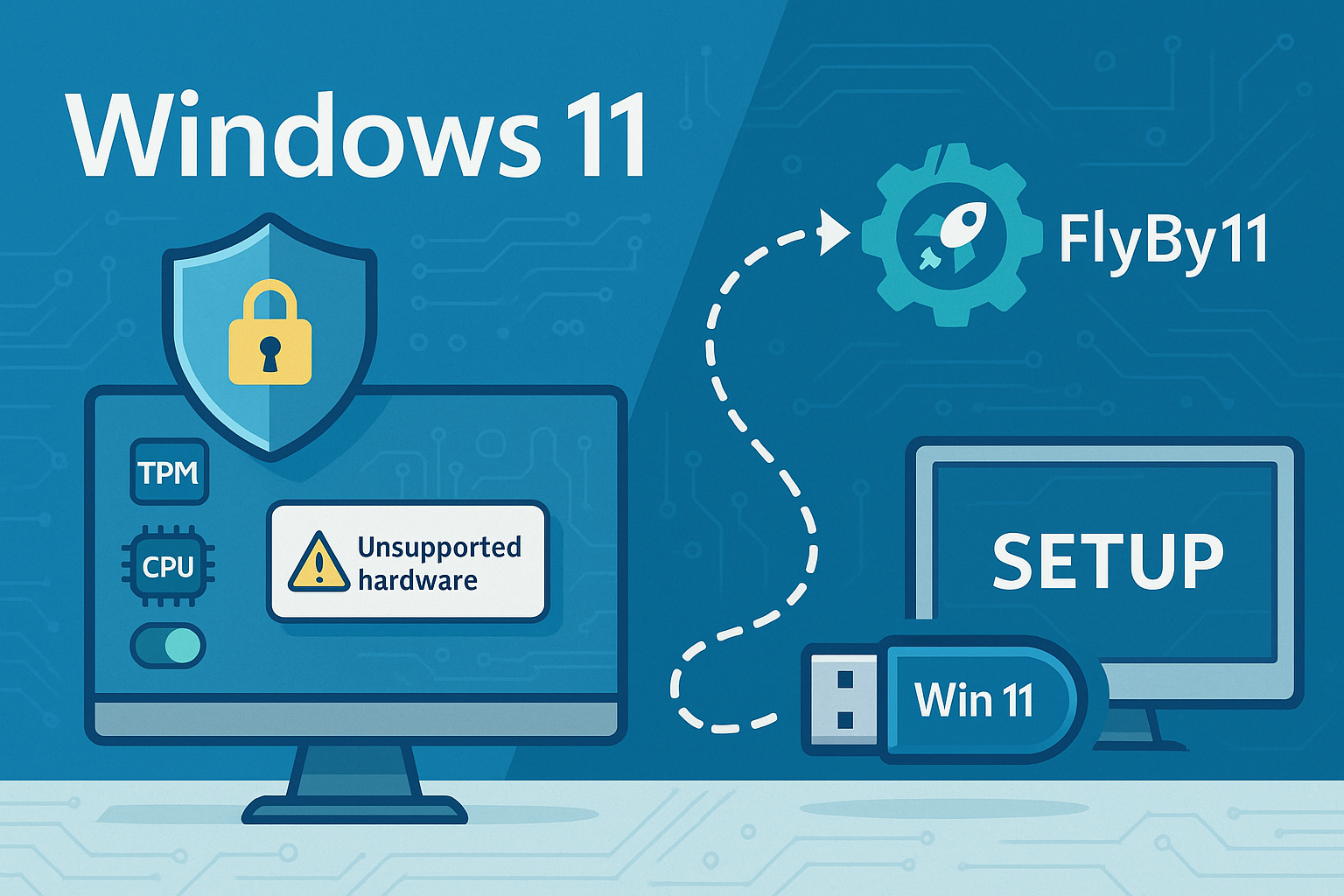
Bypass Windows 11 hardware restrictions easily using FlyBy11
Windows 10 IoT Licencing by processor
Use ProvisionningCommands to install application on PPKG
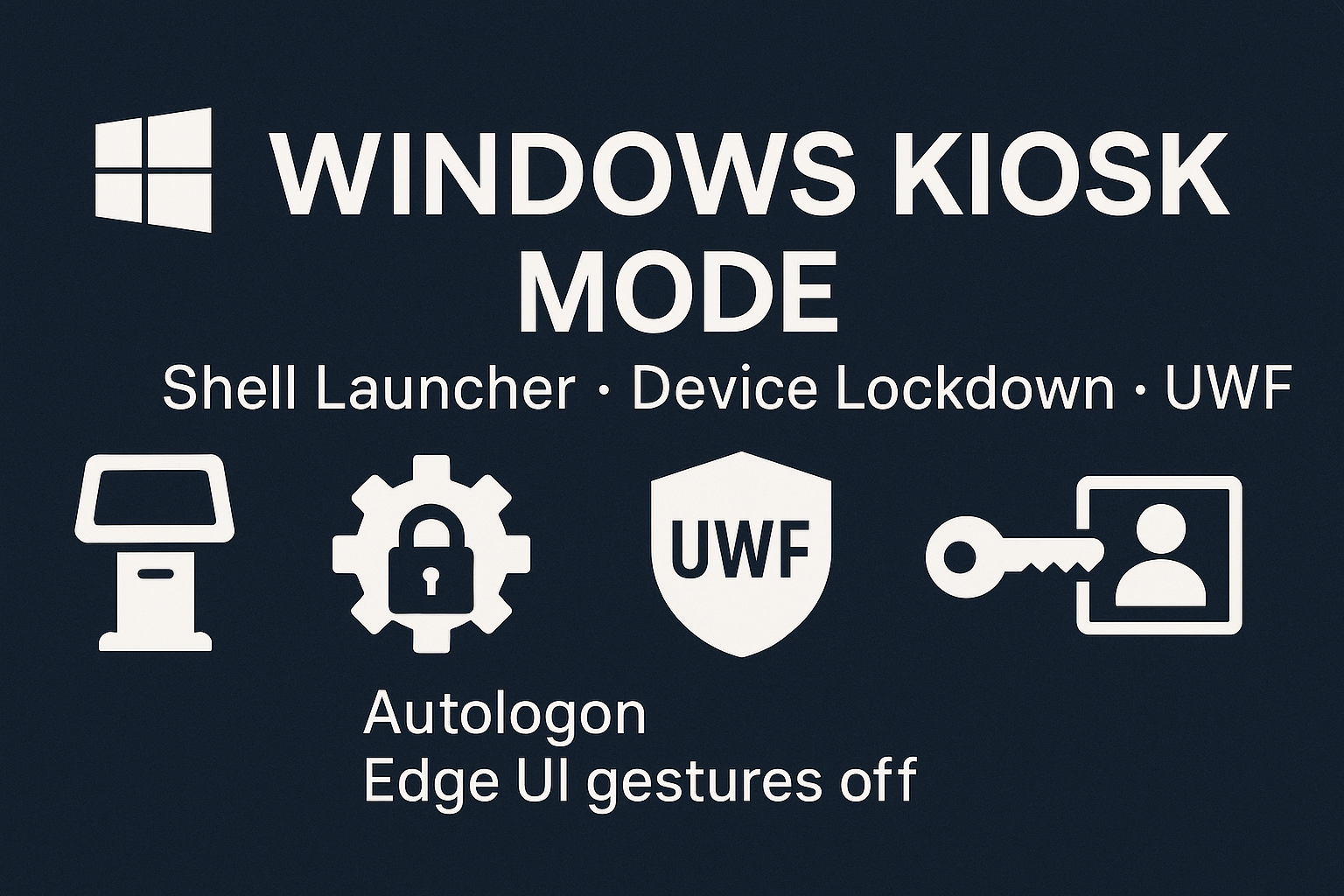
Enable Windows 10 Enterprise or LTSC embedded features, set a Shell Launcher, block touch gestures, and configure autologon.
Learn how to create a multilingual installation source for Windows 10 1903 and later. This guide provides detailed steps to add language packs, local experience packs, and optional features to your installation media.

Create a mandatory user profile in Windows 10: run sysprep, copy the default profile, rename ntuser.dat to ntuser.man, and apply Group Policies
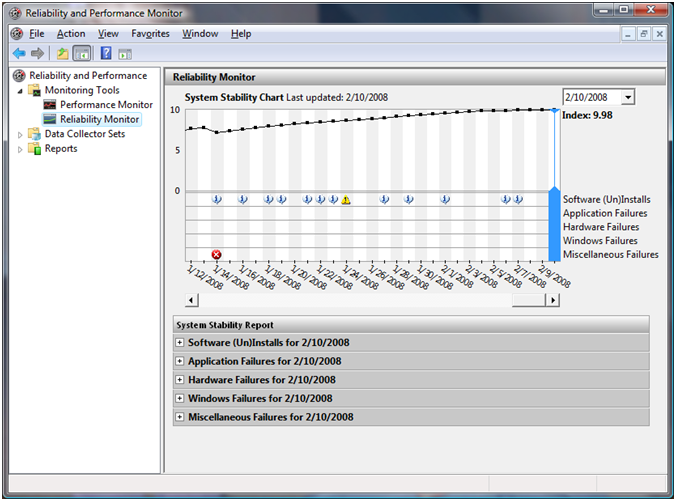
Monitor system stability in Windows with Reliability Monitor
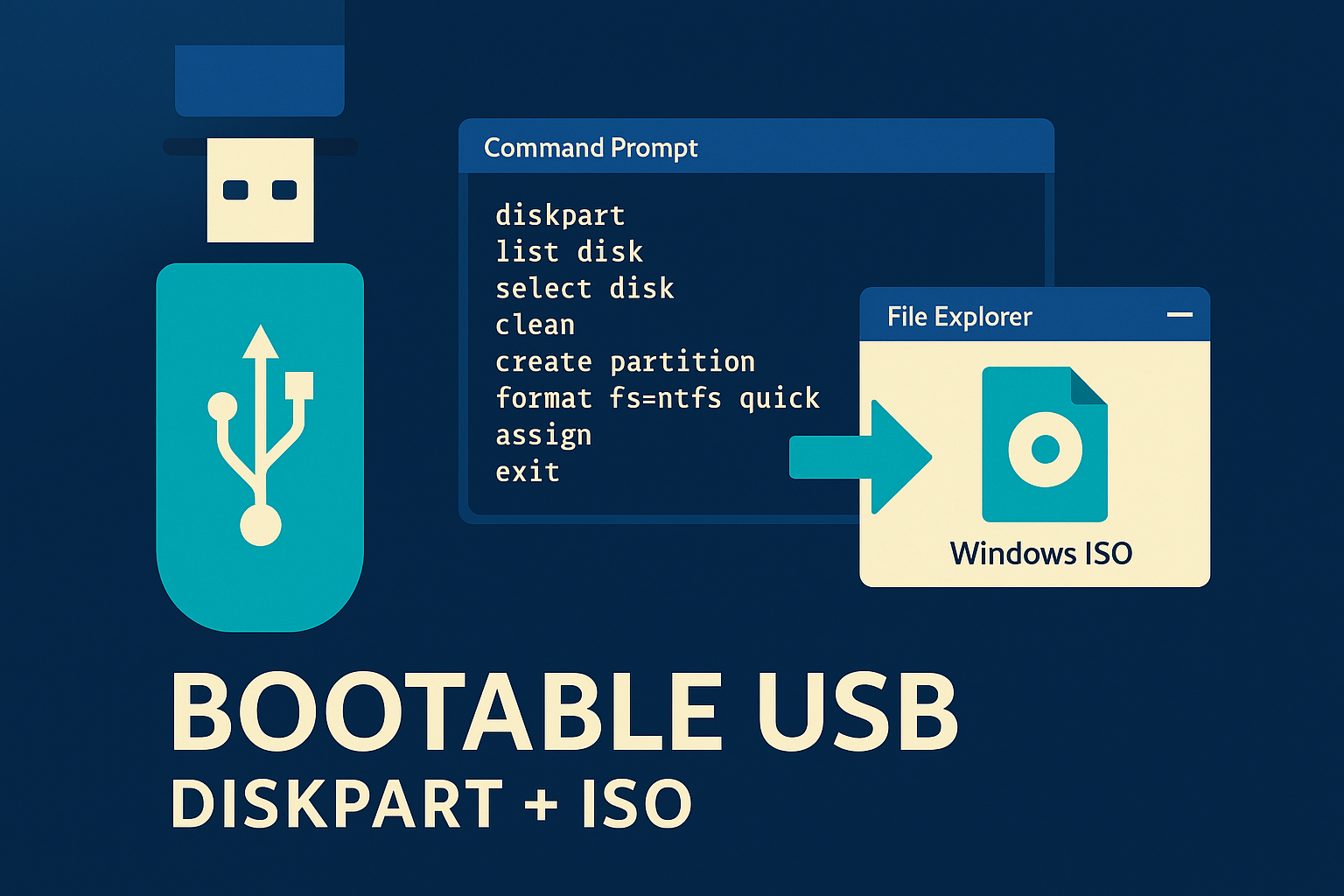
Create a bootable USB drive from a Windows 10 or WinPE ISO using DiskPart and File Explorer.

Use MBR2GPT to convert your disk to GPT, enabling UEFI mode and Secure Boot for Windows 11.
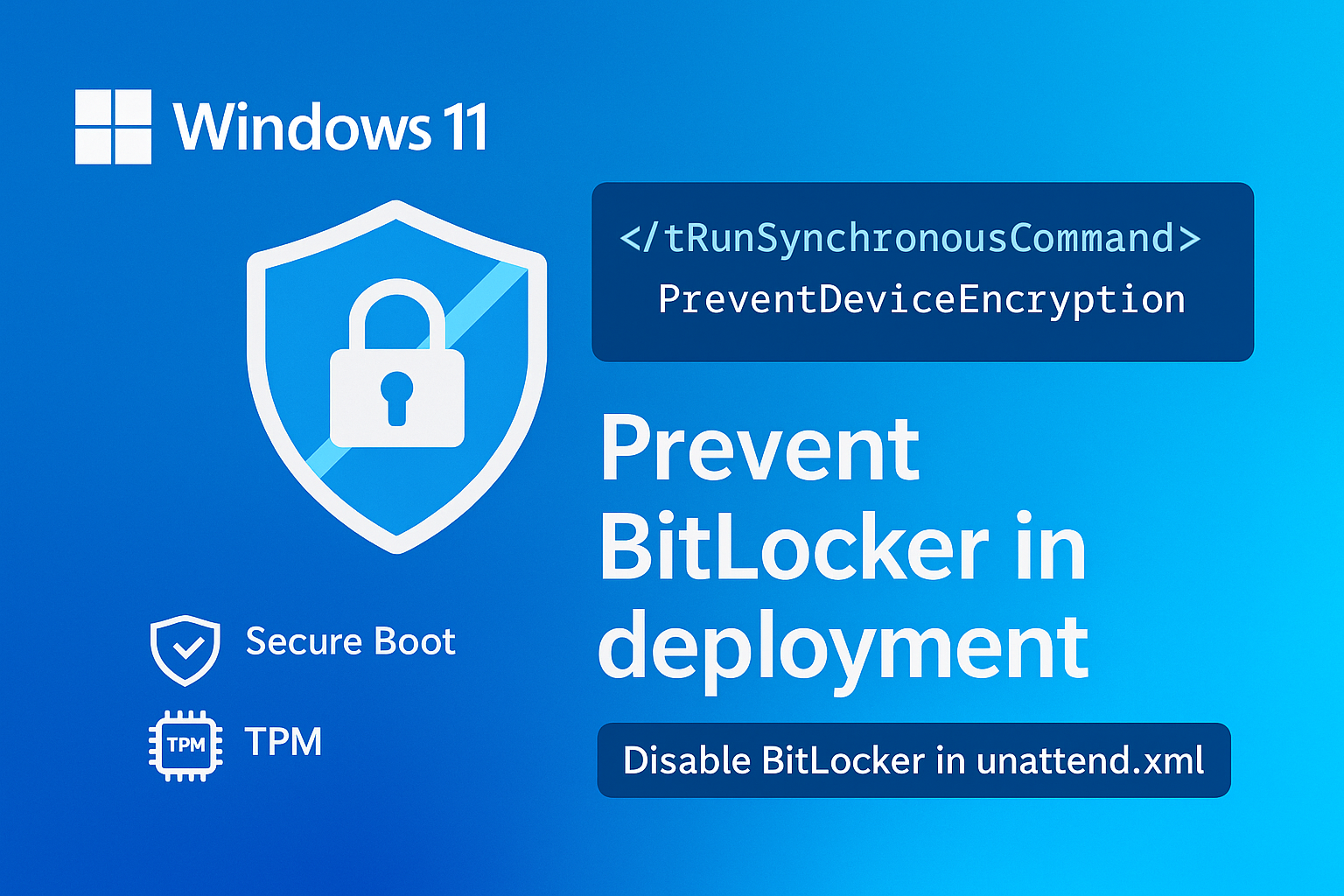
Prevent BitLocker activation during Windows 11 deployment using an unattend.xml file.
customization of the Windows taskbar by script
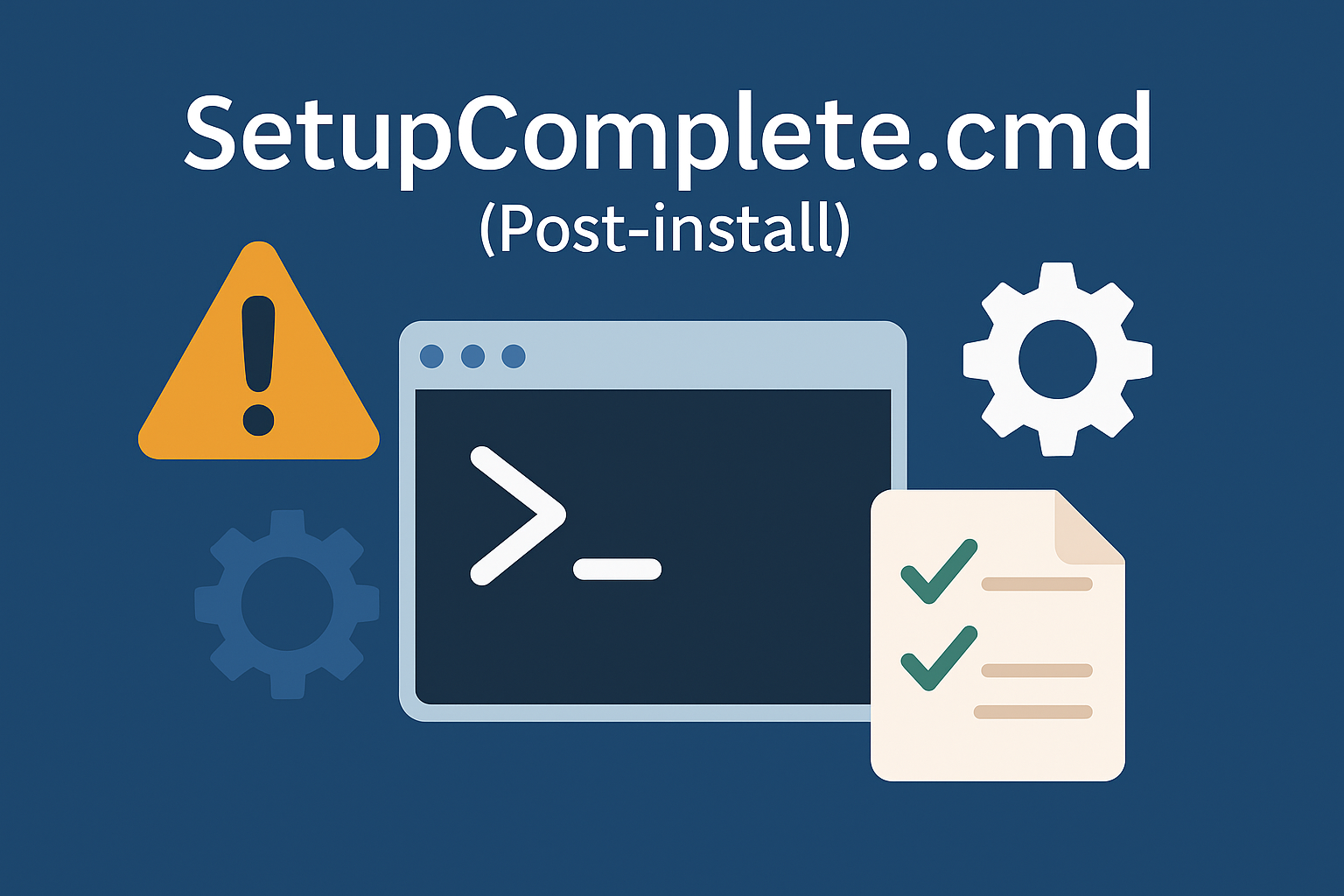
Dive into the nuances of the setupcomplete.cmd file, a traditional method for adding commands, and discover how it compares to unattend.xml.
Share a folder from your local hard drive using WinPE.
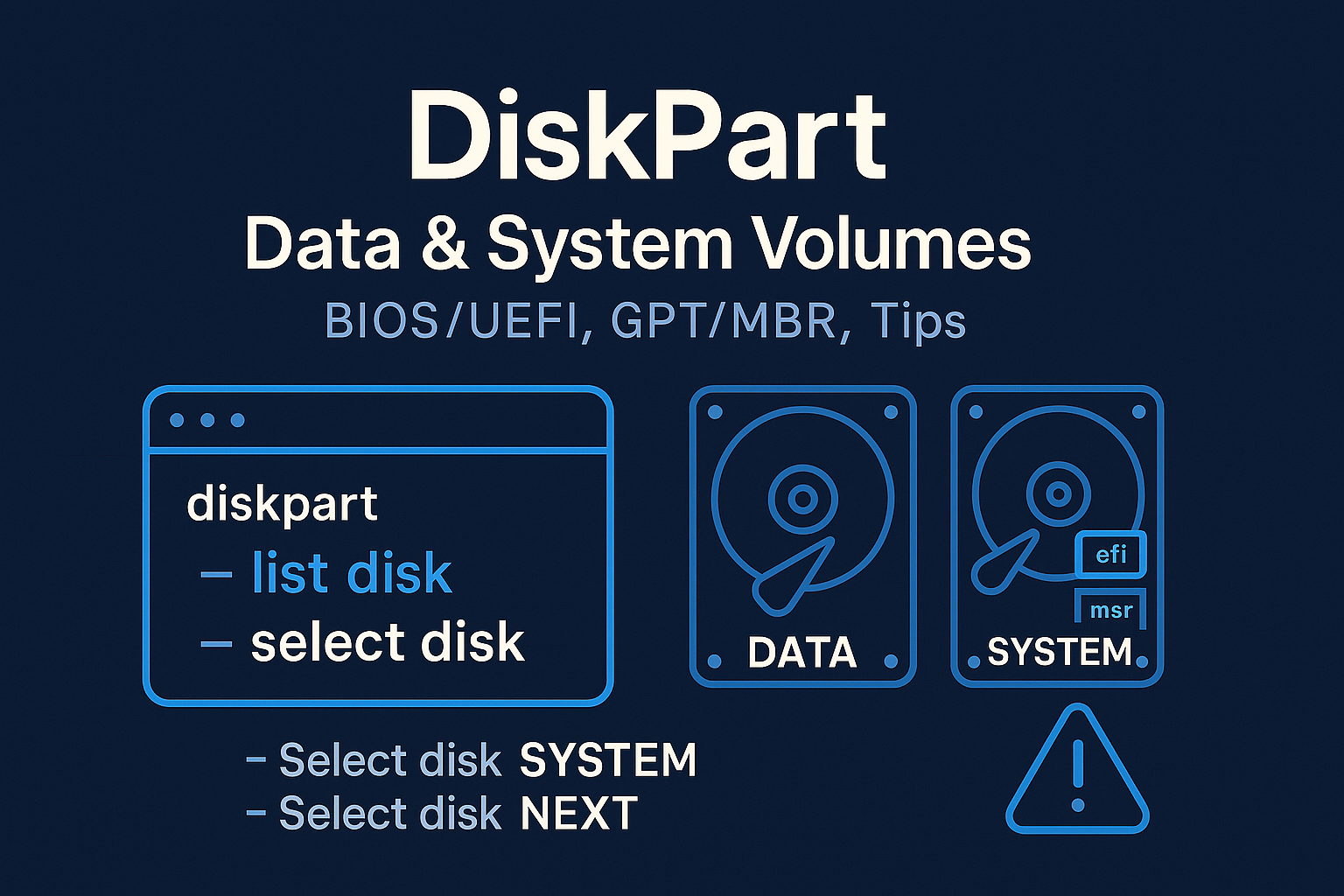
Manage multiple hard drives seamlessly with Diskpart.
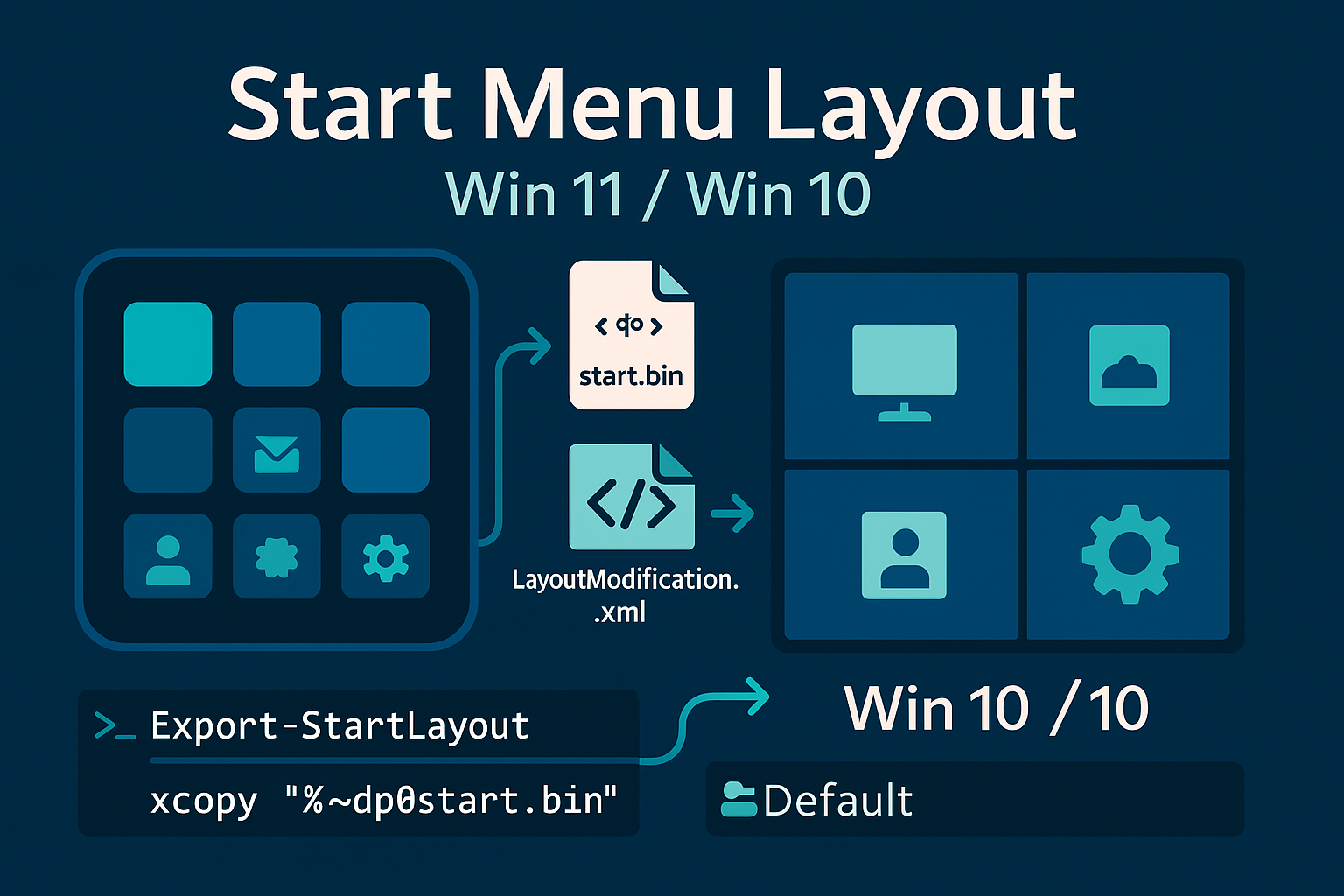
Configure the default start menu in Windows 11 by pinning desired shortcuts.
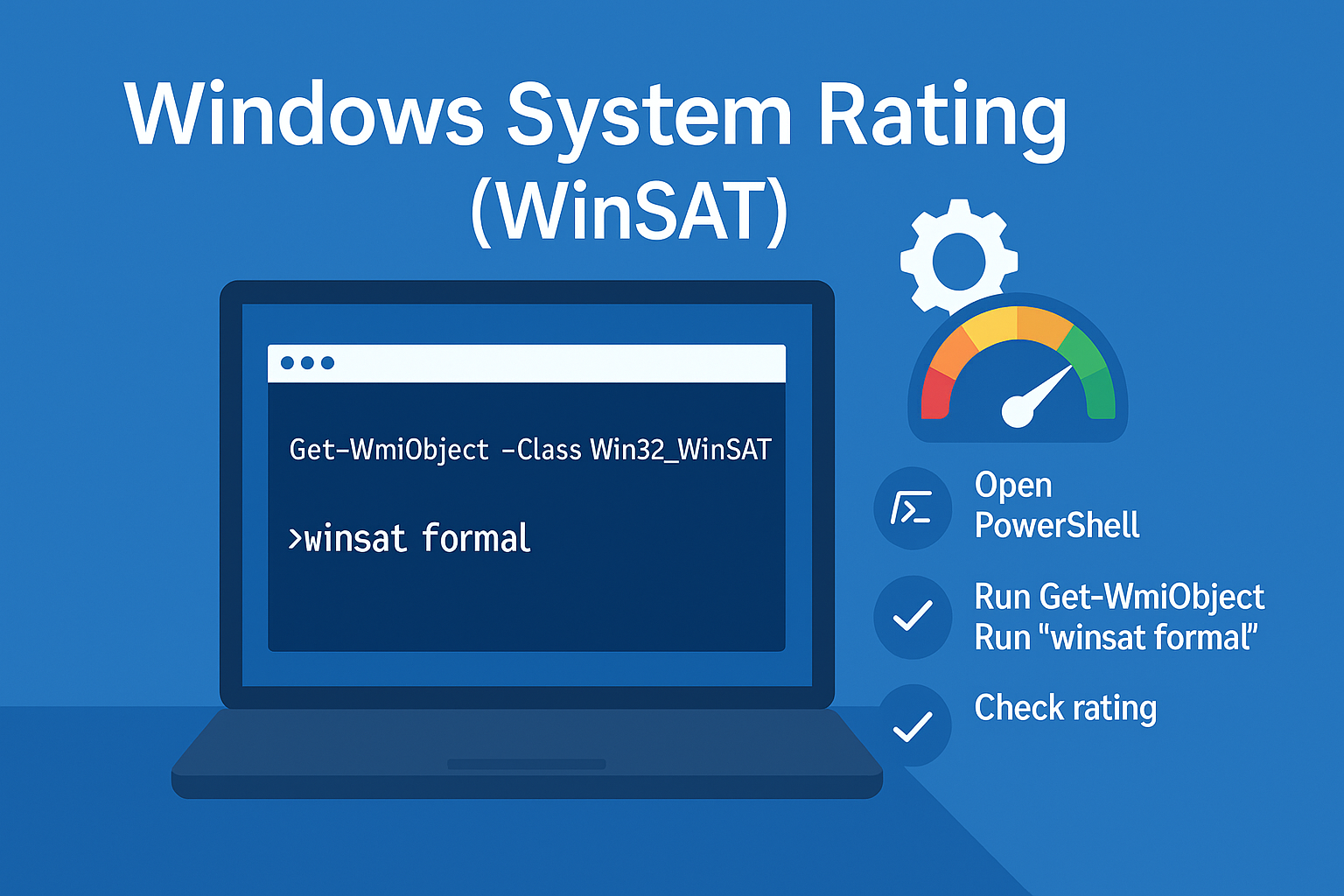
Retrieve the Windows 10 system rating using PowerShell. Utilize the Win32_WinSAT class
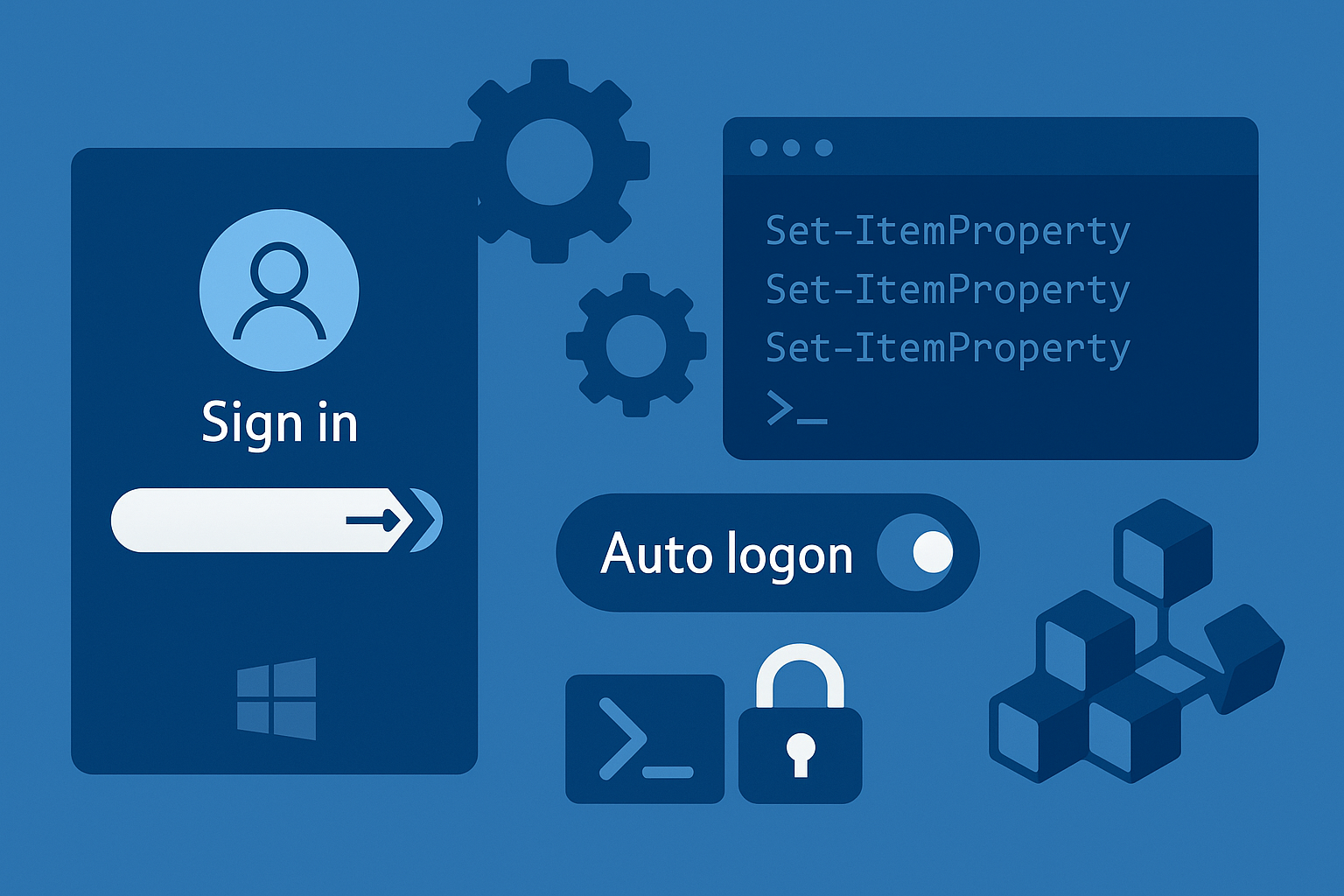
Automatic login in Windows 10 using both PowerShell and the Windows Registry.
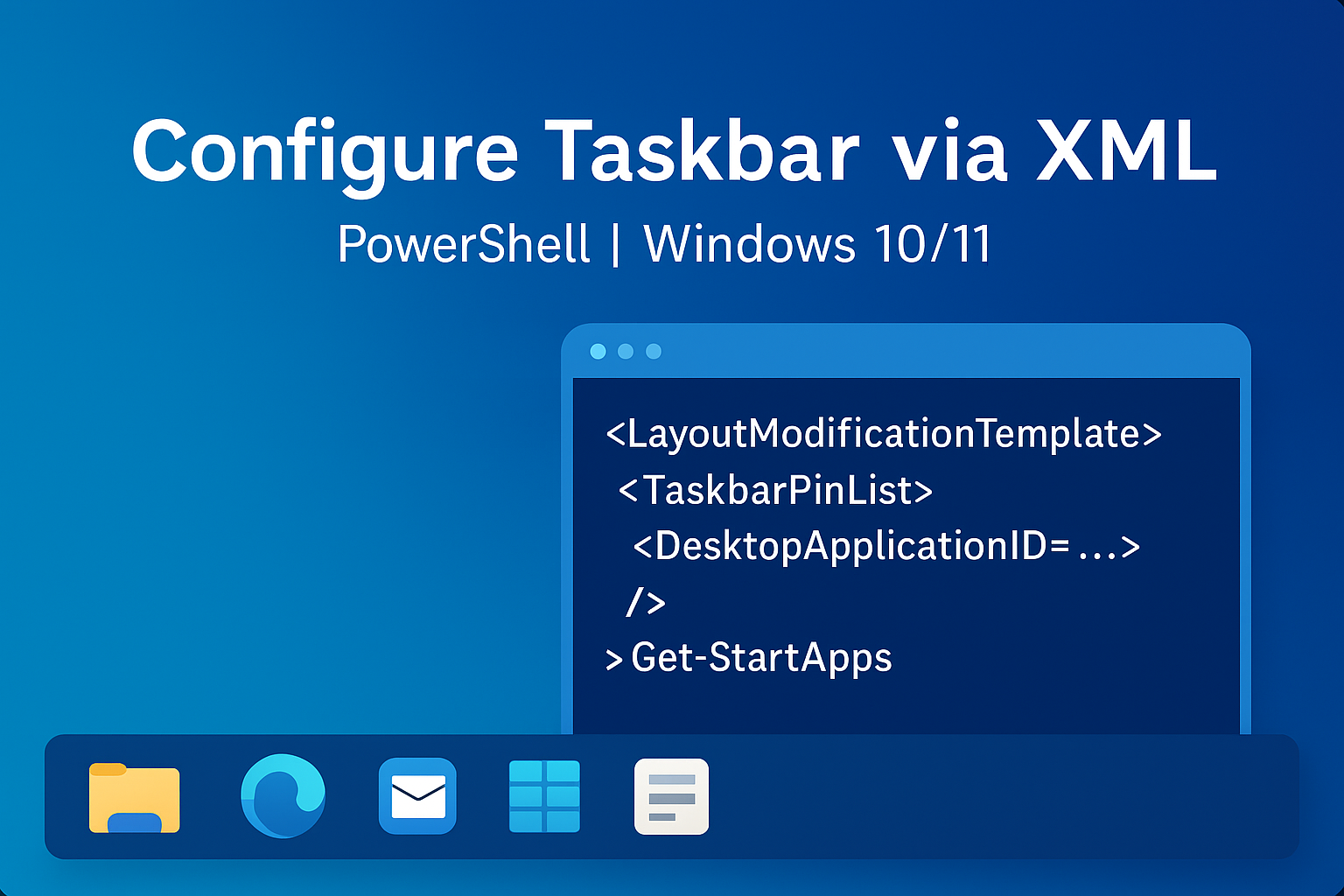
Configure and customize the taskbar in Windows 11 using scripts.
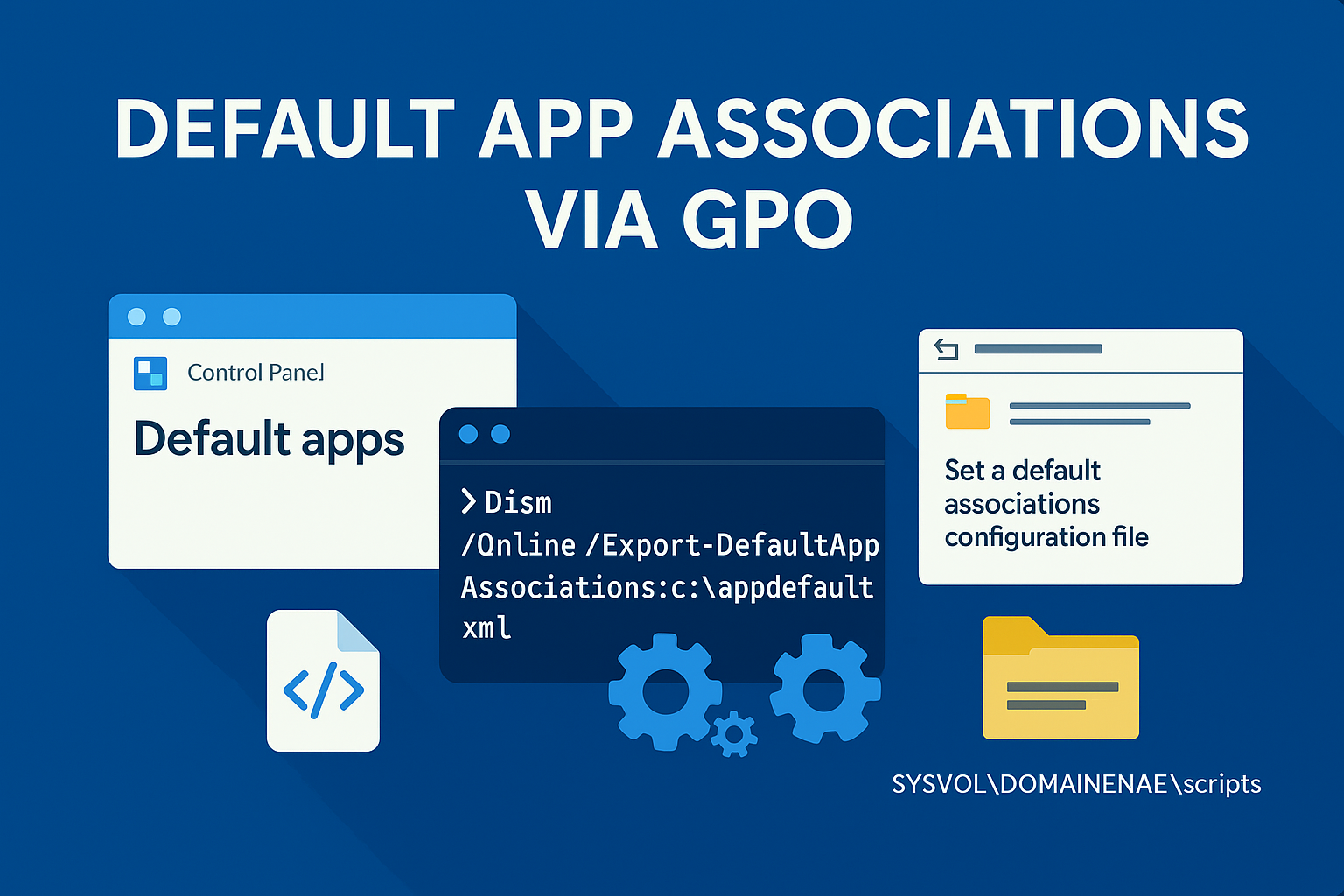
Export and manually configure default applications on Windows 11.
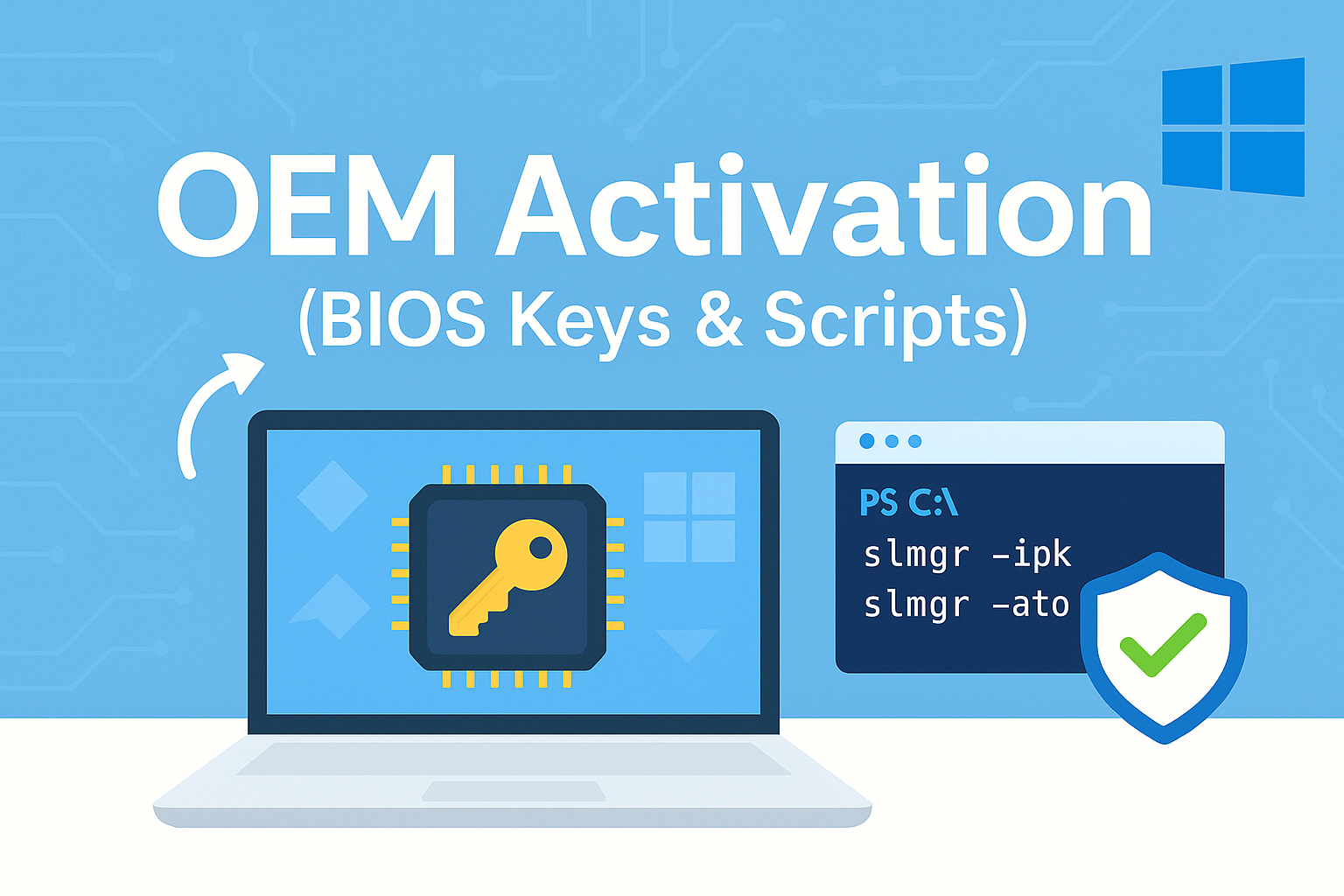
Windows 11 OEM activation using scripts.
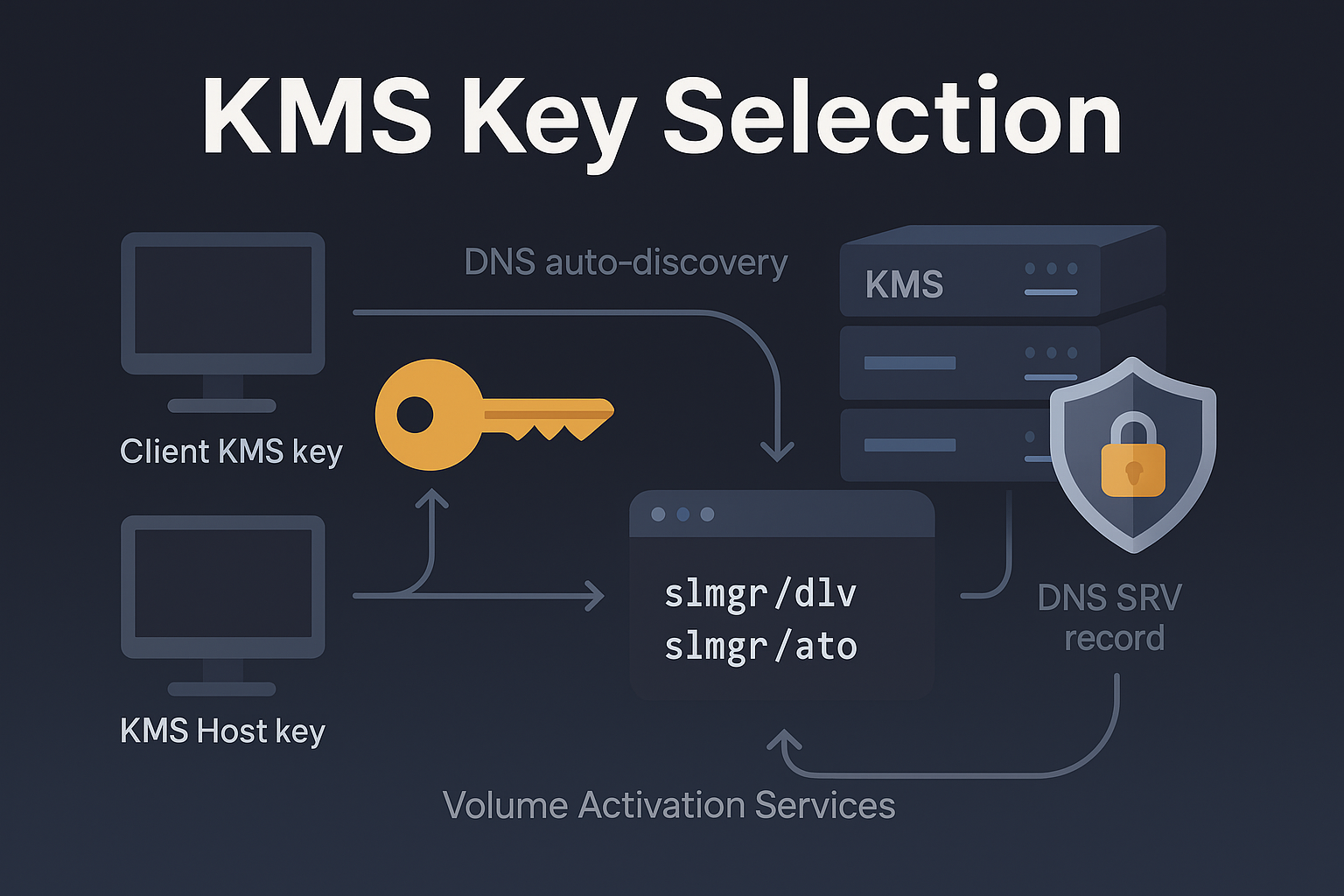
Configuring a Key Management Service (KMS) server
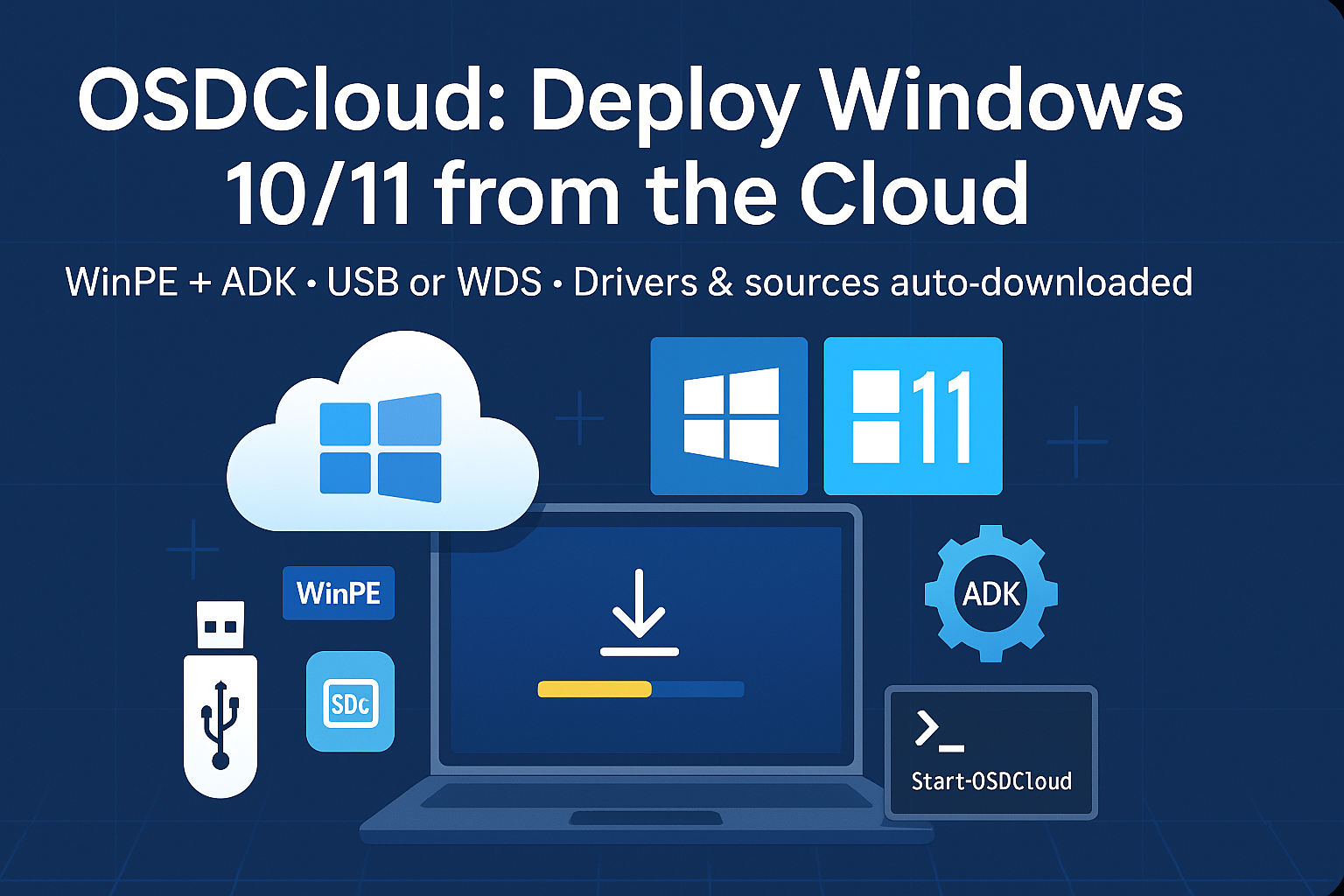
Deploy Windows 11 using OSDCloud.