Tanium Account SSO: Easy SAML2 Setup with Microsoft Entra ID
Configure Tanium Account SSO with Microsoft Entra ID for secure SAML2 authentication, including Artifacts, Network Egress, metadata exchange, and user assignment.

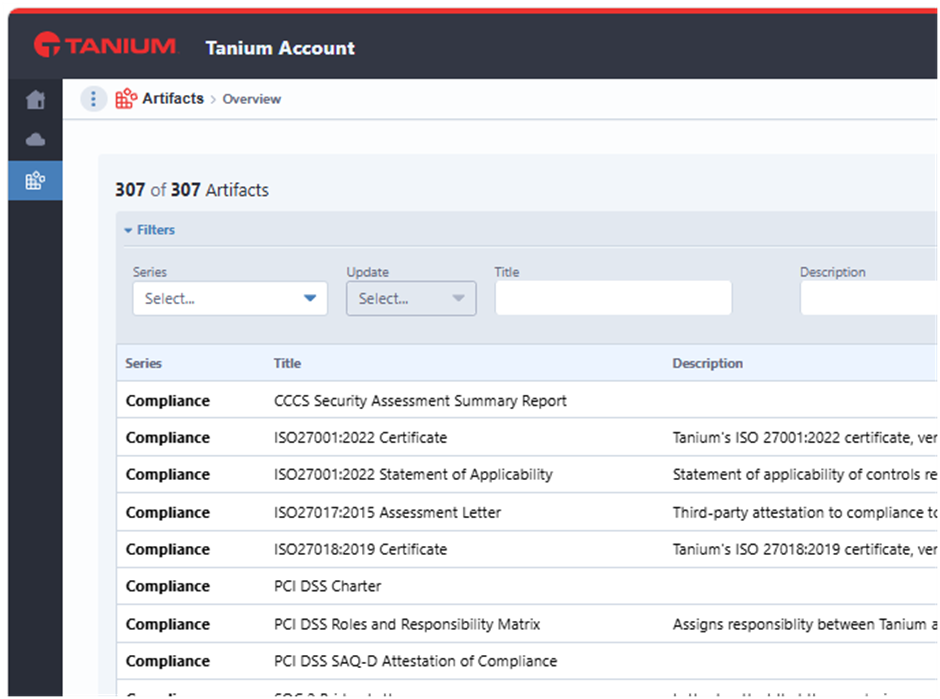
Configure Tanium Account SSO with Microsoft Entra ID for secure SAML2 authentication, including Artifacts, Network Egress, metadata exchange, and user assignment.
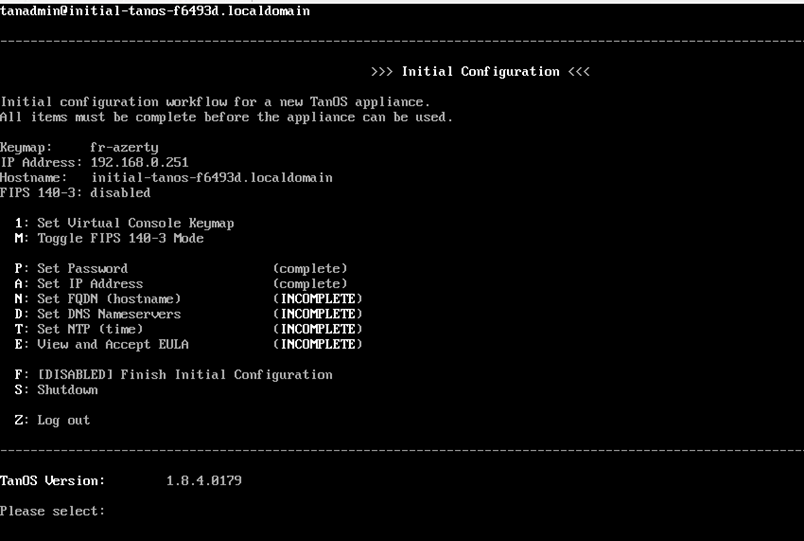
Install Tanium Server on TanOS with this on-premises guide covering appliance setup, SSH accounts, backups, array creation, server roles, module server pairing, and web installation.
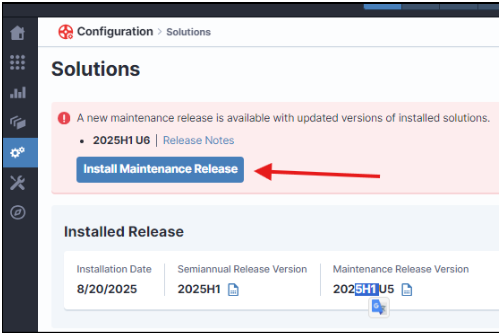
Tanium Prem Operations guide. Operational checklist for Tanium on-premises platforms, covering TanOS updates, Tanium software upgrades, password rotation.
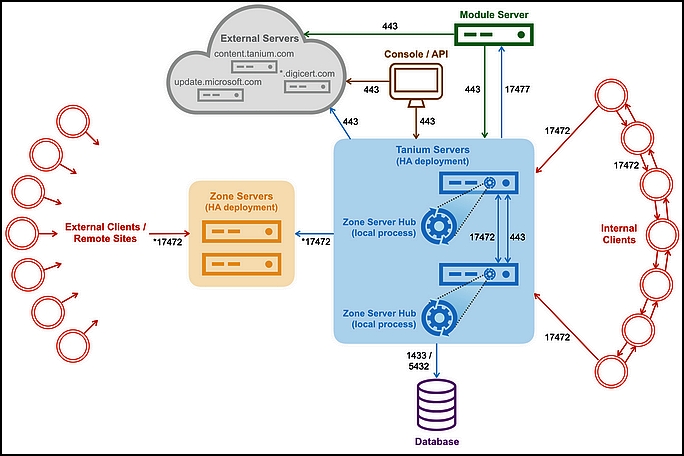
Install Tanium Client guide. Step-by-step guide to install the Tanium Client on Windows in an on-premises environment, including package download, tanium-i.
Tanium Linux Patching guide. Guide to Linux patching with Tanium Patch, comparing Repository Scan and Tanium Scan for Linux (TSL), repository snapshots, pa.
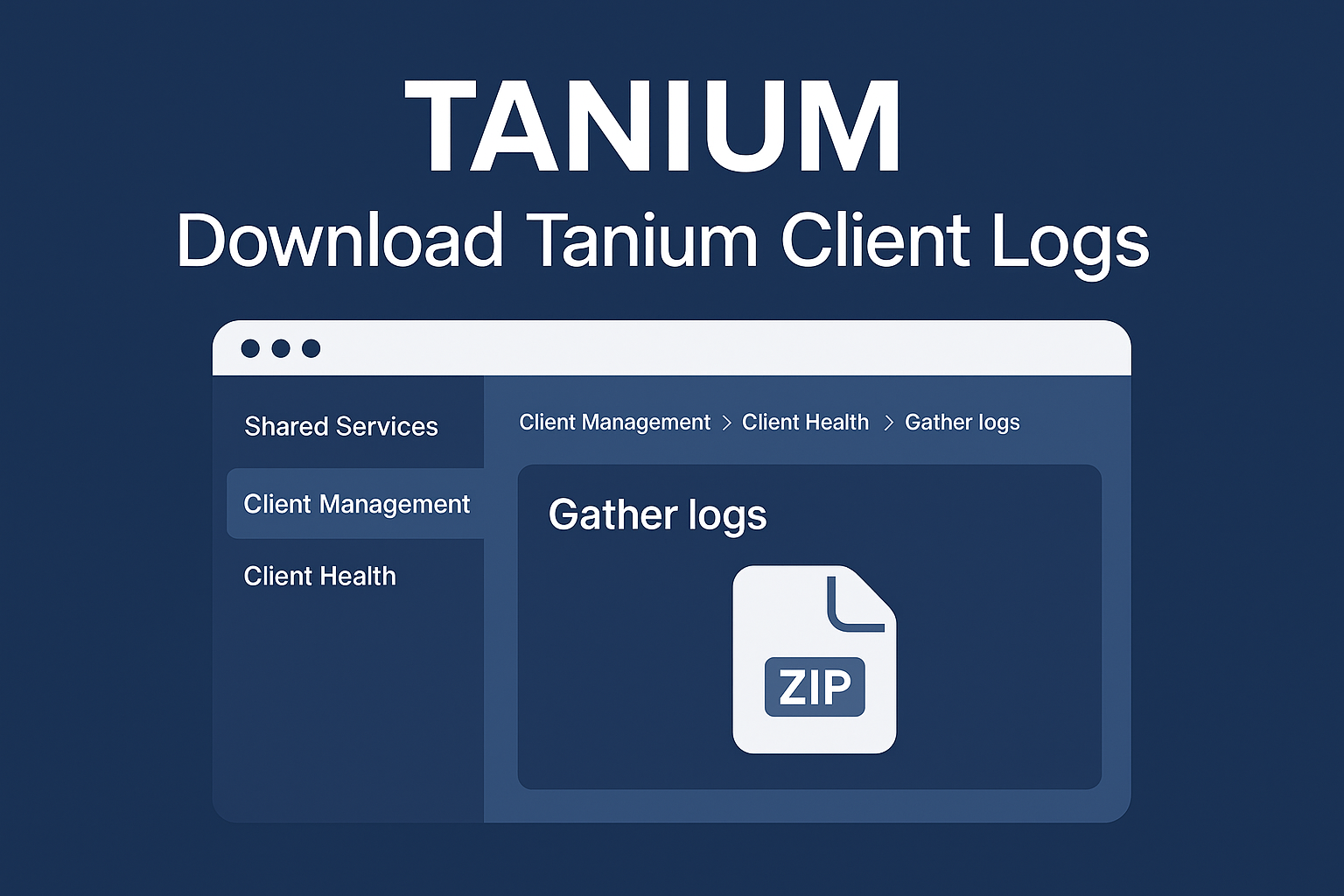
Quick guide to download Tanium Client logs from the Tanium Console using Client Management, Client Health, log domain selection, Gather From Endpoint, and the generated download archive.
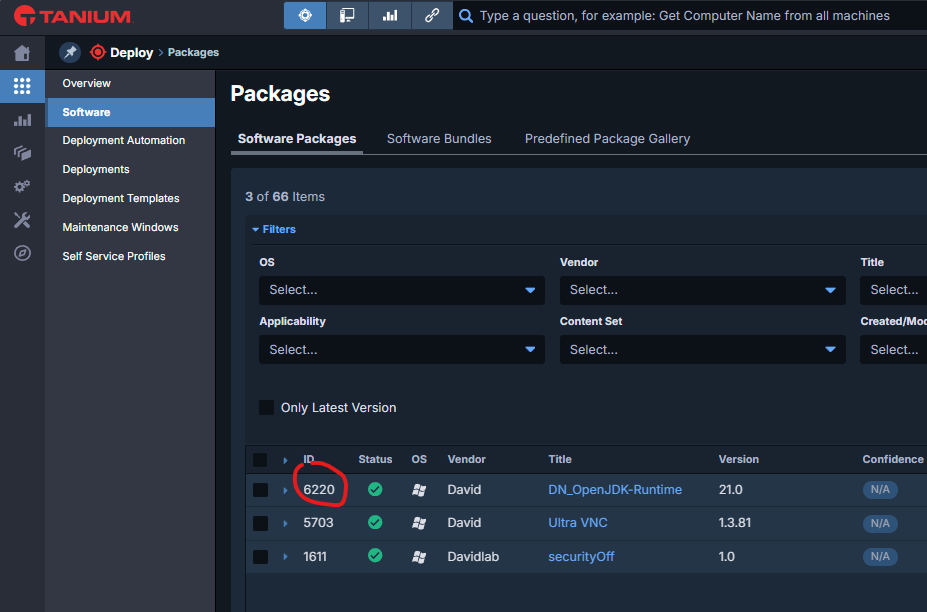
Deploy Custom Package guide. Step-by-step guide to create, deploy, monitor, and troubleshoot a custom software package with Tanium Deploy, including ZIP pa.
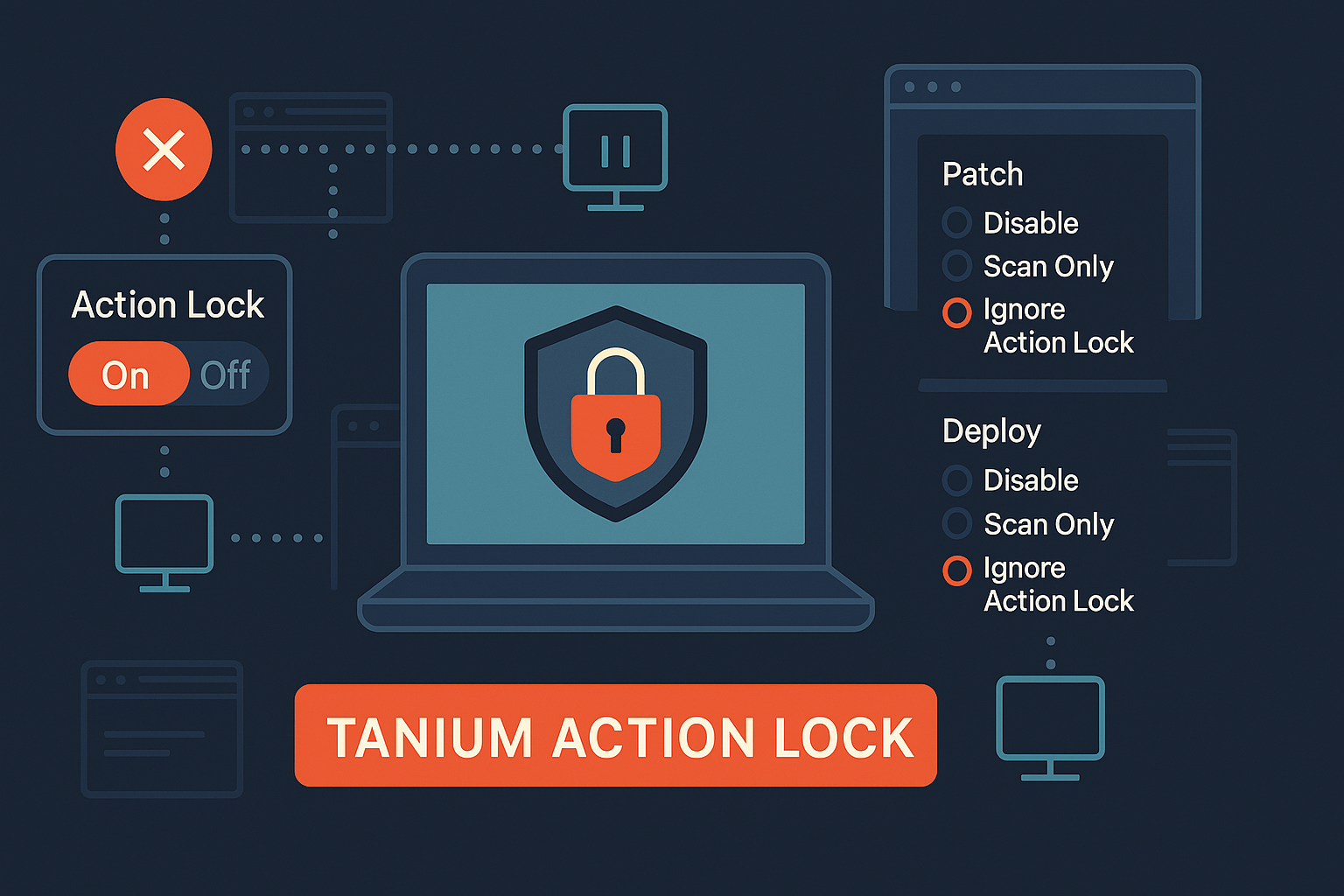
Safe Tanium Client upgrade strategy using rollout rings, validation gates, Action Lock, module behavior, package exceptions, client extension controls, and staged production deployment.
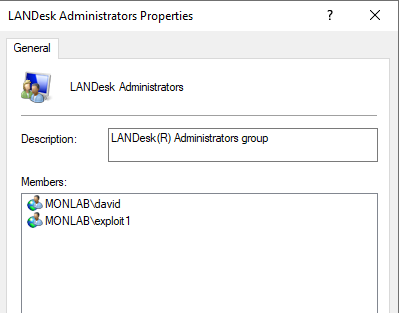
Ivanti EPM Console guide. Fix Ivanti EPM desktop console access issues for non-admin users by checking Web Console access, SQL database permissions, db_own.
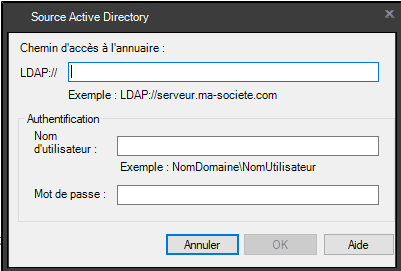
Server ldap ldaps guide. Before IVANTI EPM 2024 SU3, IVANTI attempted to connect using LDAPS, and if unavailable, it fell back to LDAP.

Quest SMA Patch guide. Build a ring-based patch deployment strategy in Quest SMA with pilot groups, production rings, scheduling, monitoring and safer patc.
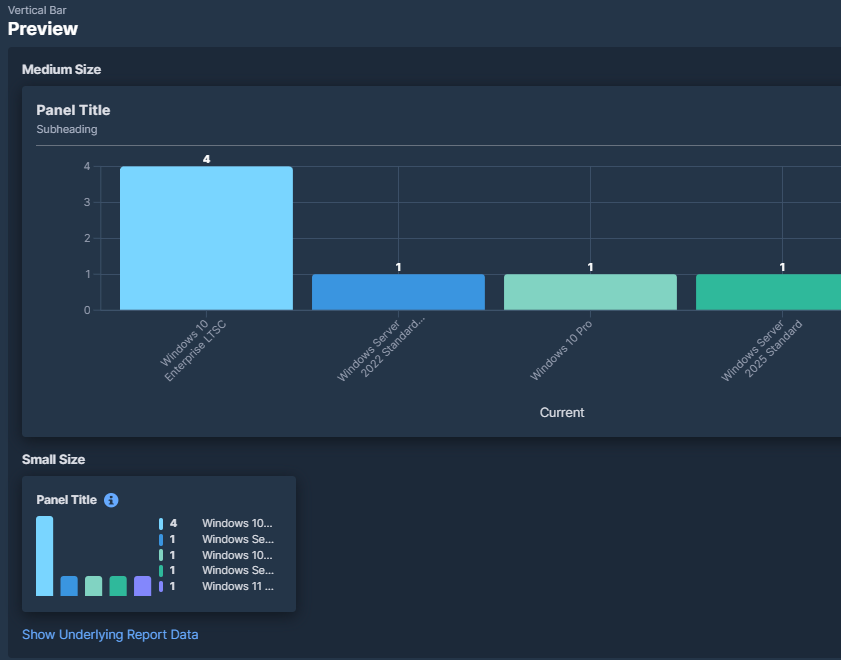
Build Patch Compliance guide. Step-by-step guide to build a Tanium dashboard for patch compliance using Reporting, Explore Data, Patch List Compliance, fil.
Resources downloads docs guide. Step-by-step guide to Resources – downloads & docs with Ivanti EPM, including configuration, deployment, troubleshooting an.
Tanium Patch troubleshooting guide covering maintenance windows, Action Lock, patch lists, deployment status, scan age, scan errors, Patch tools repair, Windows Update Agent reset, and useful Interact queries.
SSH Keys PuTTY guide. Guide to generate SSH keys with PuTTYgen, add the public key to TanOS users, connect to TanOS with PuTTY, and transfer files with Win.
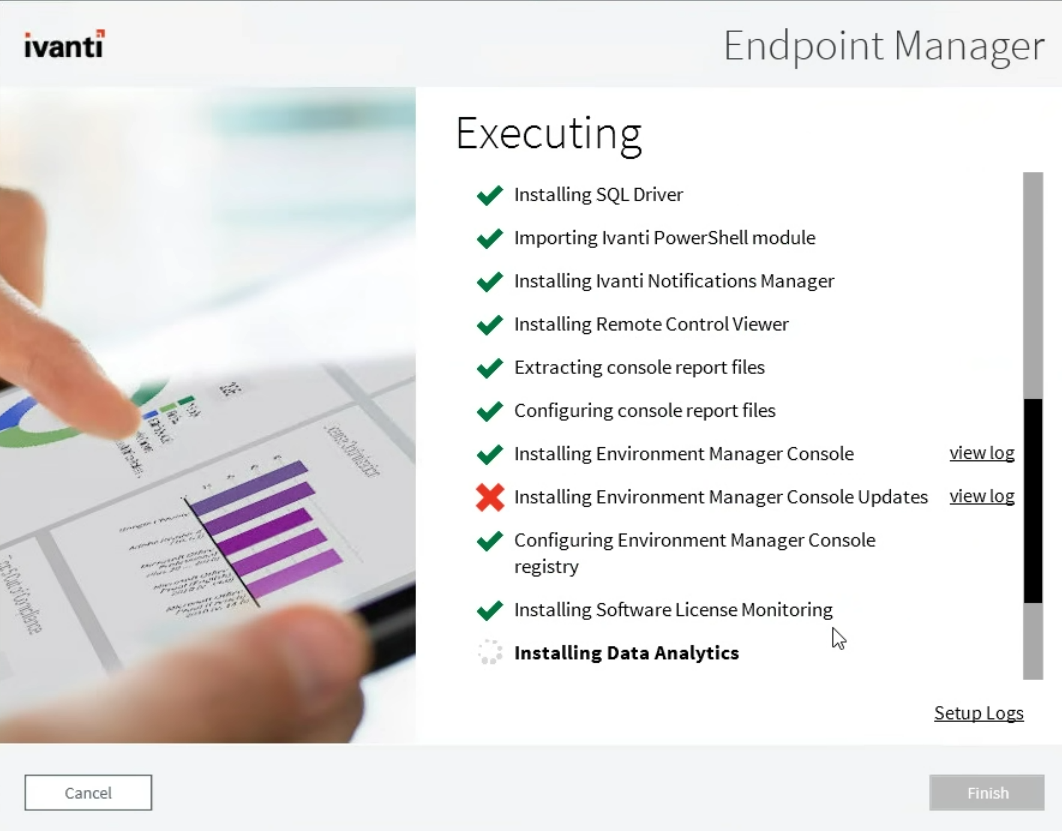
Troubleshooting console install guide. If the IVANTI Remote Console setup fails, you can bypass the failure by installing the problematic component manuall.

Tanium Interact Query guide. Practical guide to Tanium Interact queries, including endpoint scope, installed application checks, computer group filters, se.
bypass Hardware restriction guide. Microsoft implemented strict hardware requirements for Windows 11 to enhance security and performance. These requirement.

Scan ports nmap guide. Essential Nmap commands for host discovery, TCP/UDP port scans, service/OS detection, and basic vulnerability checks via NSE.
MITRE ATT CK guide. MITRE ATT&CK (Adversarial Tactics, Techniques, and Common Knowledge) catalogs the methods and behaviors of cyber attackers across diffe.
History website Wayback guide. Step-by-step guide to History of a website with Wayback Machine with Windows Security Administration, including configuratio.
Get resources used guide. Generate a report and list the technologies, frameworks, scripts, and other resources used by the site.
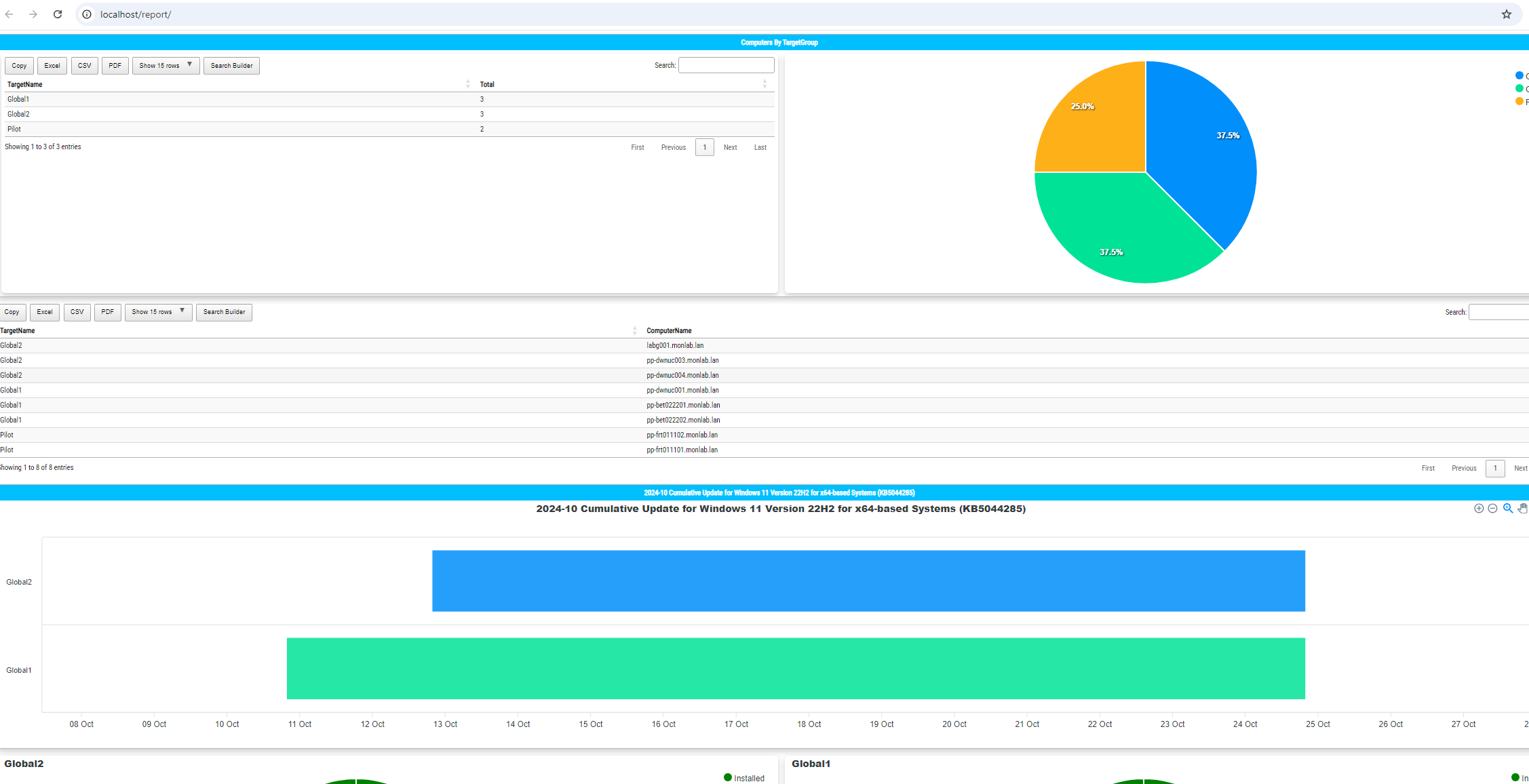
Create WSUS HTML guide. Create a WSUS HTML dashboard with PowerShell, automate report generation with Task Scheduler, publish the dashboard through IIS, an.
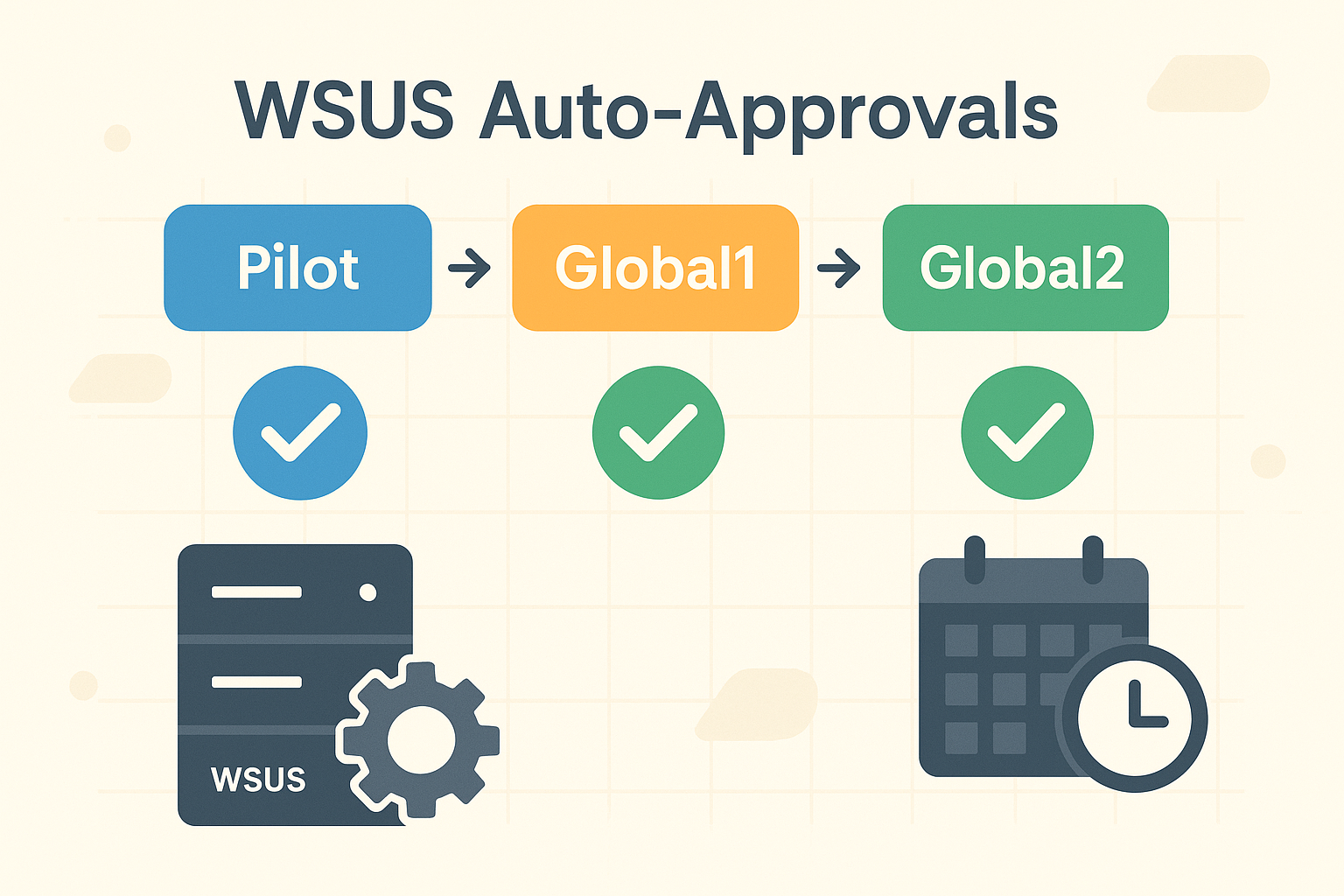
Automate WSUS patch approvals by assigning new updates to a Pilot group, then promoting approved updates to Global1 and Global2 target groups with PowerShell and Windows Task Scheduler.